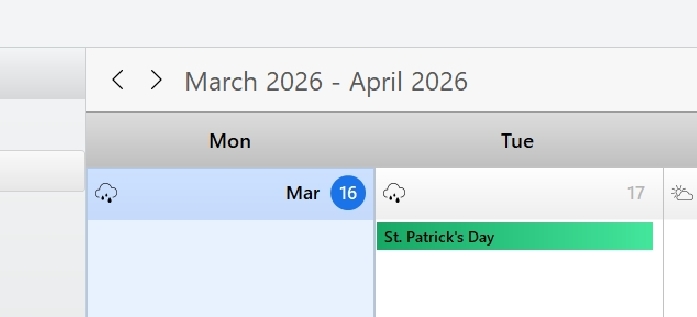
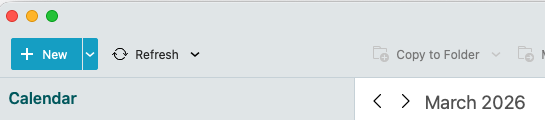
First try pressing the “right arrow” at the top of the calendar as per the example below which usually then will change to just show the single month view pressing forwards or backwards,
Or if that makes no difference, “click in the first day of the month” and then “hold down the Alt / Cmd key” or Ctrl key" depending on your PC or Mac keyboard setup configuration and “while holding” move your mouse scroll-wheel up or down “to show less or more events in the month” to then see the entire month calendar.
@aussie_43 There is a calendar setting “Jump to Today when opening calendar” (or similar, I’m on German language). If you disable that, the calendar shows the full month, as you prefer it (at least it does here macOS Tahoe 26.4, eM Client 10.4.4924).
I like the “Jump to Today ..” feature.
It is easier for me to go back one month and forward one month using the arrows. That gives me the correct full month view.
But I did not have to do that in previous versions.
I was wrong, I misunderstood the “Jump to Today …” feature.
I unchecked it, and the Calendar behaves as I like it. It shows the whole month on start, and highlights Today.