I have just installed V11 (over V10) and its working okay so far, except for notification sounds. I see a thread already relating to Macs, but I thought I’d better start a new one for Windows.
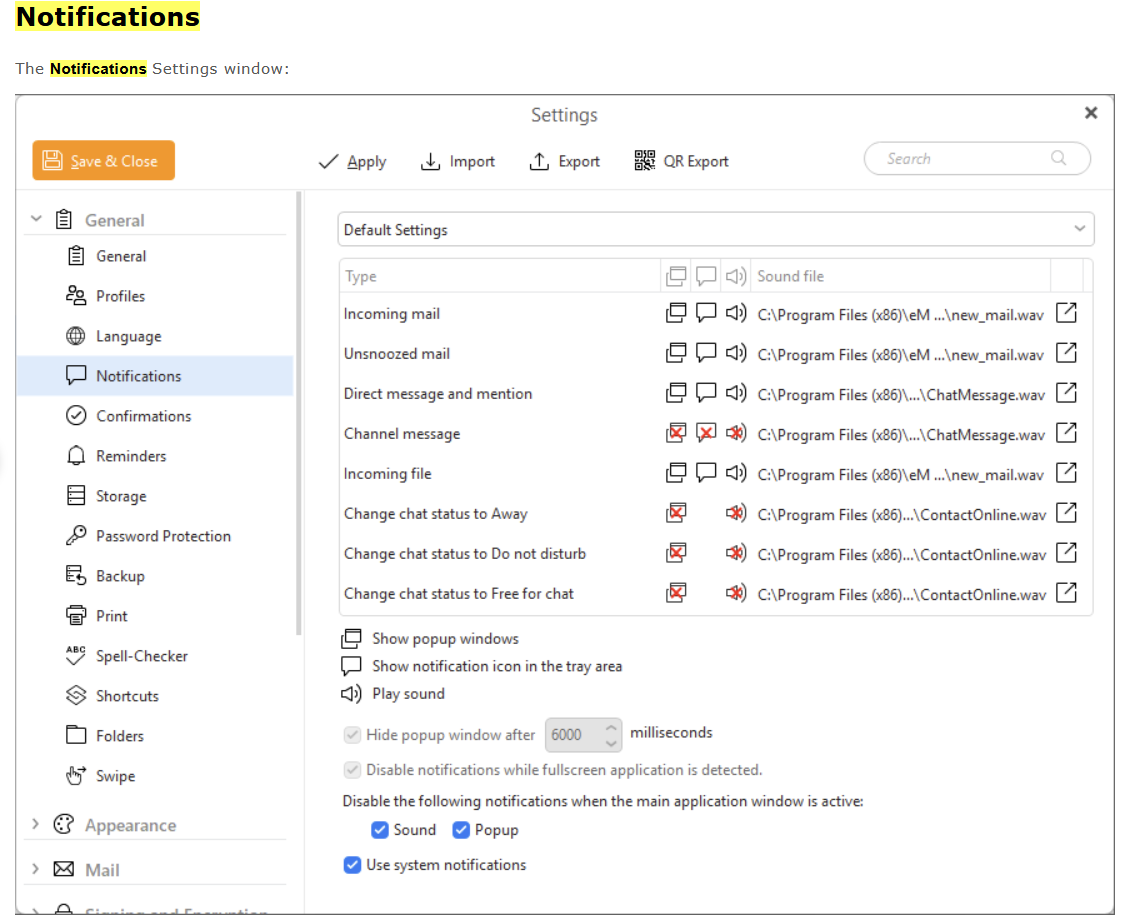
The previous version has notification settings in one window, and we could see the filepath, and preview the sound.
So my sound files are where they were before, but they dont work. I would like to know where the new default location for these files should be. Because C:\Program Files (x86)\eM Client\Sound isnt it.
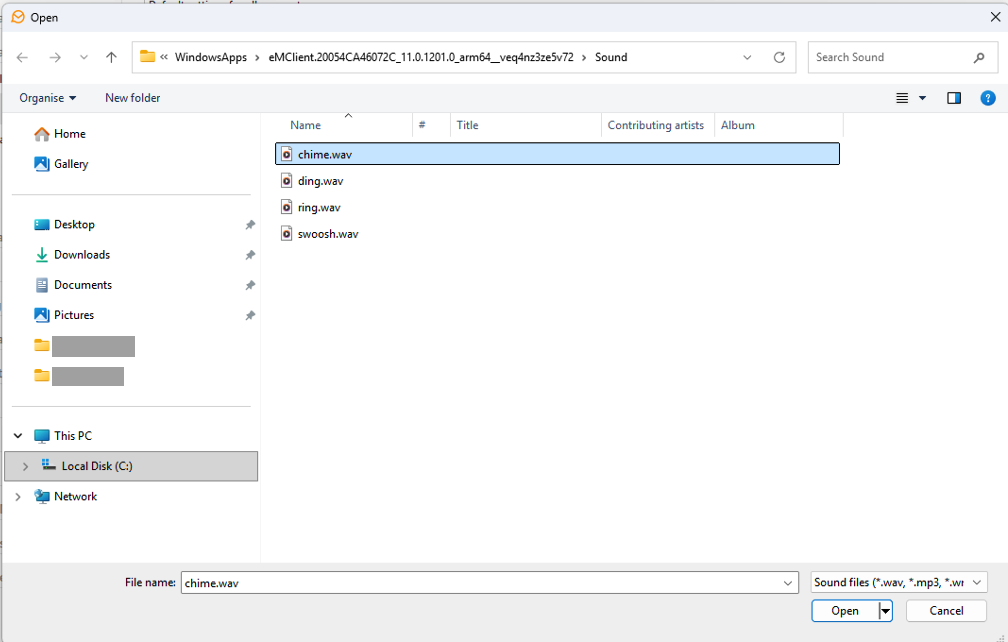
In settings there is a thoroughly obscure filepath like this:
Using the latest Offical V11.0.1201 MSIX app installer version for Windows just updated via the release history page, all the Incoming Mail sounds work fine. Its only the Mac version that won’t work atm for Incoming sound.
I originally upgraded eM Client V10 to V11 with the MSI installer, but later when offically released backed up eM Client V11 via “Menu / Backup”.
Then once backed up “uninstalled eM Client and then reinstalled eM Client” with the MSIX app installer version and “skipped the setup wizard” and restored my backup via “Menu / File / Restore”.
This is where the sound files go for me with my ARM64 CPU by default with the MSIX installation.
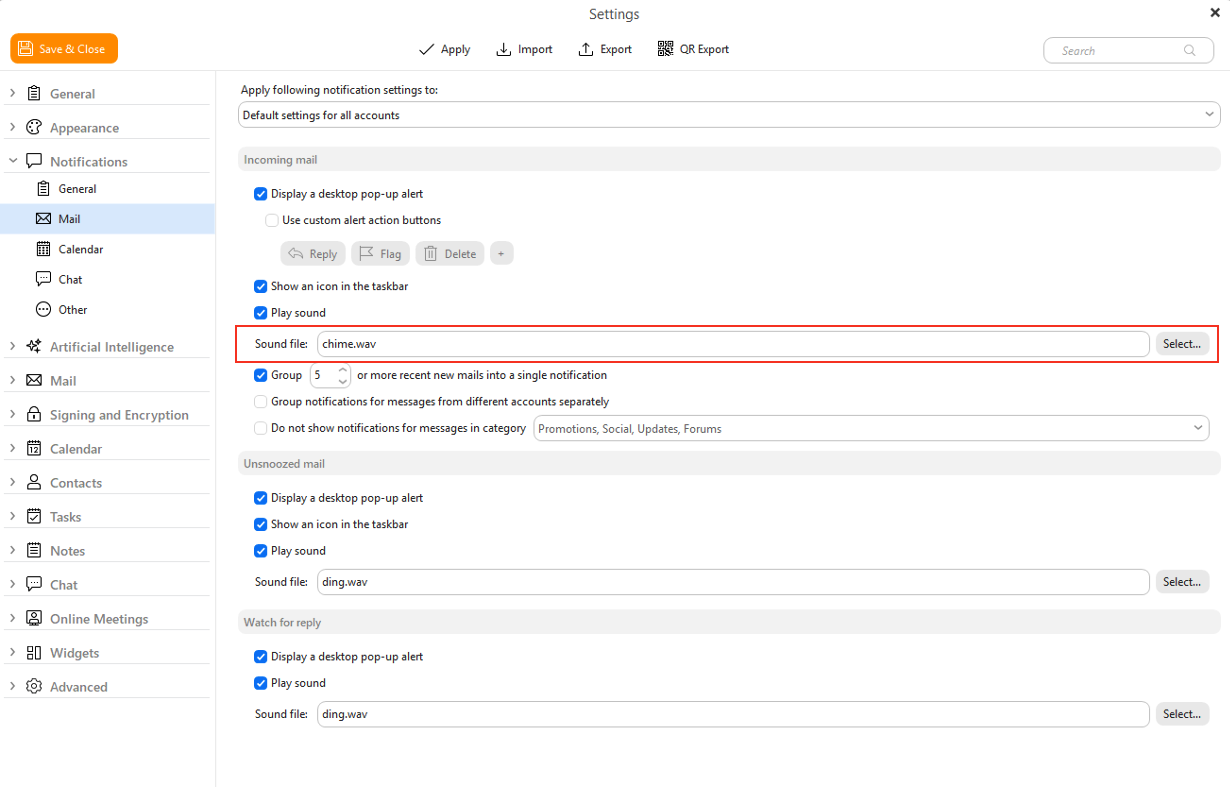
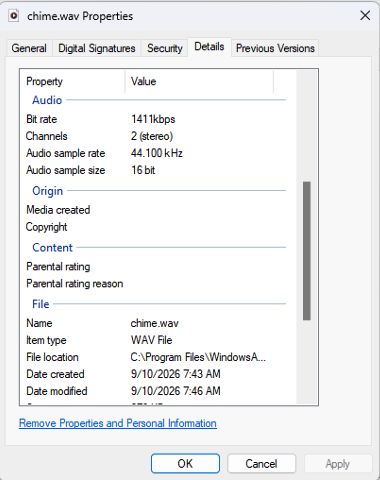
The audio wav files are 44khz / 16 bit / 2 CH Stereo as per the last screenshot example below.
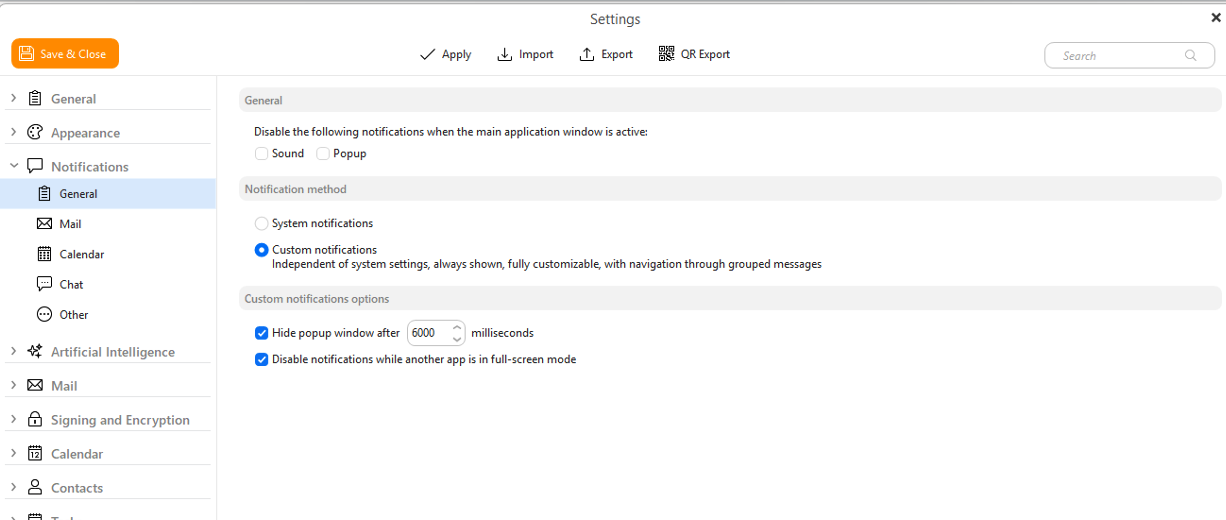
V11 General Notifications & Mail Notification Settings
Thanks for your reply.
I cannot test on Mac because my Macbook is too old. However on my PC desktop AMD Ryzen 5 5600X the incoming sound that I used before does not work. Sent mail however does.
I cannot get access to \program files\windows apps. In all my years of working with Windows, I have never even seen such a folder. Seems to make more sense in keeping the files where they were, or at least making a user storage folder in \users\name\roaming or suchlike.
I also cannot find a way to change storage locations anywhere. I am on a local account rather than a Windows account, if that makes any difference.
From what I understand you just select the sound file you want from anywhere you normally keep your sound files and the program will copy it to wherever it needs to be. So you don’t need to manually put sound fike in that hidden folder.