In Em-client for iPhone, how can I move mails from ‘primary’ to ‘other’? I noticed that, for example some newsletters show up in ‘primary‘ and some in the ‘other’ inbox. Is there a possibility to mark a sender so that later mails from that sender will show up in ‘other’ in stead of in ‘primary’?
Yes open the email and then press the “3 dots” at the top right of the message" and press “Category” and select Other.
Thanks for your answer, but I don’t see an option to chose ‘other’ or ‘primary’. See screenshots. Could this be an option that is not available in the free version?
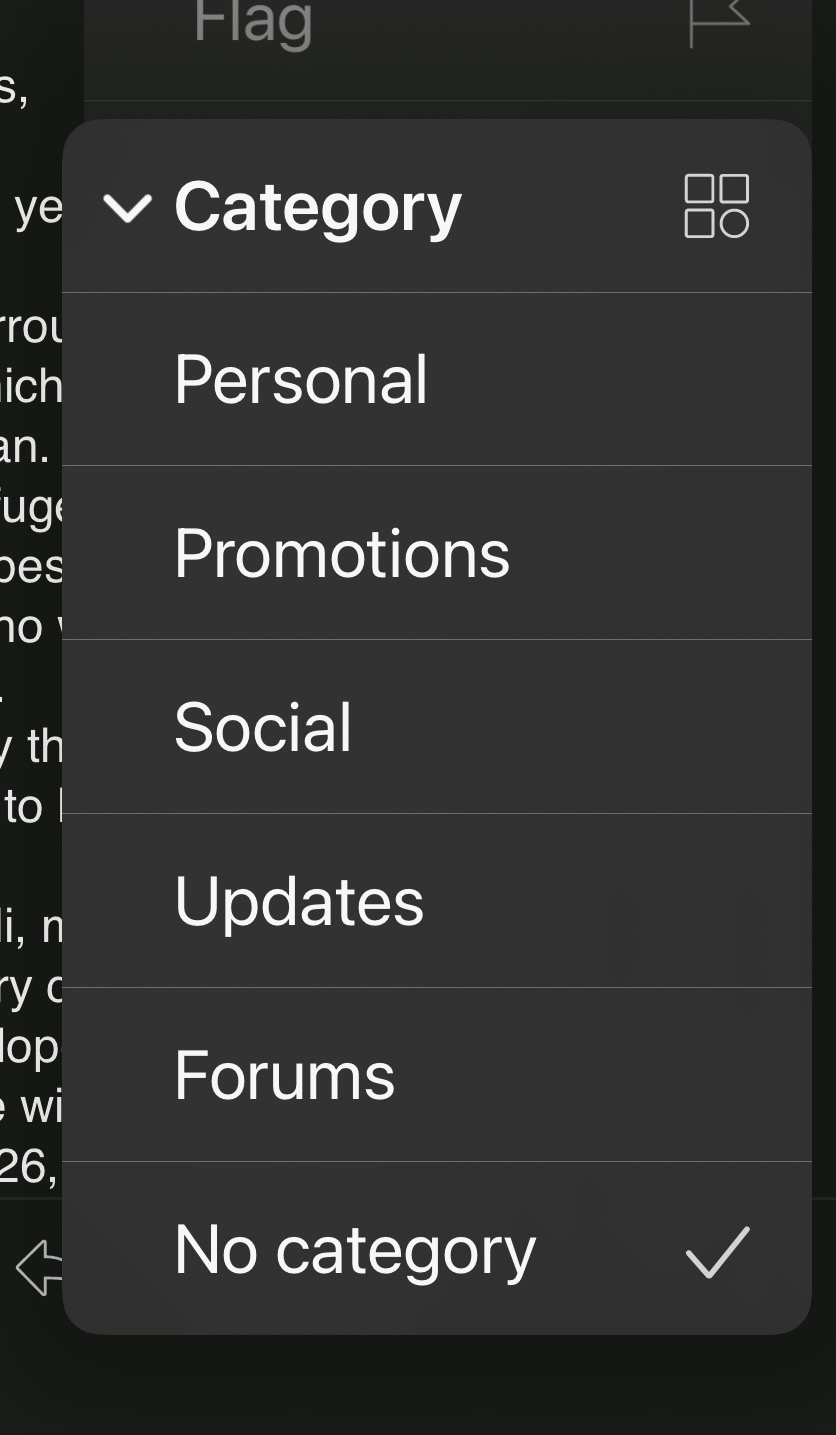

I don’t see an option to chose ‘other’ or ‘primary’.
What mail account do you have ?
Also on your iOS eM Client app, go to “Menu / Settings / Mail / Categories” and make sure you have Other Inbox enabled “in the various sections” when you open each category section.
As could be you have eg: Other “possibly disabled in there for a Category” so then Other doesn’t show in the dropdown to select when you press Category via the 3 dots.
Also “No Category” means Primary Inbox