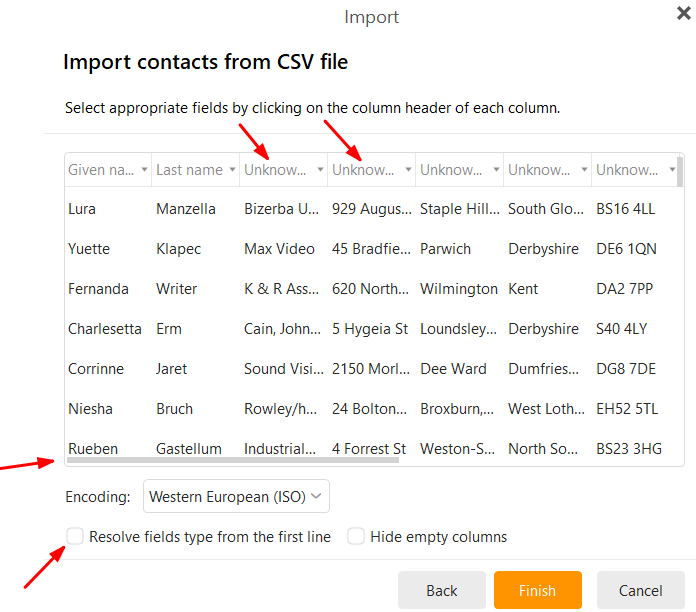
That happens usually “because of the way they are initially entered in Google”. So you have to match the column headings up along the top.
So when you import a .csv file, part way through the import wizard, “make sure to map the columns to the correct fields” by selecting the correct destination field for each column as per this thread post example screenshot below from the following thread on importing .vCard files and .CSV files