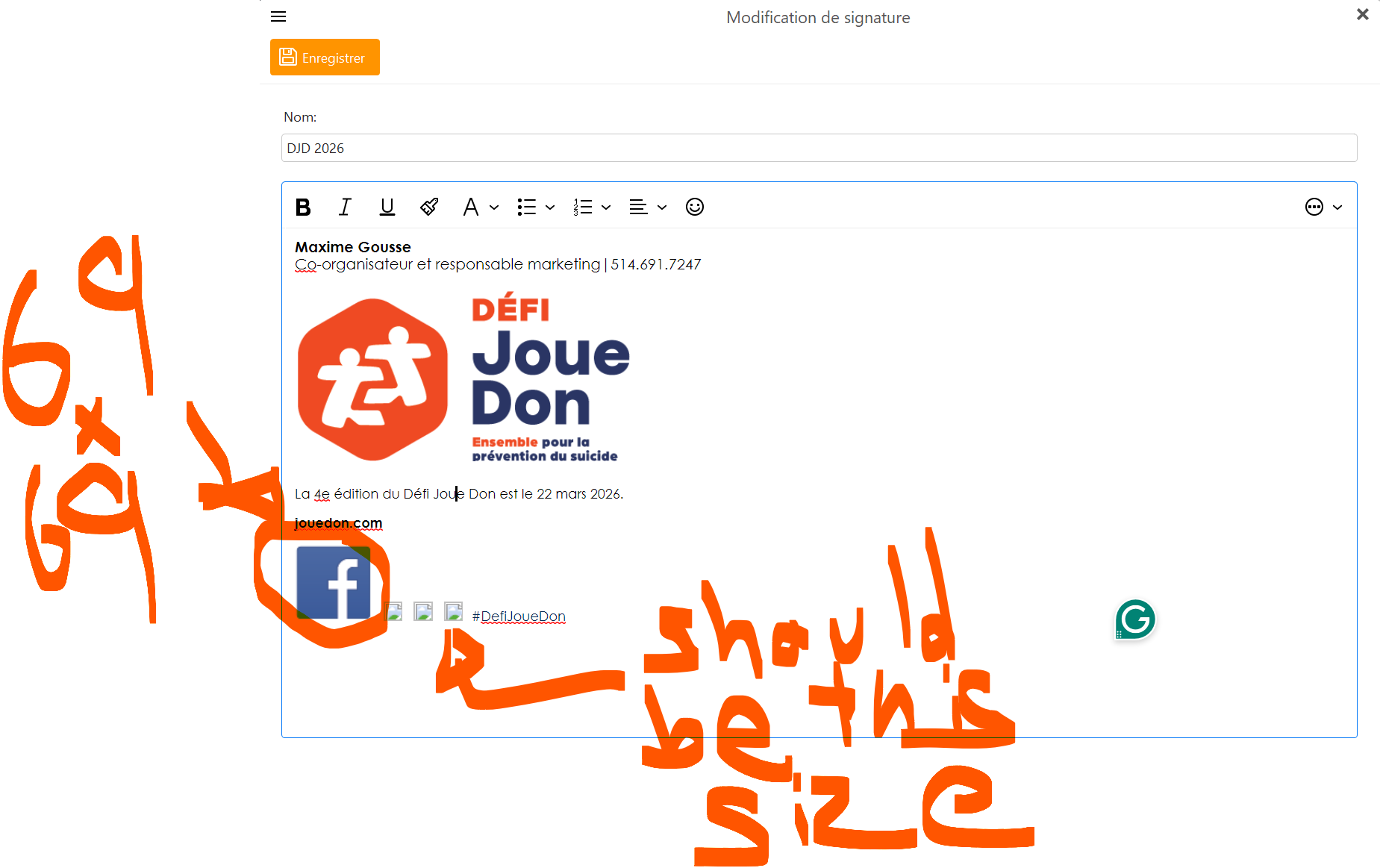
I am trying to create a new signature. Image size in the signature creator is not respected. For example, I have a Facebook logo of 69x69 pixels, yet it appears four times the size.
See screenshot
I am trying to create a new signature. Image size in the signature creator is not respected. For example, I have a Facebook logo of 69x69 pixels, yet it appears four times the size.
See screenshot
Like creating html webpages with images, sometimes you might need to “first insert a table with the size you want” and then “insert the image in that”. You can then adjust the table border properties.
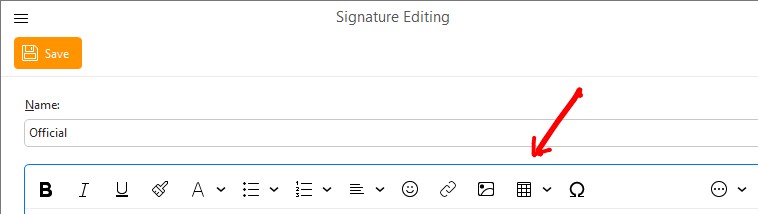
Click the dropdown “on the far right” for more options to see Insert Table icon. You can also customise the toolbar to add it there.
“Templates and Signatures”
It does not make sense. I have an image of 17x17 px, yet it inserts itself way bigger.
The editor is likely displaying the image based on DPI scaling or using a default large size.
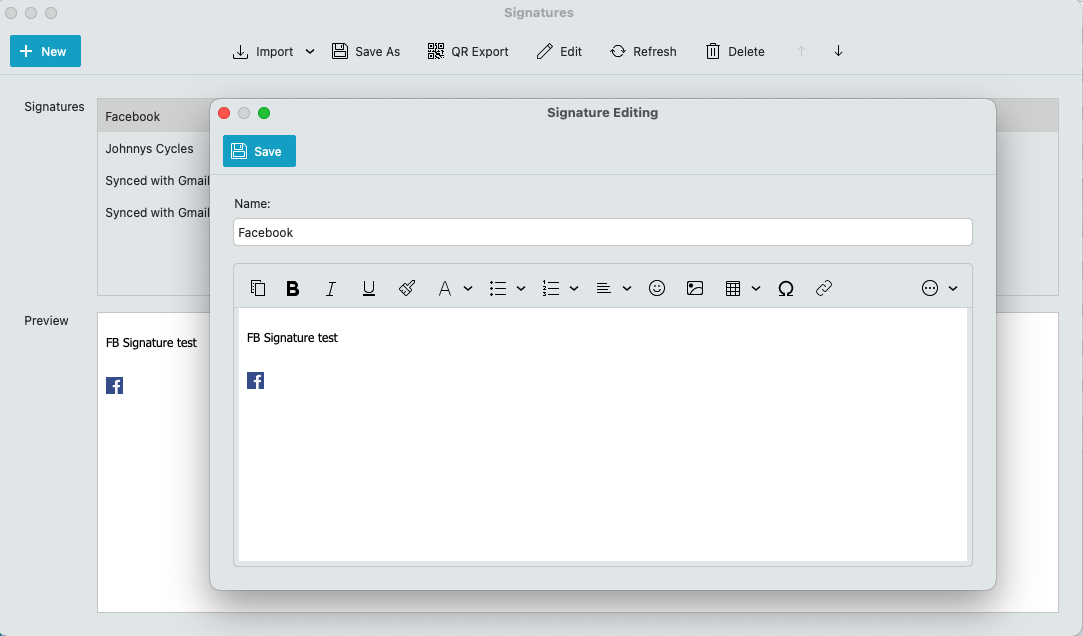
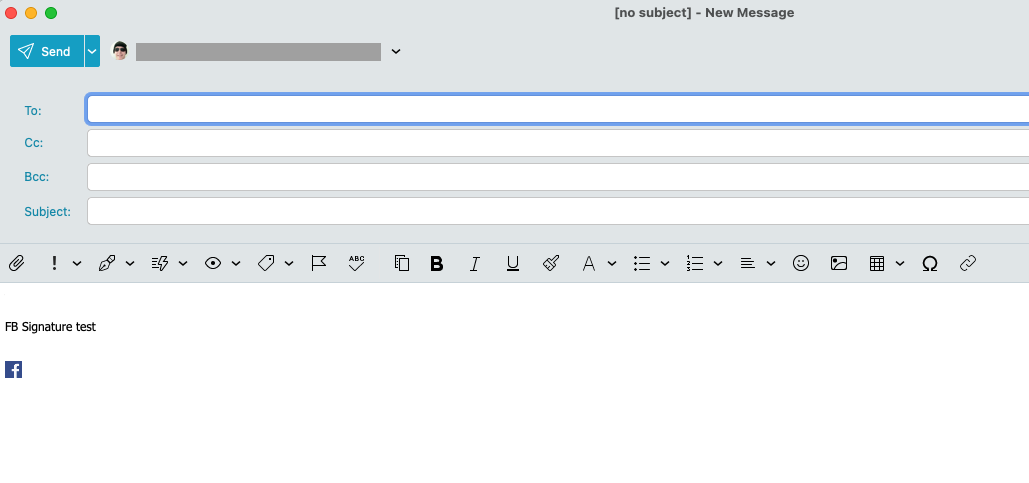
Ive tested creating a signature in the latest eg: eM Client V10.3.2622 for Mac and used “Pinta” paint program to resize a FB (.png) icon to 17x17pixels and saved it back out as a .png file and it inserted perfectly in a new signature “and did not automatically go larger” even without using a table as per the example screenshots below. It stayed at the same size.
So must be something to do with either your FB image file, or possibly your Bitmap Paint program you use is not saving in standard bitmap file format, or you might have some other eg: html code in there possibly causing the automatic resize. If you don’t have a Mac, use eg: “Paint.net” which also works fine for me with inserting signature images in Windows 11.
Note:- You can also check the source code in the signature, via “Right click” and click “Edit Source” on the dropdown menu.