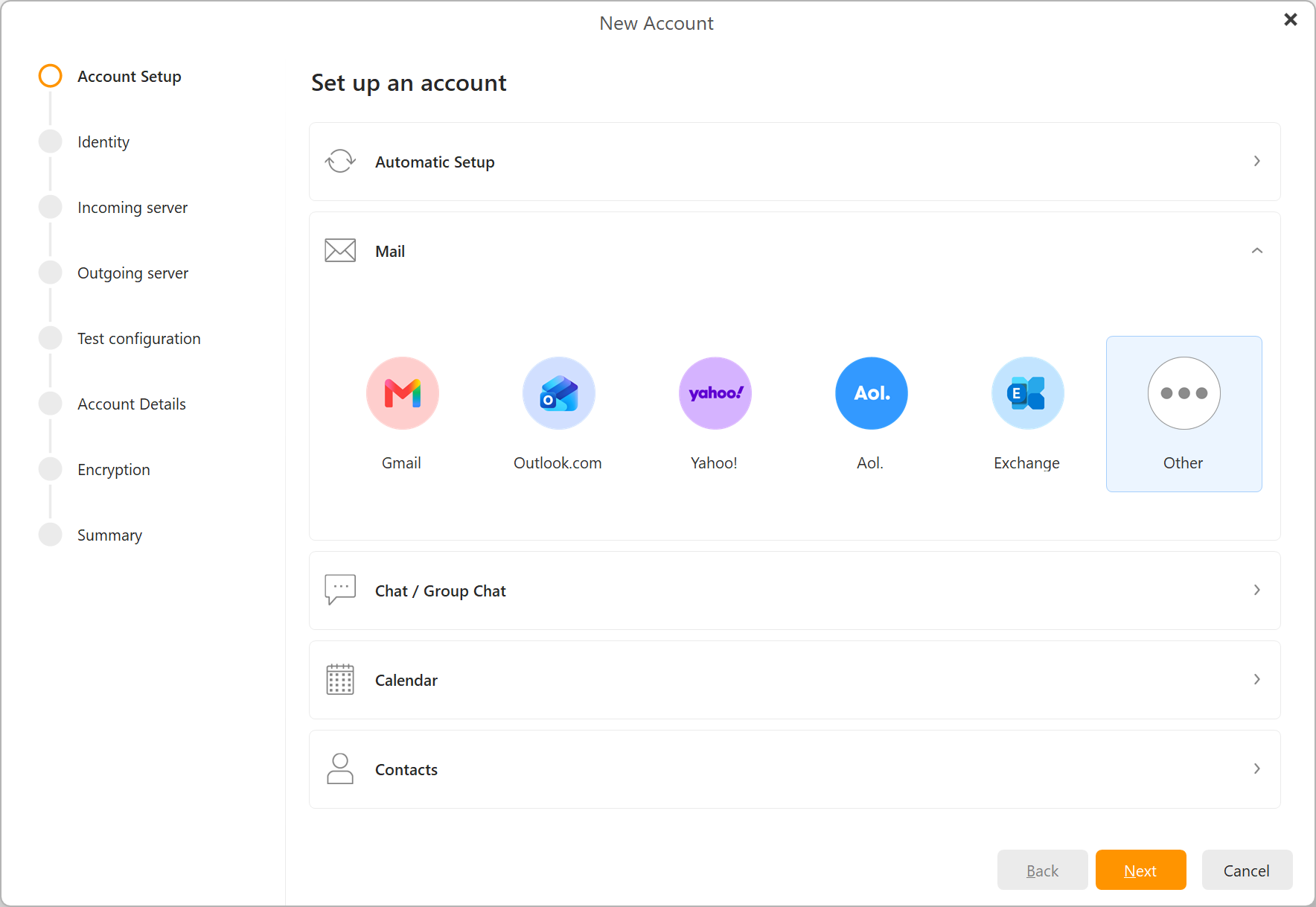
I am hoping to eliminate Outlook from my working Windows 11 PC and replace it with eM Client.
I have 2 accounts, both of which I want to use in Pop mode, but I simply cannot get the program to do this. My first attempt, using the automatic import process the program offered gave me both accounts working, but only one of them was under the correct name. The other collected its emails into Local accounts.
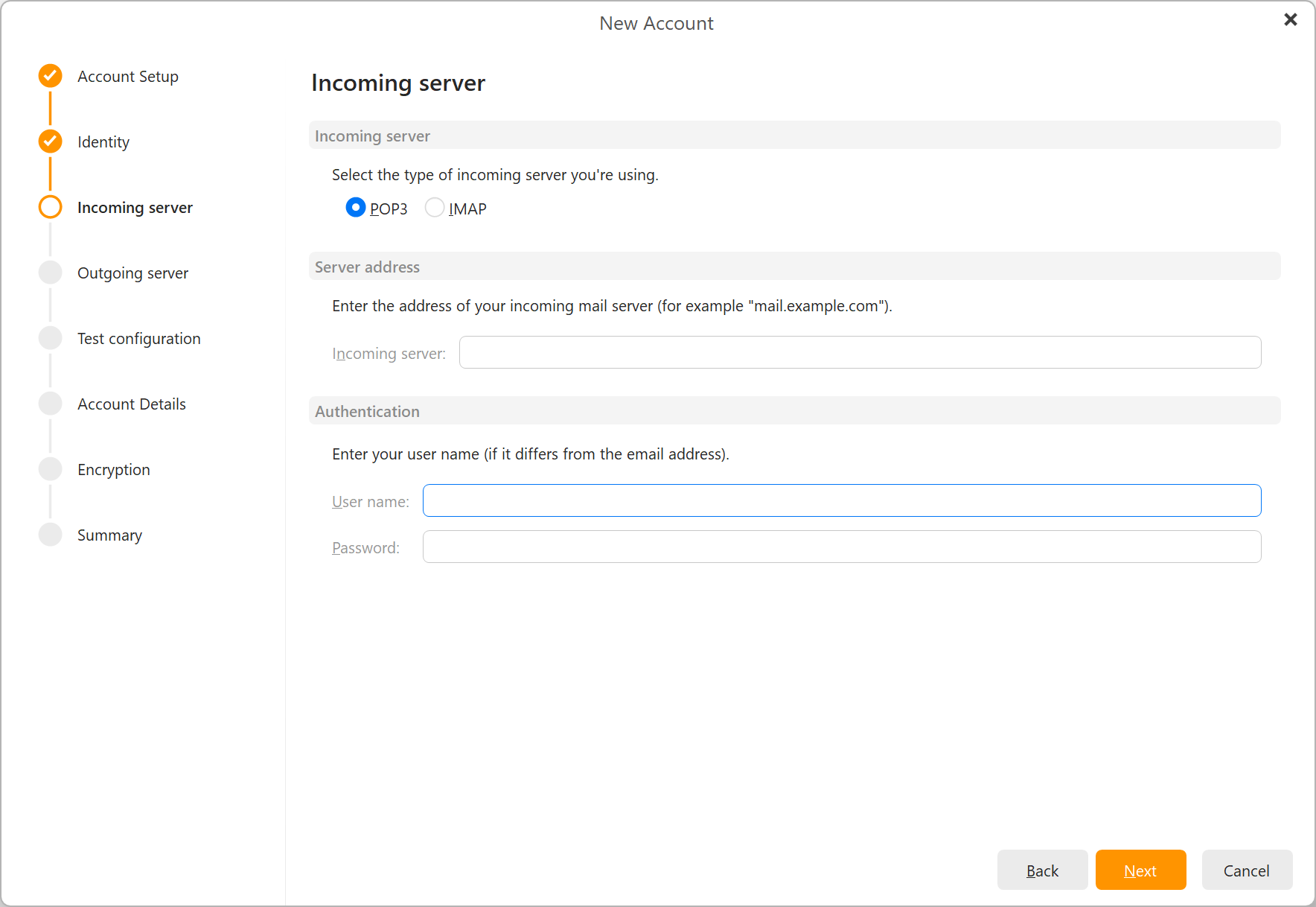
I want a folder structure with 2 named folders, one for each email account, both pop, and Local folders below them. S,o I deleted the accounts and tried to set each one up manually and it just doesn’t work - I either get stuck in imap, which I do not want under any circumstances, or the program goes back to putting one of the accounts in the Local folders.
I tried uninstalling the app and reinstalling it but it came back populated with the data it had before I uninstalled it.
Can someone talk me through getting what I need? A system with 4 account banks - Favourites, Pop account 1, Pop account 2 and Local folders.
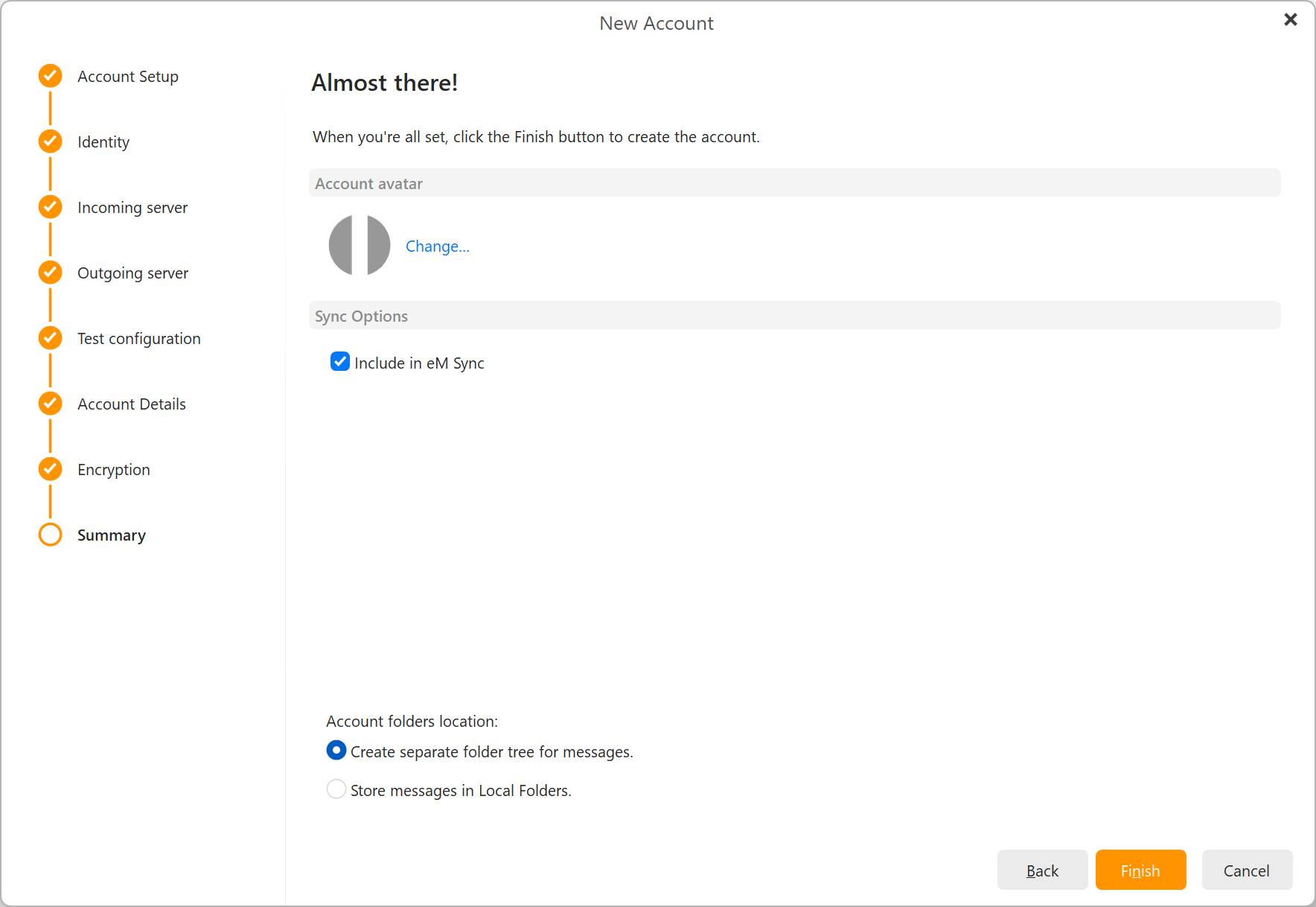
And then in the last step (Summary) make sure to select “Create separate folder tree for messages” near the bottom of the window - this is the setting that will keep your POP accounts separated from Local folders.
Thanks for the reply. Since it took a while for the message to be approved, I’d worked it out for myself - all except the last bit where I emphatically wanted all my messsages to be saved in one inbox, so I chose the option to save everything in local folders.
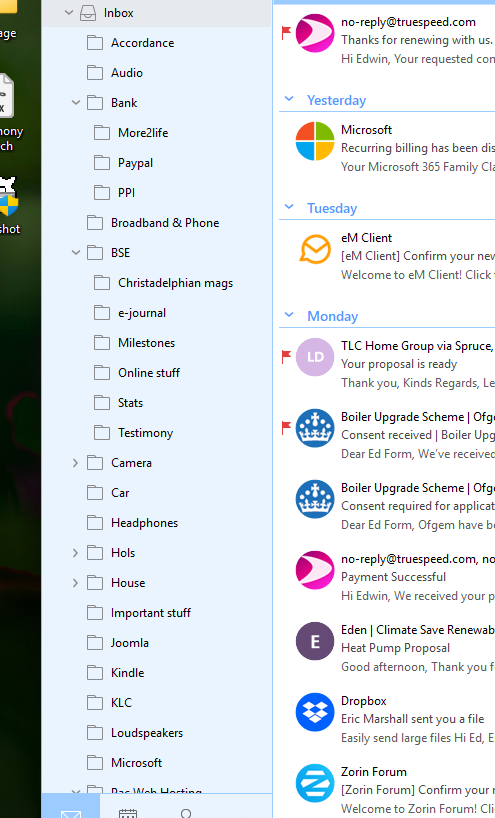
I also imported my historical emails into the same place where I now have the same nest of folders as I had in MS Outlook and containing the same 23,400 messages - along with Calendars, ToDo list etc. Very impressive import facility. I had to edit my imported rules and they now work perfectly, automatically sorting my mails into the correct folders. When the trial ends I will certainly buy myself a perpetual licence
I’ve now done that; thanks for the tip.
I’m used to my entire PIM being stored as a single .pst file and migrating that to my desktop NAS by way of backup, and I noted earlier that one of the offerings for importing my history was to a .emd file. What exactly is the function of such files and can they be used as the program’s data storage?
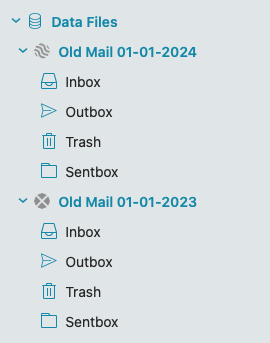
An (.emdf) file is similar to a (.pst) file but without the limitations and stable. You can create an external .emdf data file anywhere in your local internal hard disks and then copy or move emails etc to the data file in whatever folders you want.
Then either keep them mounted or unmount them anytime. You can have as many .emdf data files as you want. See example screenshot further down below and blog / documentation links.
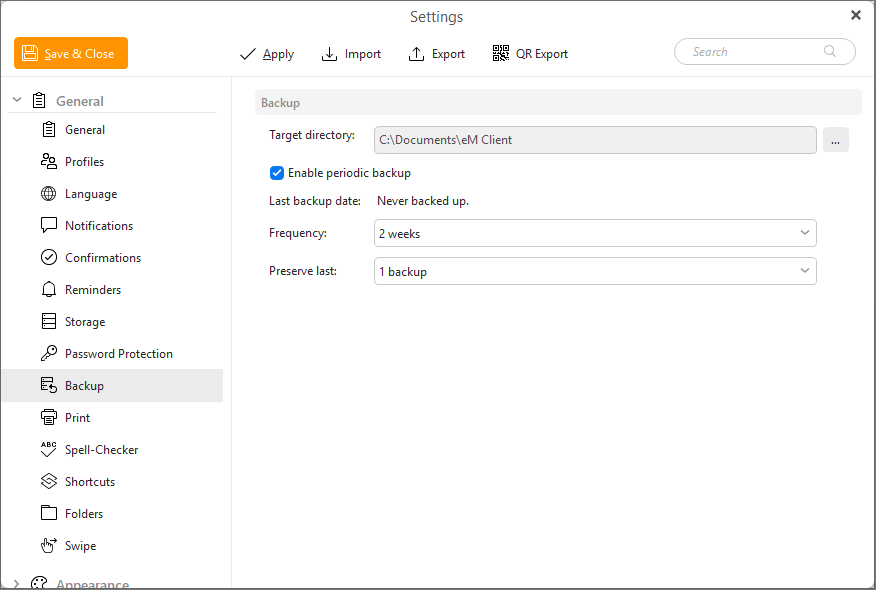
Note: To back them up “unmount them first” and back them up with your harddisk data files as it not backed up with the builtin eM Client backup. Then once backed up remount them to add files.