Hello,
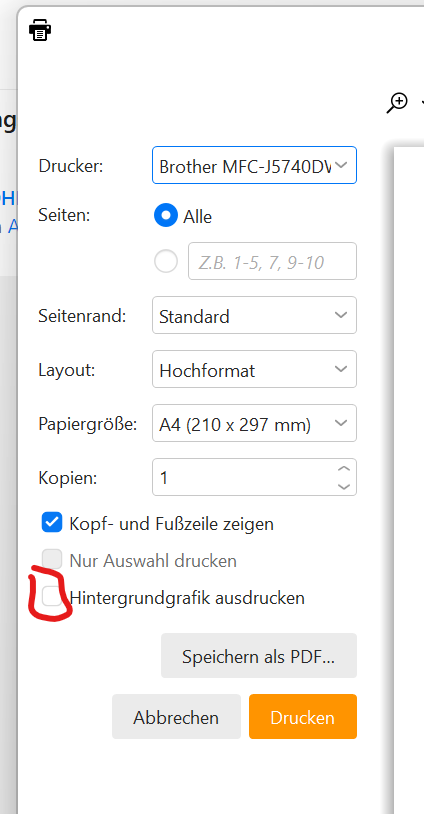
How do I alter the default printer settings? It is not clear and every time I go to print an email I have to manually change the settings.
Please save me from this tedium!!! ha  Many Thanks
Hello,
How do I alter the default printer settings? It is not clear and every time I go to print an email I have to manually change the settings.
Please save me from this tedium!!! ha Many Thanks
jueves 18 enero 2024 :: 0906hrs (UTC +0100)
I wish I knew!
I thought it was determined by the OS default printer, however, I have 3 printers and no matter which I change to default it makes no difference as eMC clearly has a mind of its own or some sort of prejudice, it always selects my black & white printer!
I do not have the issue with any other software printer selection.
Maybe someone will see this and provide an answer.
skybat
¡Buena suerte!
¡Los mejores desde Valencia y mantente a salvo!
Hablo español, luego portugués, inglés, francés y alemán
con conocimiento de varios otros idiomas.
I had the same issue and realized the printer I was using kept resetting its defaults. I switched to one from https://www.omegabrand.com/barcode-printers/epson-colorworks-printer/ and it actually saved my settings the way I wanted. Just had to make sure the defaults were set both in Windows and in the printer software. Double-checking both did the trick for me.