Hello…
Just new to this app as need a replacement for Outlook standalone for Mac, since cant get any support from Microsoft on it. This app looks to be a great replacement.
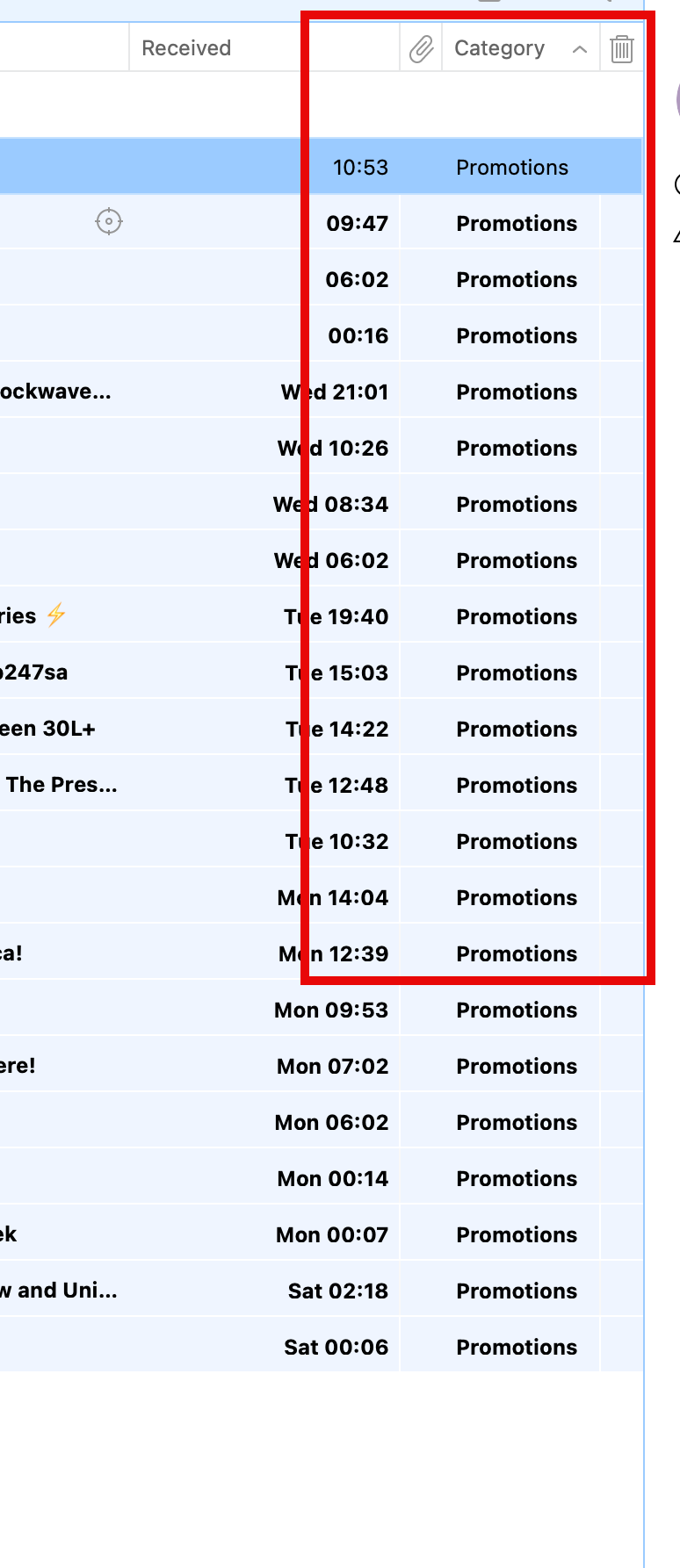
Im am doing initial setup and despite what I have erad about how to remove categories when displaying emails in Inbox, i cannot remove it. Can someone tell me how to make categories in the header bar go away along with all the details for each email under it.
see attached screen shot…red highted area.
Any help you can offer will be greatly appreciated.
thanks