How to Disable Gmail throttling notification message in V11
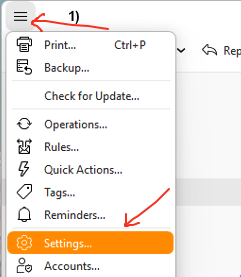
First Press the “Menu” (3 hamburger bars) at the top left of eM Client, and then press “Settings” on the dropdown menu as per below eM Client 11 Windows example screenshot.
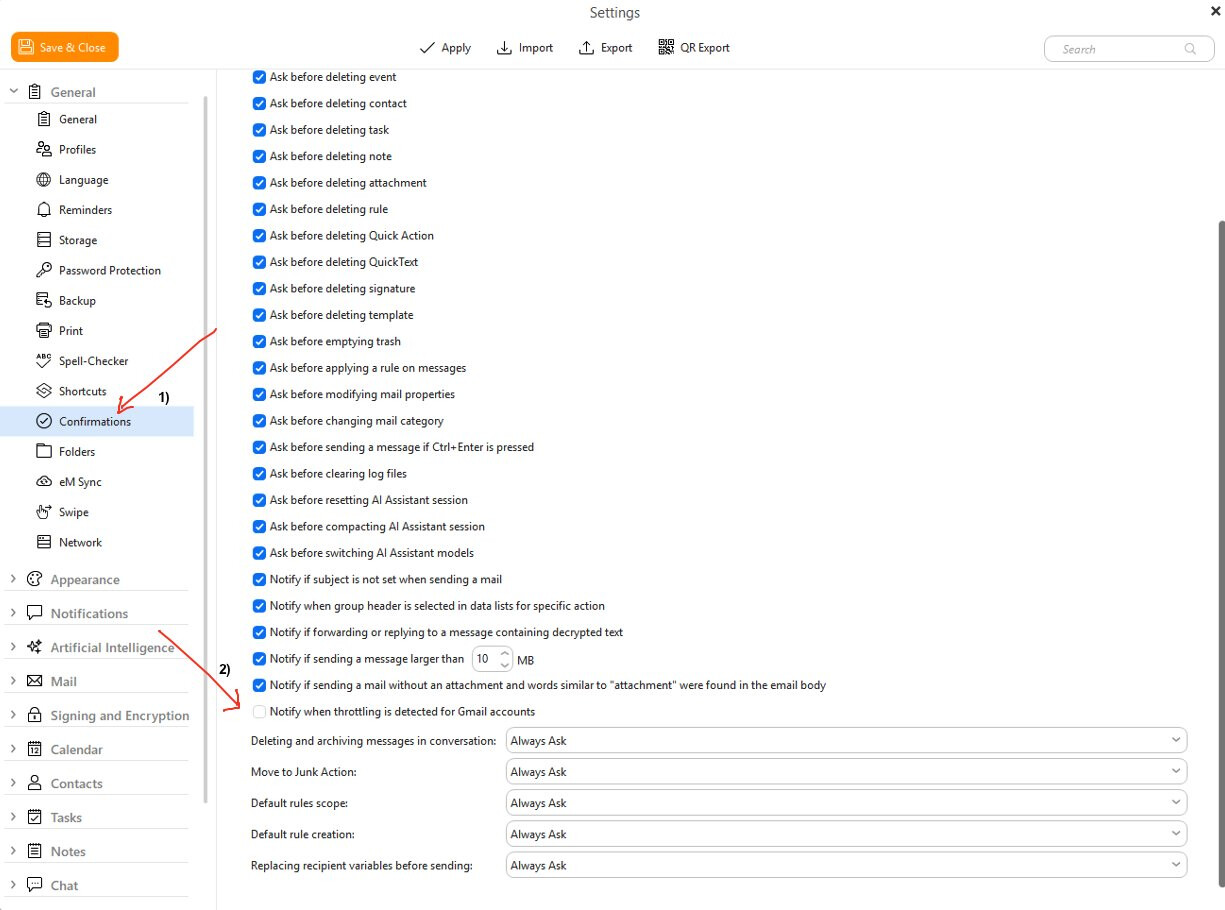
Then Press “Confirmations” under the General heading at the top as per screenshot below, and uncheck / deselect “Notify when throttling is detected for Gmail accounts.
Finally press “Save & Close” settings button at the top left.