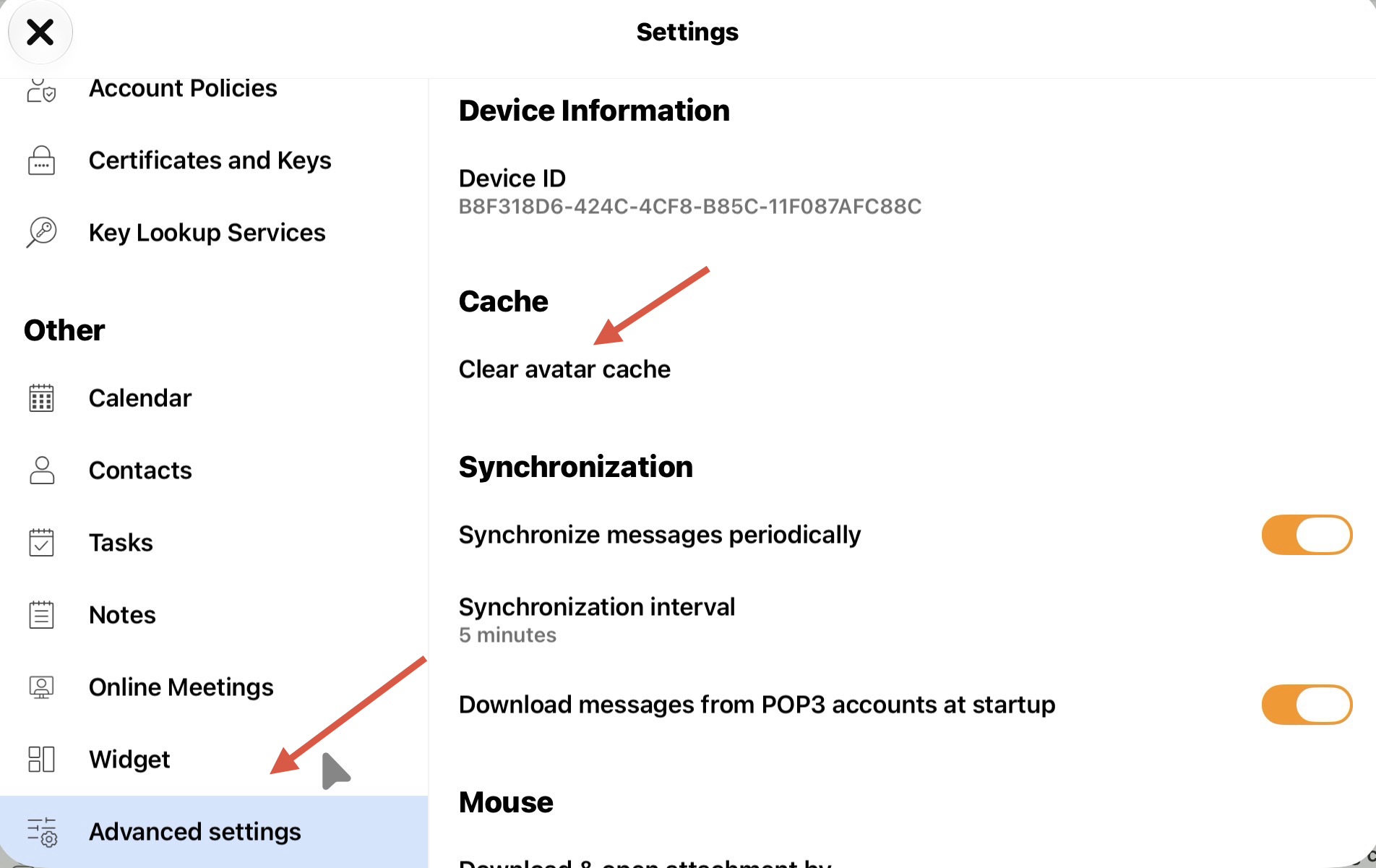
How to clear Inbox Avatar cache if they are not updating or dissapear in the mobile app
Press “Menu / Settings” and press “Advanced Settings” at the bottom. Then click “Clear Avatar Cache” under Cache. Then close the settings and close and reopen the mobile app.
Once cleared usually the Inbox avatars will update within a few minutes but be patient.