Hi!
Mac OS, version 10.0.1389
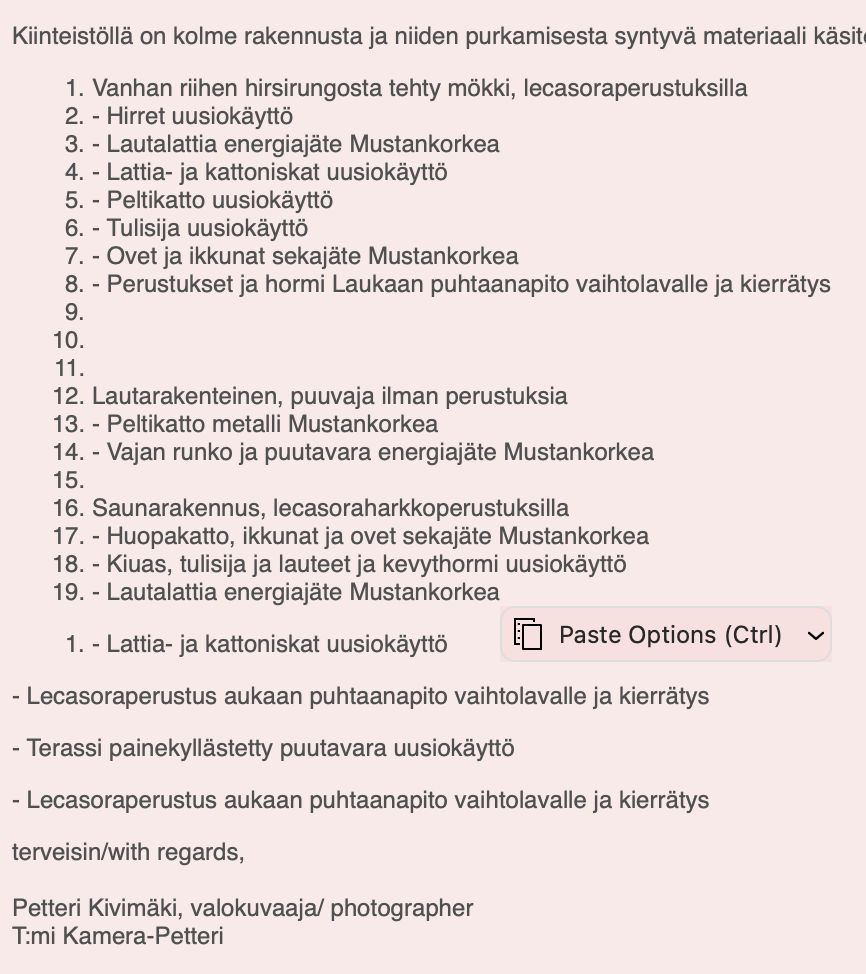
Please advise me: how can I paste a list of “french lines” or bullet points from the notes I have written, so that they are not transformed automatically to numbers? See the image.
And what actually is the purpose of transforming them to numbers, as I if wanted a list with numbers, I´d write a list with numbers, not french lines?
how can I paste a list of “french lines” or bullet points from the notes I have written, so that they are not transformed automatically to numbers? See the image.
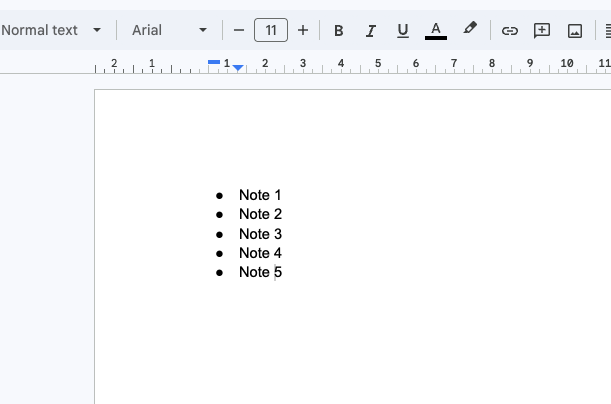
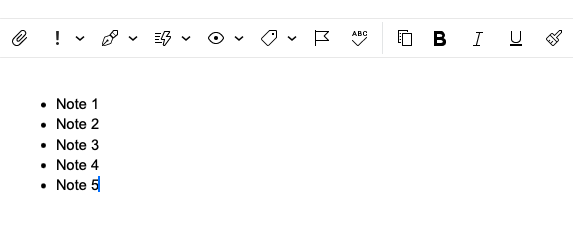
Sounds like your notes program must have some special characters or non standard HTML coding in it, as pasting notes from eg: Google Docs with Bullets in front pastes perfectly into eM Client 11 as per screenshot examples below.
So suggest to get your Bulleted Notes in to eM Client as yours arn’t pasting correctly, “copy and paste them first” into either Notepad Windows or Textmate Mac to strip out any special characters or non standard coding and then paste that into eM Client.
If you then don’t end up with the bullets in front of the notes in eM Client if the bullets are also stripped out, then “highlight the notes after pasting into eM Client” and “click Bullets on the toolbar” which will then manually add them back in front of the notes.