My laptop has crashed and is totaly unusable. I have loaded eM Client on a new laptop with a free license. How do I access my account that was on the crashed laptop and carry it over to my new laptop so that I can add my remaining email accounts? (I don’t know the original license key).
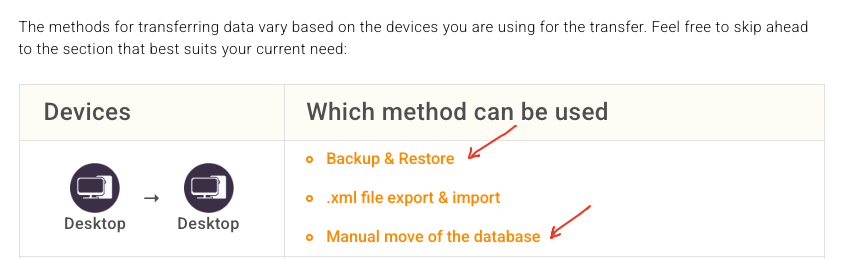
If you can still access your old harddisk and can read it or you have a backup of your old harddisk profile on another drive, you can restore eM Client from either a dated backup .zip file if you were making regular backups which by default go in your “Documents / eM Client” folder, or you can restore eM Client from the hidden folder database if you didn’t have backups. See the blog below on “Backup and Restore” and “Manual move of database” using the desktop.
If you cannot access your old harddisk and don’t have any backups, then if you have an IMAP, Exchange, Office 365 or iCloud account just setup eM Client as new and all your emails, contacts, tasks etc will automatically come back from the server .
(I don’t know the original license key).
If you have forgotten your license key, go to the following webpage below and type in your original registered email address and it will be send to your webmail.
If you don’t find the license key in your webmail inbox, check your junkmail folder. Then copy the key and go to “Menu / Help / License” and enter the key and activate it. If you have a free or non business type account normally when you activate the same license that you had before it will automatically deactivate the old computer to allow you to reactivate the new computer.
“Lost Activation Key”
https://www.emclient.com/lost-activation-key
If you have a business type account and it won’t activate, you can go to the License Manager Page and login and deactivate your old computer and then activate your new computer.
1 Like
Thank you for your clear response. I have now activated my account successfully.