Hello,
When using the eM client on Android, the font of the message can get extremely small if any (wide) image is in the body of the email.
When trying to pinch to zoom to be alble to read, the text gets zoomed in, but is centered on the screen and makes it impossible to read the start or end of the sentence.
There should be a button to show the actual size of the font, or maybe not automatically scale the font down to accommodate the full width of the picture that is inline in the body (but scale the image down instead with option to click to see full size?)
It is disappointing that after so long, the team here did not even address this concern.
I am dealing with this problem almost daily.
A fix would be greatly appreciated.
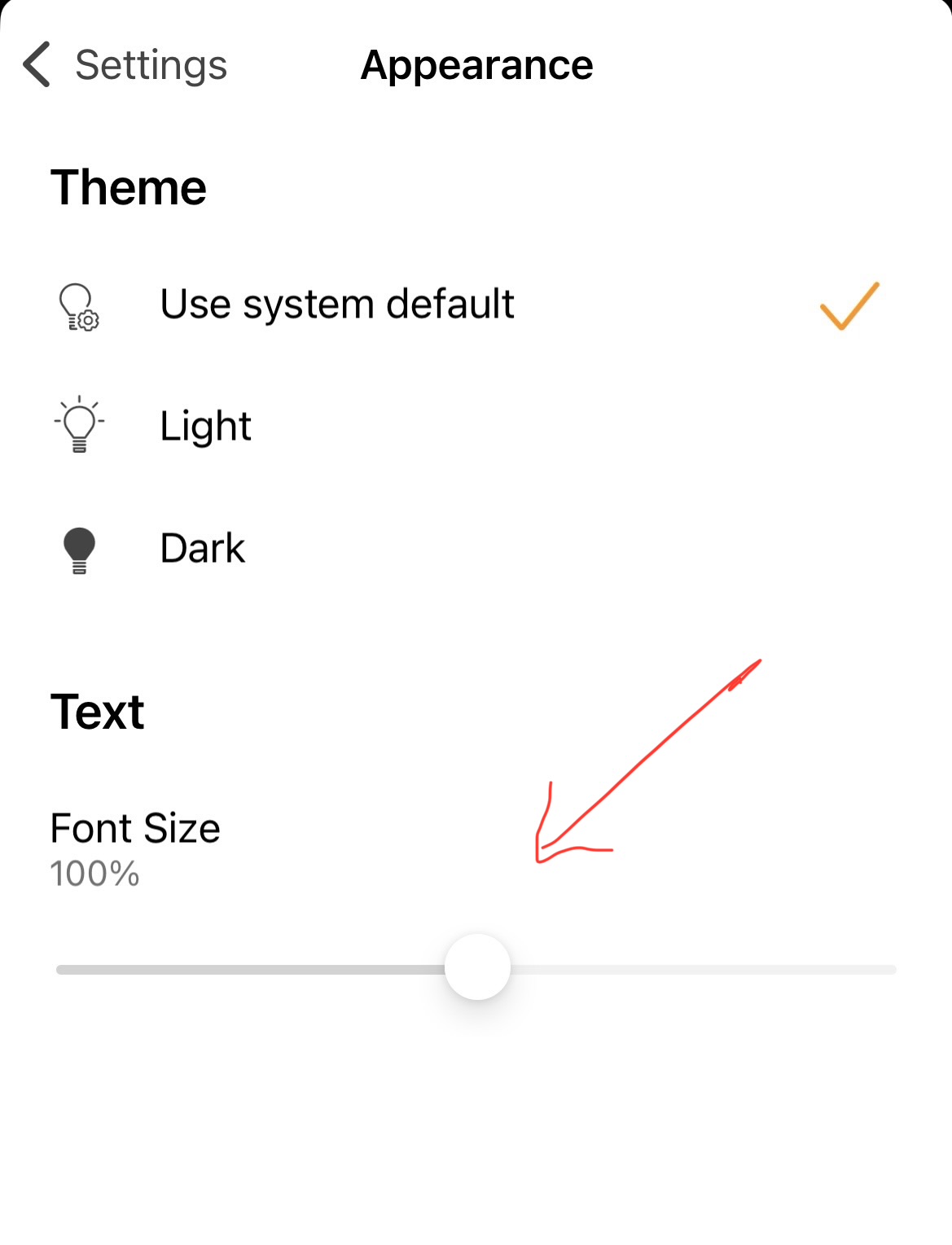
Try changing the “reading font style” and see if it makes any differance as might to do with your current font style.
See my post how to change that iin the Droid OS end of this post below.
If changing the font style still doesn’t make any differance, then do an example screenshot in the thread below as an example of the problem with an inline image below it. Blank out anything personal.
Also update what version of Android app you are using and what Droid OS version.
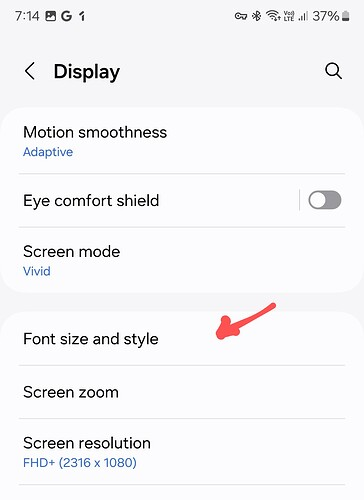
To increase the Android mobile app font size “for reading messages” or to “change the font style for reading messages” on Android, you do that in your Droid OS Settings as per my example below.
Eg: On a Samsung mobile, its usually in “Settings / Display / Font size and style” as in the example Droid OS14 below.
Thank you for the suggestion,
However, this will change everything system-wide.
I have no issue with any other app, only emclient when there is a table or an image in the body of the email.
In fact, if I hit reply to the email, sudenly I can read the text clearly in the quoted email body.