WHEN REPLYING TO AN EMAIL, THE FONT SIZE ALWAYS STAYS AT 12.
HOW CAN I CHANGE IT SO THAT WHEN REPLYING TO FUTURE EMAILS IT AUTOMATICALLY STAYS AT 9?
Thanks
To set your default Font and Size for replies, go to “Menu / Settings / Mail / Compose” and under Preferred Style set your Font and Size. Then Apply & Save and Close.
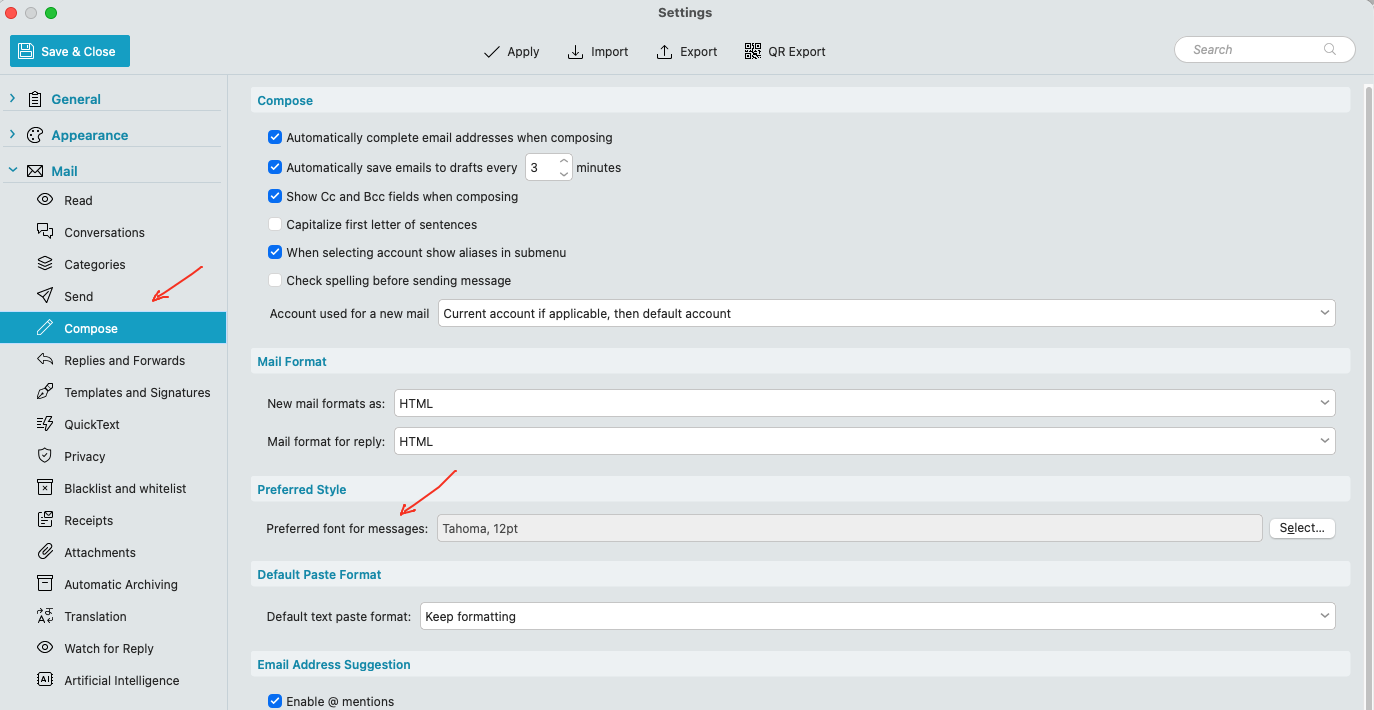
Thank you for your answer.
The style was set to 9 pts.
But when I reply to an email, the style is set to 12 pts.
So I have to set the style to 9 pts every time I reply…