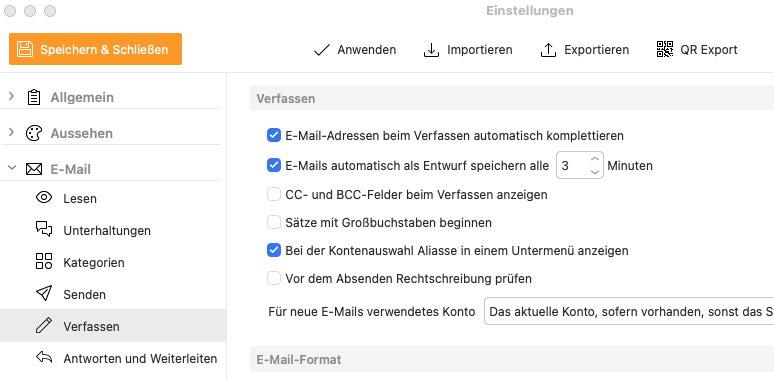
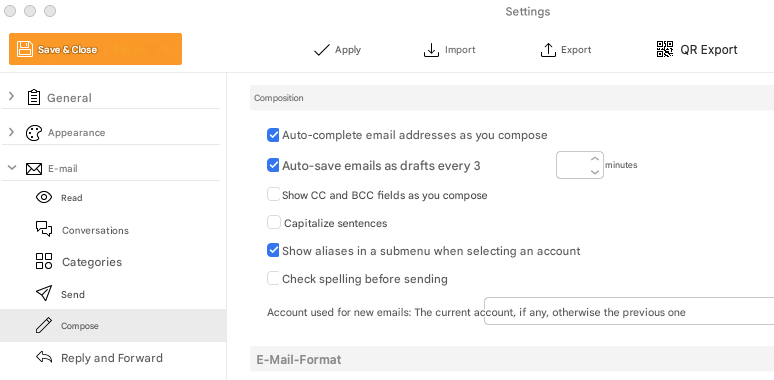
Although I have disabled the “Start sentences with capital letters” option in the settings, the first word in each line of my emails still starts with a capital letter.
How can I permanently disable this in macOS 26.3 and em Client 10.4.4293 (5858dfd)?
That setting “does work for me personally” using the latest Mac V10.4.4756 from the release history page with Tahoe OS 26.3 . So you might need to remove and reinstall eM Client.
So try closing eM Client and going to “Finder / Applications” and drag the eM Client app to the bin. Then download the latest V10.4.4756 from the release history page and install and see if that fixes the problem.
Failing that “try re-enabling that option again” and then click “Apply” and Save Settings. Then go back into settings and disable that option and Apply and Save settings and see if that works.
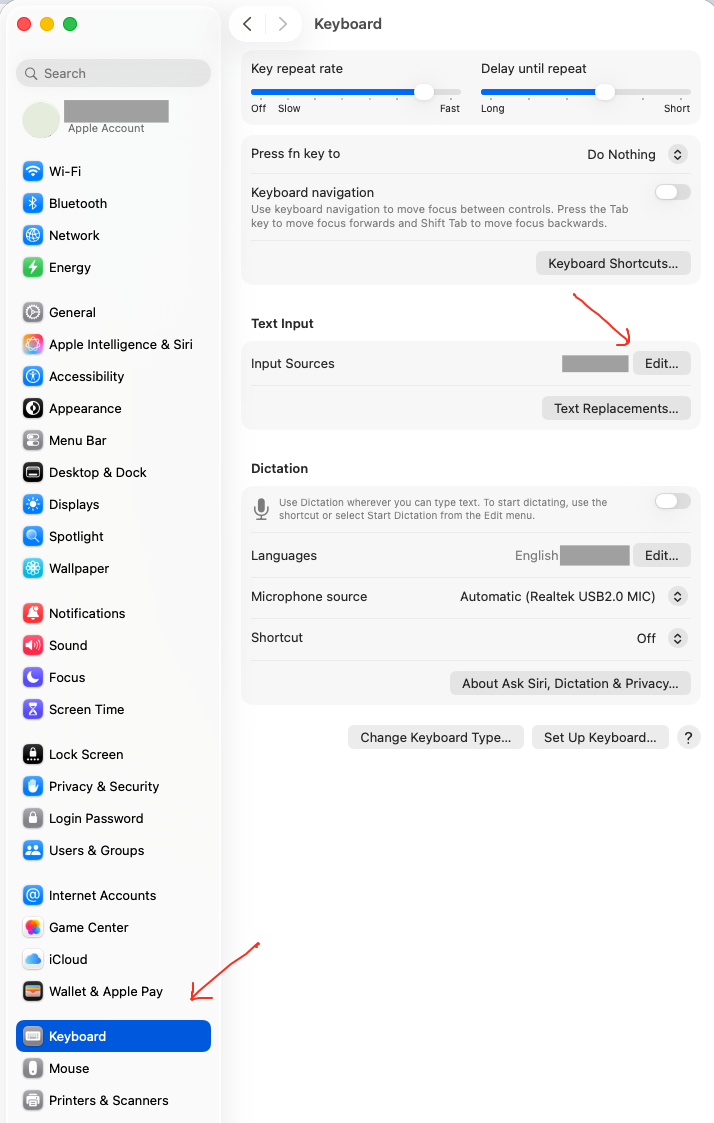
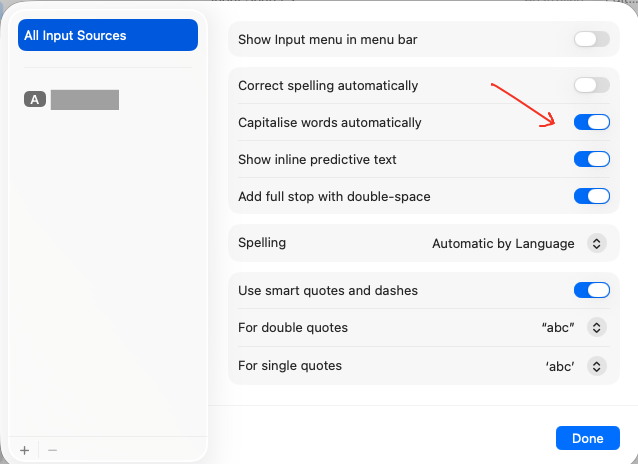
If that still doesn’t work, then try disabling the auto capitalise in your Mac OS keyboard settings by going to “Settings / Keyboard / Text Input / Edit” and see if that fixes it.