Feature Request: Display and Sync Flag Due Date from Outlook/Exchange Accounts

I’m a user of eM Client with an Outlook (Exchange Online) account, and I’d like to request support for displaying and syncing the flag follow-up due date associated with flagged emails.

Currently, when I flag an email in Outlook or Outlook.com and assign a follow-up date, the due date is clearly visible in those clients. However, in eM Client, while the flagged status syncs correctly, the follow-up due date is not displayed anywhere in the UI.

Since the due date is part of the standard flag.dueDateTime property available through the Microsoft Graph and EWS APIs, I believe it could be exposed and shown in eM Client alongside the flag icon or in the reading pane.

Having access to the due date would greatly improve eM Client’s task/email triage functionality and make it easier to use in professional workflows.

Please consider adding this feature in a future release.
Thank you for your great work on the app!
Still the only thing holding me back from switching to emclient for android. Snooze is not a replacement. I don’t want my important emails to disappear until a later date. i want them flagged with a reminder that shows on my calendar at a future date

Still the only thing holding me back from switching to emclient for android. Snooze is not a replacement. I don’t want my important emails to disappear until a later date.

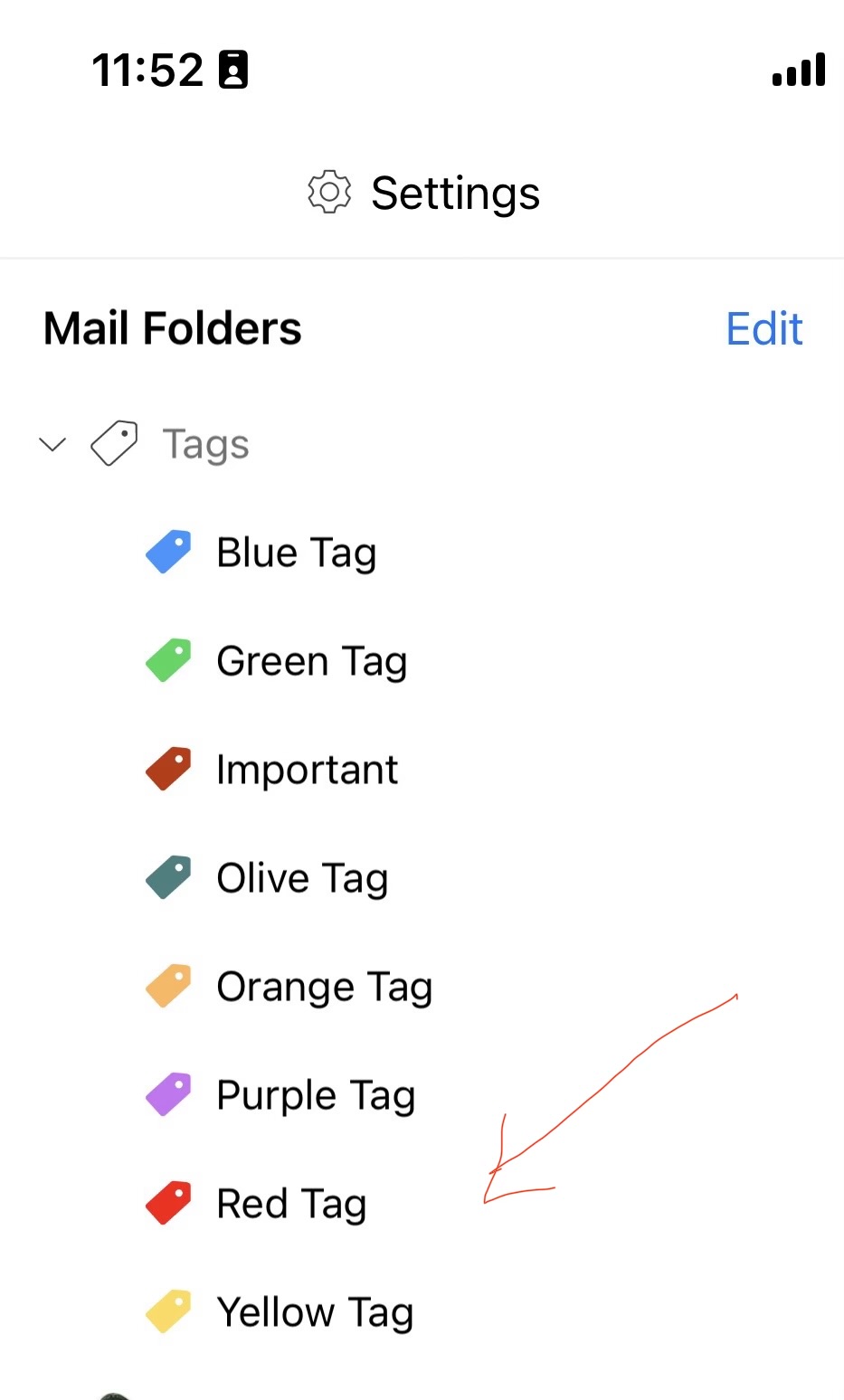
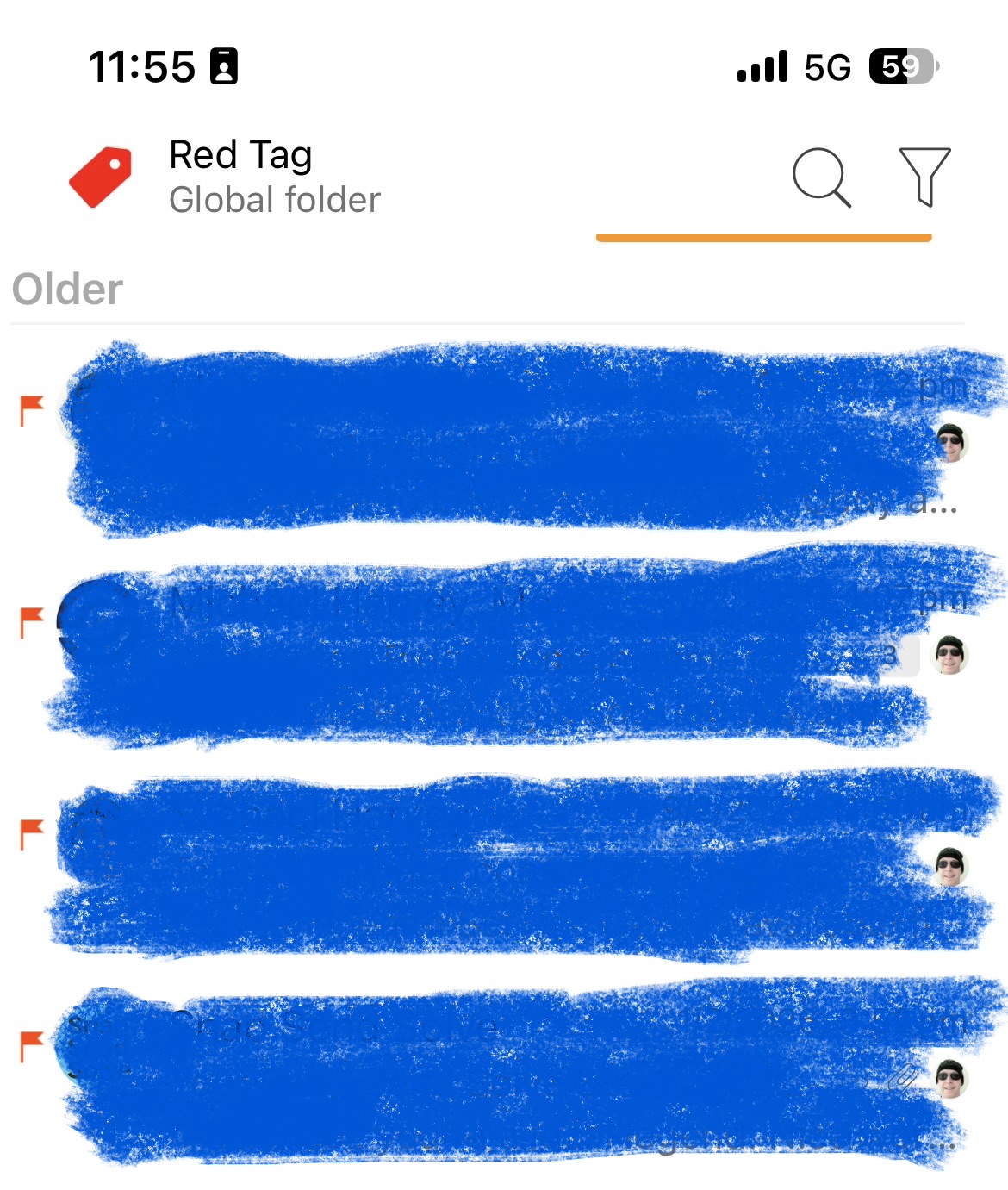
If you don’t want to Snooze emails to a later time or date, then suggest instead to setup a eg: Red color tag which you can then just quickly press on anytime in the day to see important daily email which is what I do.

If you have a Gmail account, there also is an actual Important Tag you can add for those emails.

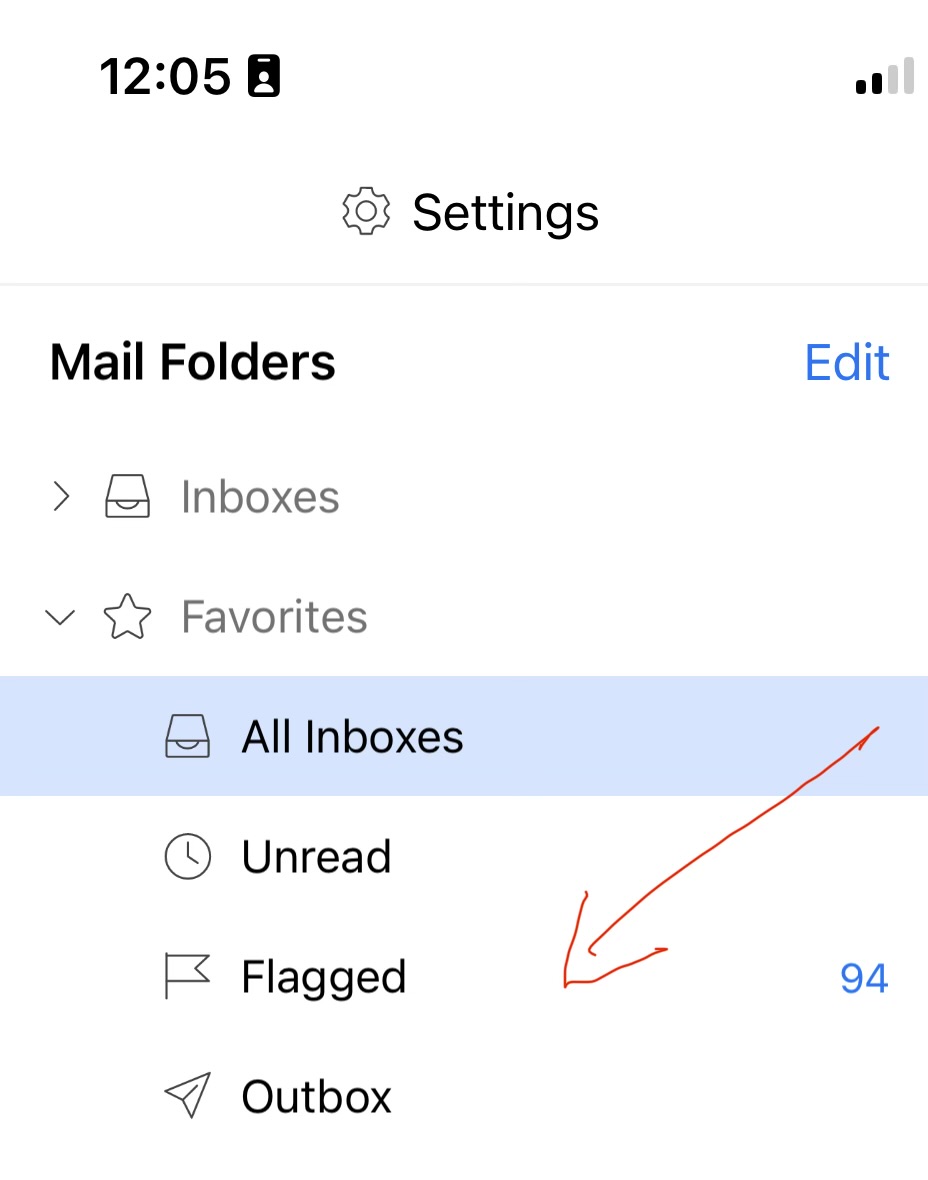
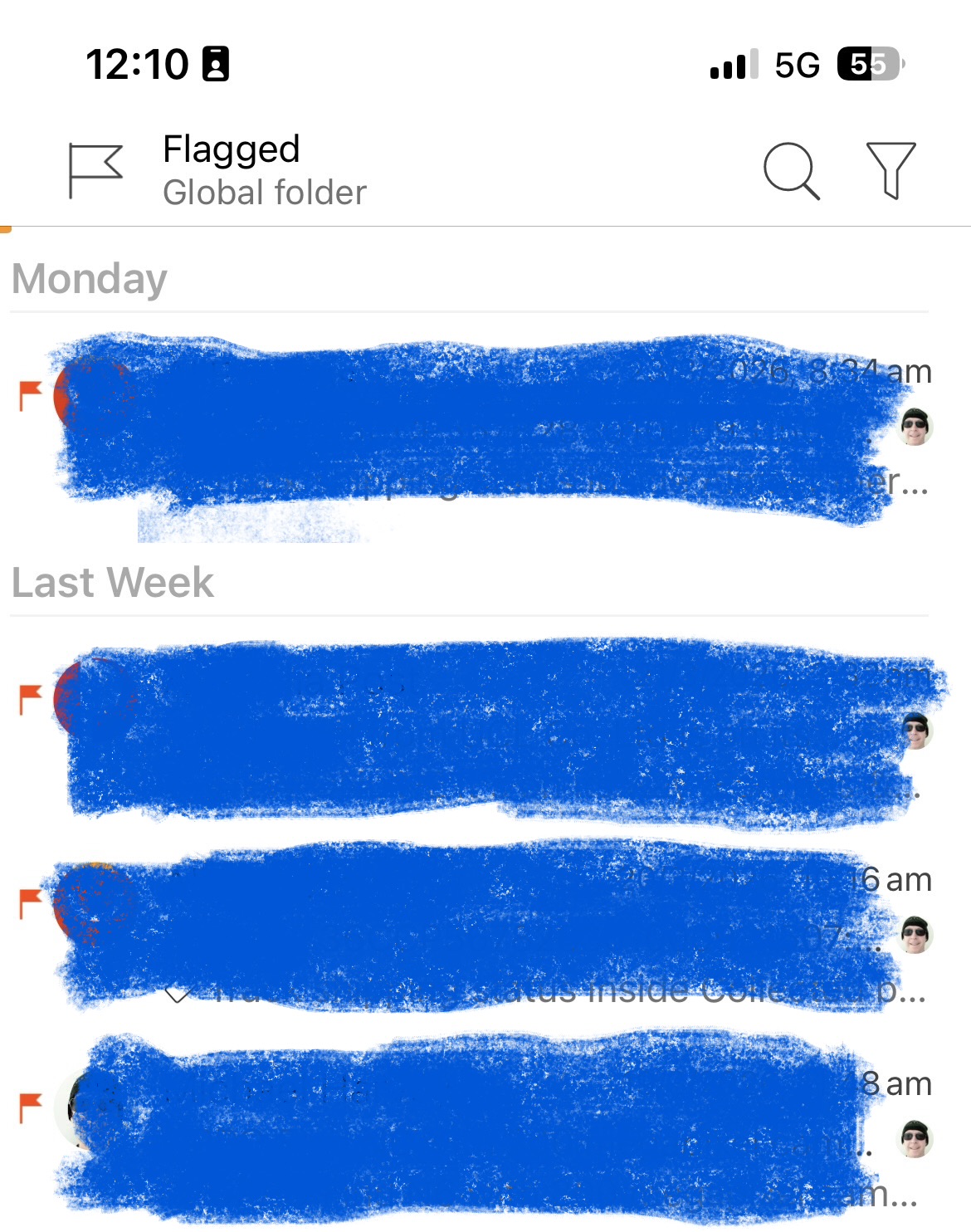
Or if you just want to quickly see Important Flagged email, then “add Flagged to Global folders” to then just see important flagged emails anytime as in the below example.