How does one use the following feature - Added a wizard for assisted migration from EWS to MS Graph
1 Like
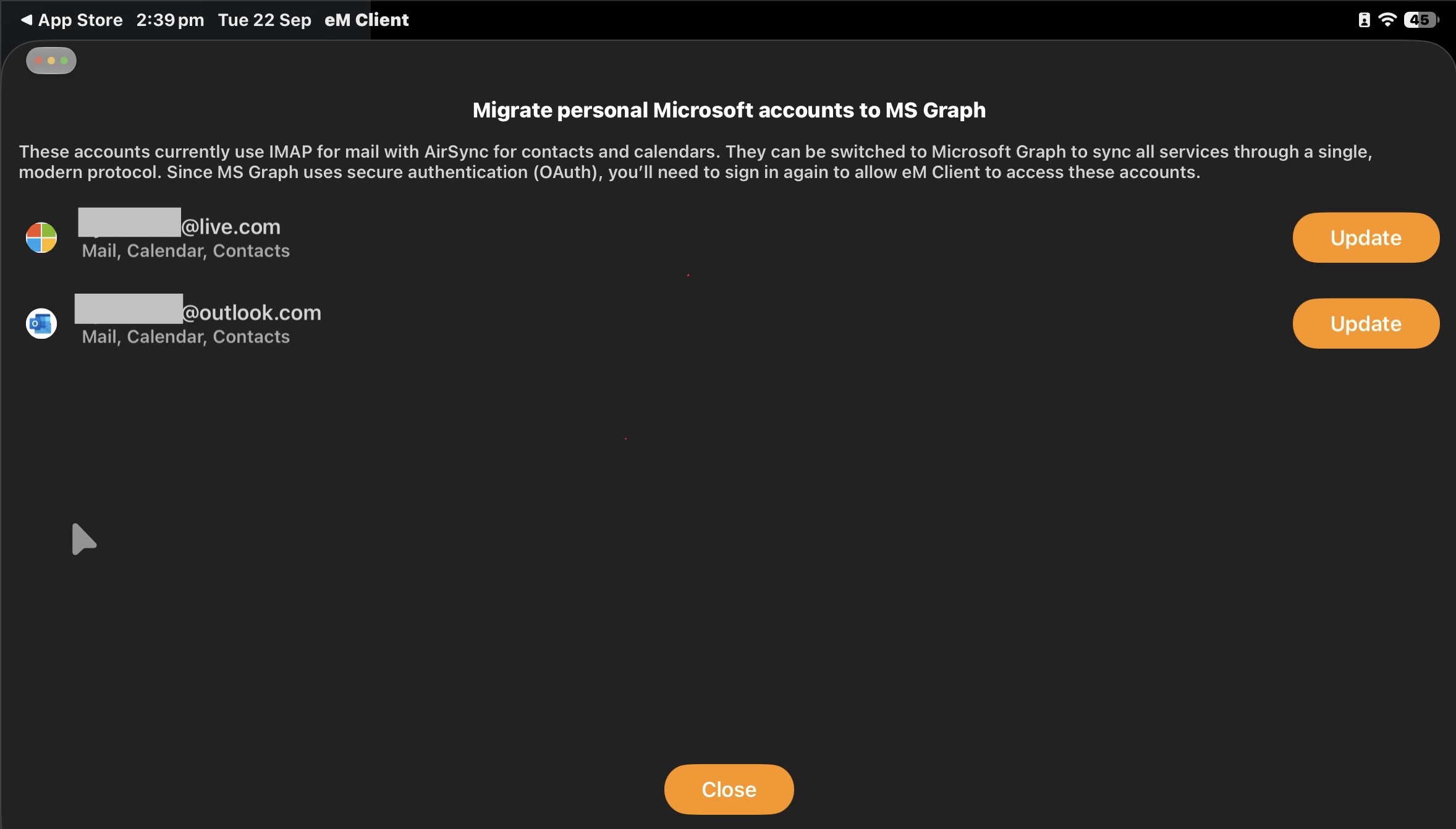
When you install the latest V11 Beta desktop or mobile apps if it detects you have existing eg: Microsoft IMAP or Exchange type accounts, and will present you with a update account wizard to change those accounts to Graph as per the example V11 Beta iOS mob app example screenshot below.
So once updated you will see your old accounts and new accounts which you can then remove the old accounts once you are happy with the new Graph accounts.
Thank you for the information. I still cannot see where to make the change in EmClient. The accounts are already installed with EWS and IMAP settings. How do I make the change?
I can confirm emclient does not see the live and exchange accounts. The above window does not appear on my screen.
Make sure first you are running the latest V11.0.473 Beta via the release history page which has assisted EWS to Graph migration wizard. If you don’t have that version, update it and “close eM Client” before updating. Also advise to make a manual backup before updating incase you have any problems via “Menu / Backup”.
If you still don’t set a migration wizard screen like in my previous post after installing the latest update when you go to “Menu / Accounts”, then “just leave your existing IMAP and Exchange accounts in place” and click Add Account and add them both in again “using the automatic account wizard” which will then add them as Graph accounts.
If the Graph accounts then work ok, then you can remove the old IMAP and Exchange accounts.
A new challenge - I keep getting the following message
[Microsoft Graph] Application is over its MailboxConcurrency limit.
Can you tell me what the message means?
Thank you