If you go to Menu > Accounts and select the email account that is giving this error.
Click on the SMTP tab and try each of the following settings in turn:
Port 587 = Force usage of SSL/TLS
Port 25 = Use SSL/TLS if available
Port 465 = Use SSL/TLS on special port (legacy)
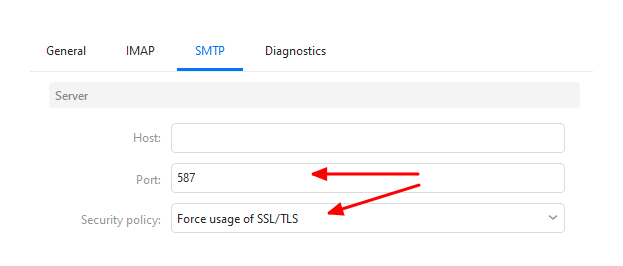
Obviously you will already have a Host name filled in, so no need to change that.
So first try port 587 and it’s corresponding security policy then see what happens. If you still get the error, try port 25 and see what happens. Etc.