It is because eM Client has not been set as the default.
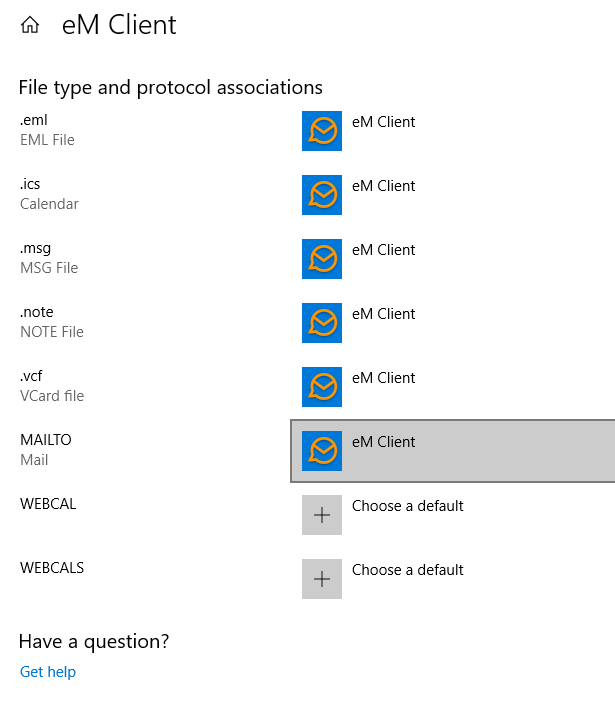
- Open your Windows Settings > Apps > Default Apps.
- Scroll to near the end and select Set Defaults by App.
- Select eM Client and choose Manage.
- Select the Mailto option, and set it to eM Client.
It is because eM Client has not been set as the default.