Hello.
I recently updated both eM Client and the desktop version of Microsoft Outlook 2024, and that’s when I started running into this problem.
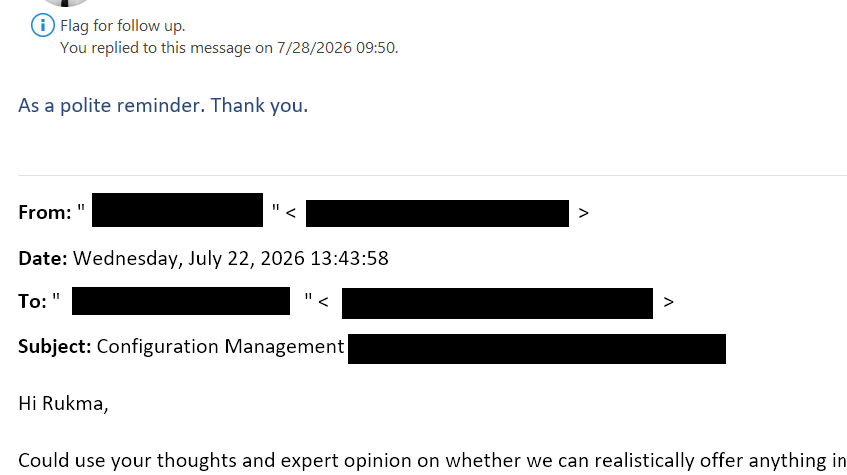
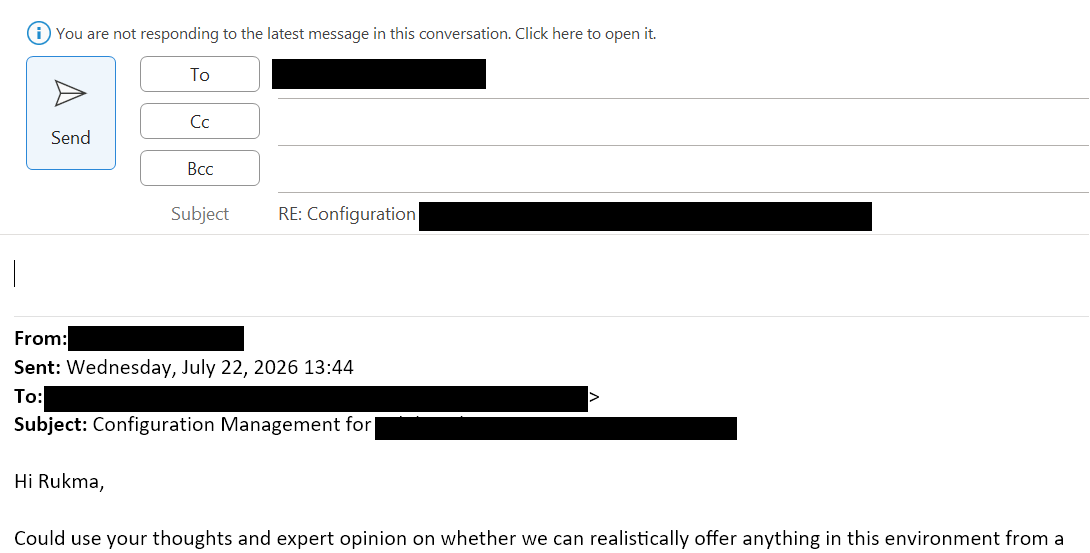
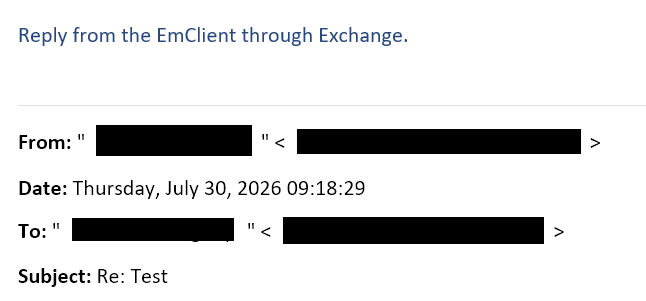
The email formatting keeps getting messed up, but only on my Microsoft Exchange account. When I use eM Client to reply to any message in an Outlook 2024 desktop thread, the email shows up with huge gaps between the header lines, and if anyone replies or forwards it, that crazy spacing stays. I’ve got a mobile email app hooked up to the same account and it doesn’t do this at all, so I’m pretty sure this is an eM Client issue. How do I troubleshoot and fix it so the formatting stops breaking?
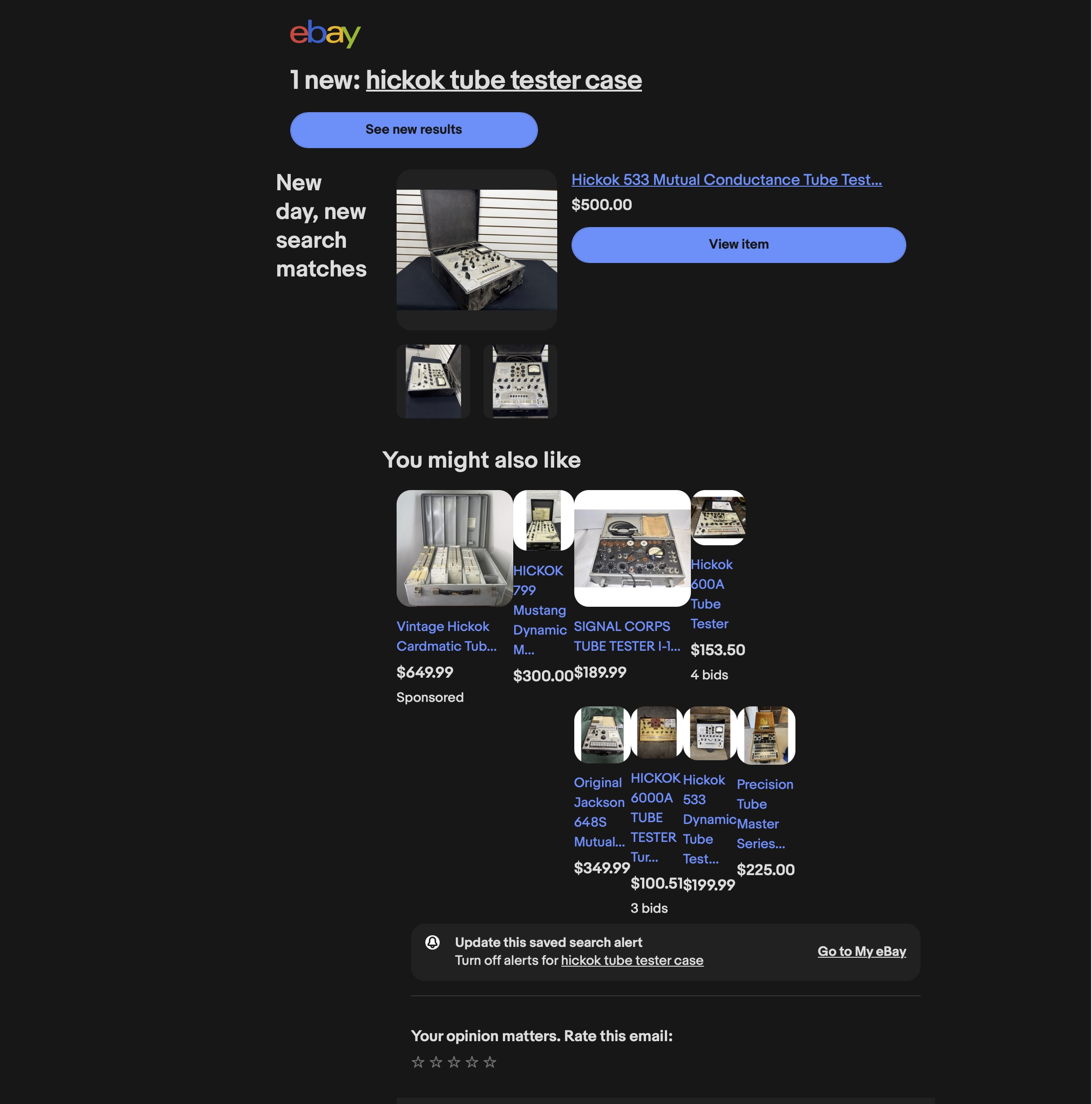
I am not sure if this is the same problem. We’ve tested the newest version against your ebay emails and it worked just fine. Can you again send us the messages you believe are badly displayed to [email protected]?
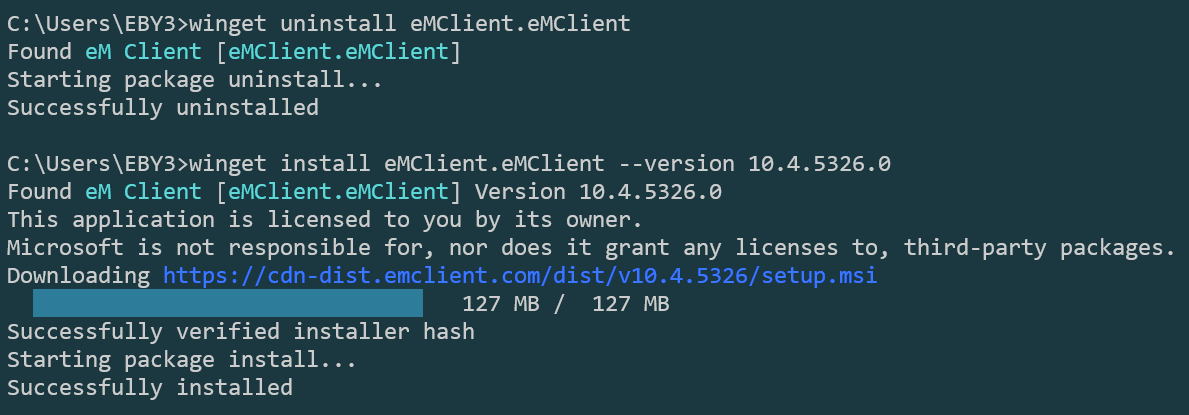
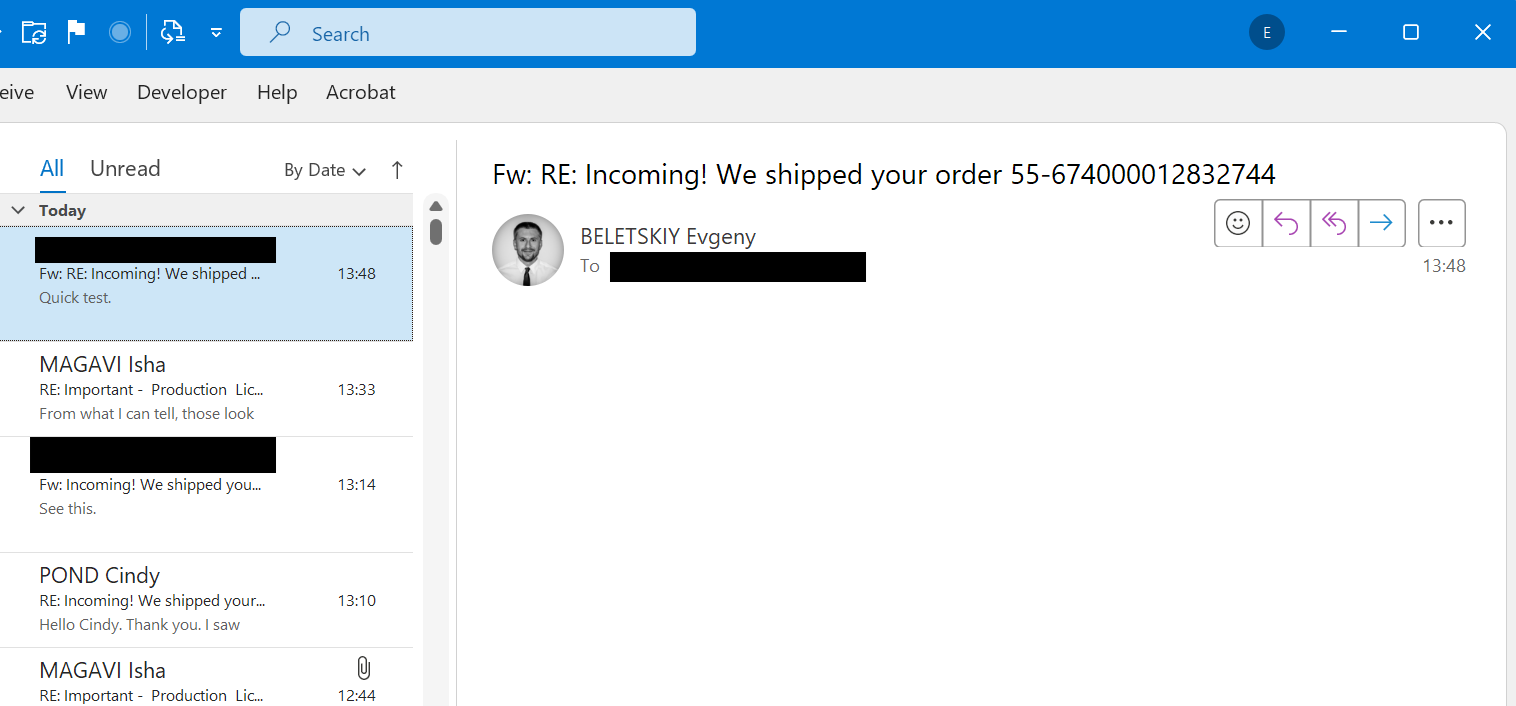
I did some troubleshooting on my side. I removed the latest version, rolled back to an earlier release to check whether the issue existed before. With the newer 2024 Outlook desktop version, the behavior is different now, instead of a completely broken email body, I’m seeing a blank email. Just white.
To be clear, my mobile client handles all Outlook changes without any issues, which makes me believe it’s your app that can’t cope with the recent updates in the Microsoft product.
So now, I can’t actually use the app anymore for one of my big accounts- the Exchange-based one, because every sent message comes out looking like it went through a blender. Kind of a problem, honestly.
So now, I can’t actually use the app anymore for one of my big accounts- the Exchange-based one, because every sent message comes out looking like it went through a blender. Kind of a problem, honestly
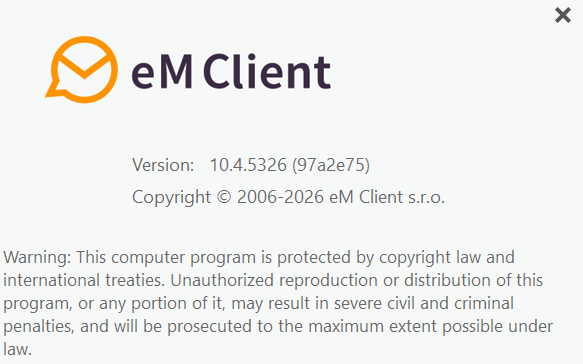
I see you have V10.4.5326 in your screenshot.
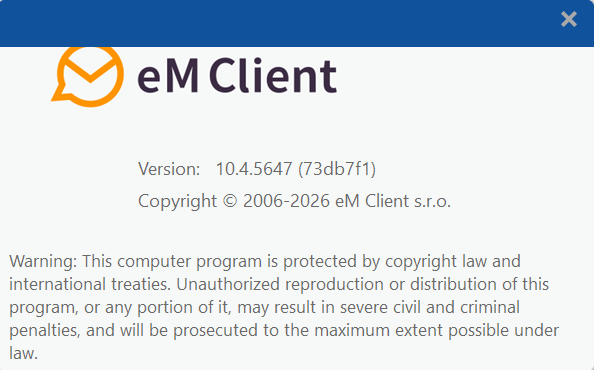
There is a later updated eM Client v10.4.5647 for PC & Mac you can try to see if that fixes the formatting problem via the release history page.