I know this has been asked before, but I have not seen any answers that actually fix the issue.
I have eM Client set to close to the system tray and to launch on startup. Every single time I restart my PC (I’m on Windows 11) without fail I will get this:
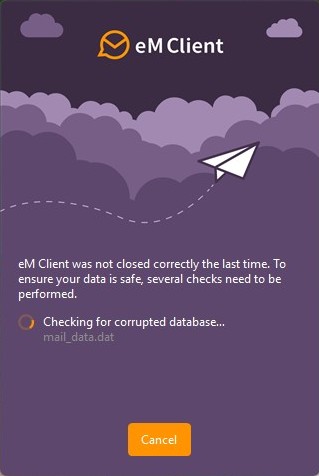
For those searching for this question, it says:
eM Client was not closed correctly the last time. To ensure your data is safe, several checks need to be performed.
Checking for corrupted database…
I see questions around this going back for more than a decade, and maybe I’ve just not clicked on the right links, but the only answers I find are to update to the latest version (which obviously didn’t fix the issue as it’s been a decade).
If there’s a question with an answer that actually fixes this, I’d love if you could point me to it. I don’t want to have to manually close the application from the system tray every time I shut down my computer if that’s the solution (feels like an irritating work-around, not a fix). I’m hoping someone can help?