Hi @dcvcnoc,
With eM Client 11, we switched the packaging to MSIX. This lets us offer native 64-bit and ARM versions while keeping the installer small.
Our blog post has more details: eM Client 11 has been released | eM Client
We’ve also set up a Windows download page that includes (the last) MSI installer: Download eM Client 11 for Windows | eM Client.
Please note that this MSI doesn’t contain the app itself - it keeps your existing file associations and then installs version 11 through the .appinstaller.
How you push it out depends on your deployment tool. Are you using Intune, or Active Directory / Group Policy? Or something else?
Generally, you can download the .msixbundle from the .appinstaller link and deploy that. Some tools can also work with the .appinstaller file directly.
We don’t have any guide on the topic yet, but if you let me know which tool you’re using, we’ll try to help with the details.
i’m personally using PDQ Connect, but the same need exists with Intune, GPO or other similar managed deployment mechanisms
i need a reliable quiet/unattended installation/upgrade mechanism that i can fire via a command line “one-liner” that performs the install without any user intervention or UI popups/prompts/etc
in the 10.x era you had an annoying thank you web page that i would love to suppress, but my key issue here is that the 11.x installer (even the alternate .msi version) doesnt seem to work with the previous guidance…below command fails with a 1603 error
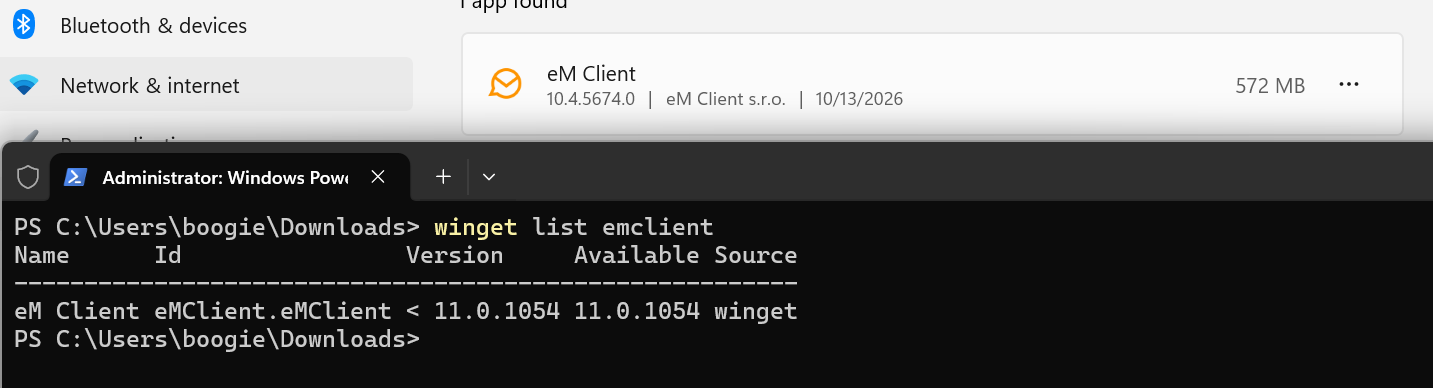
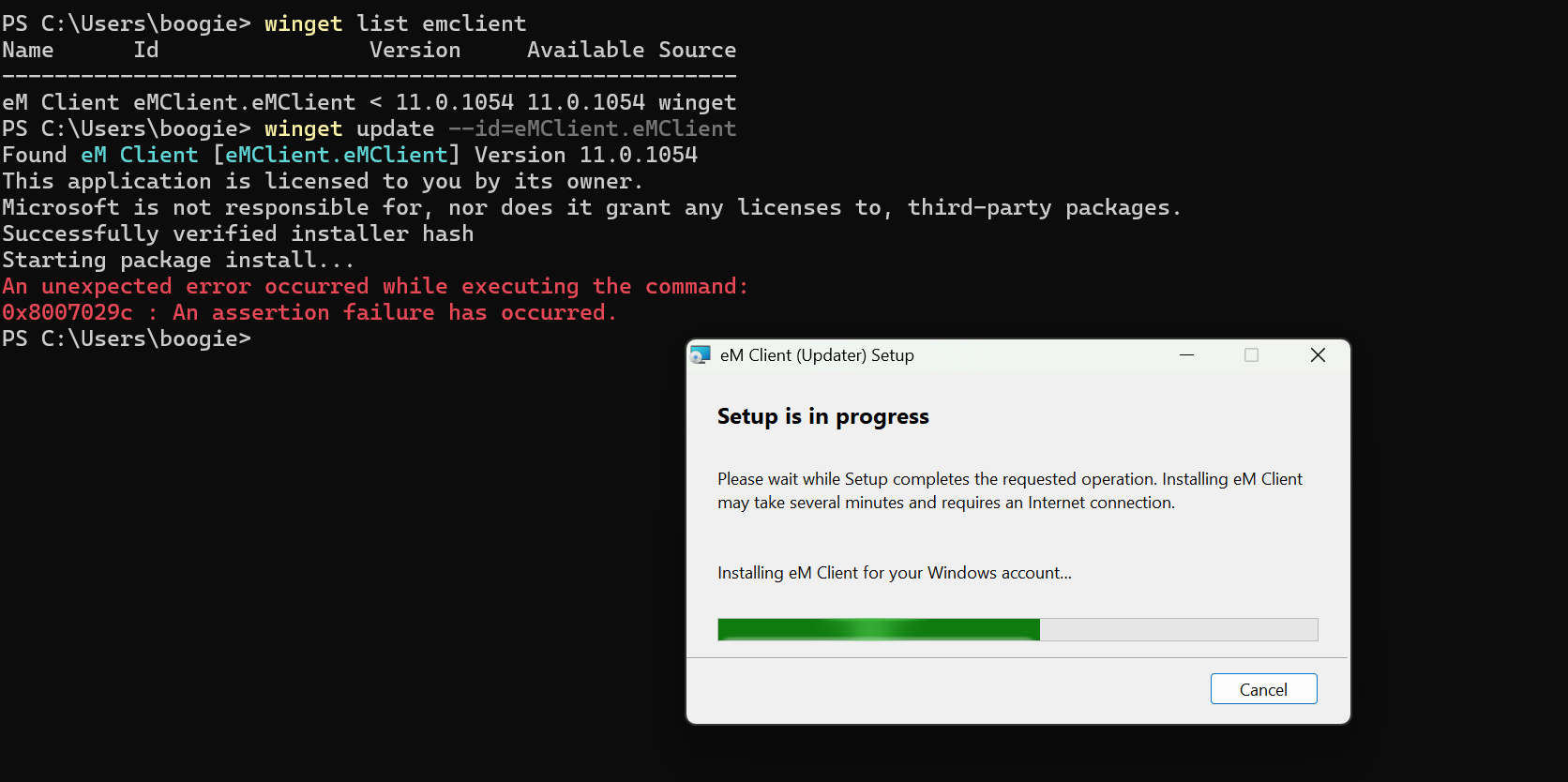
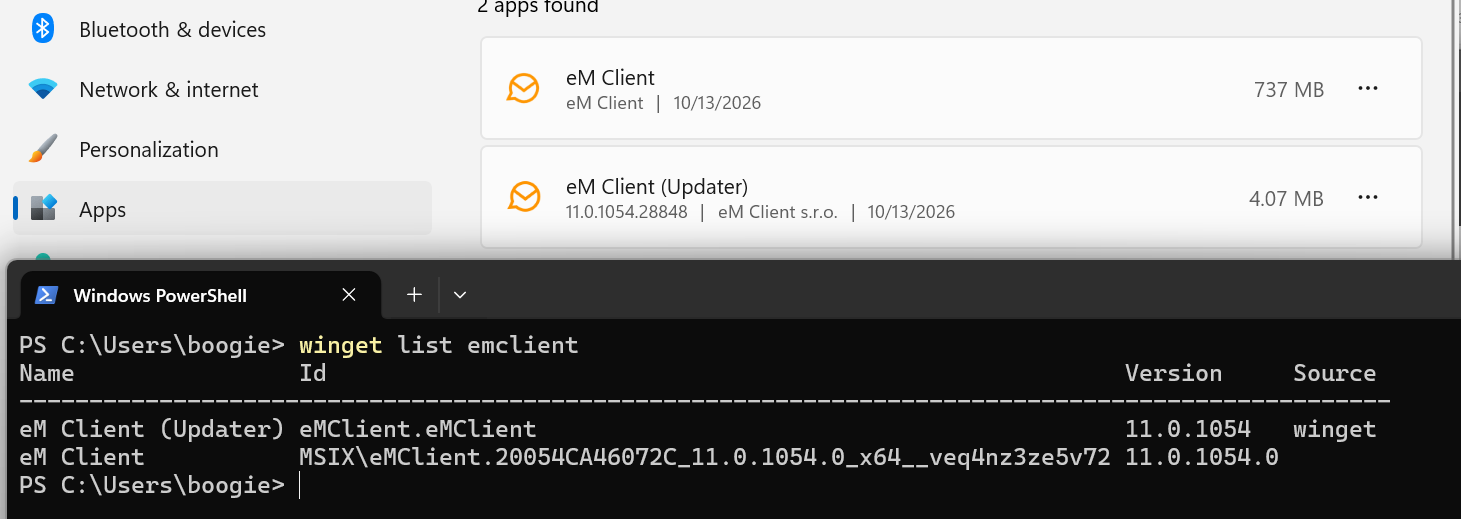
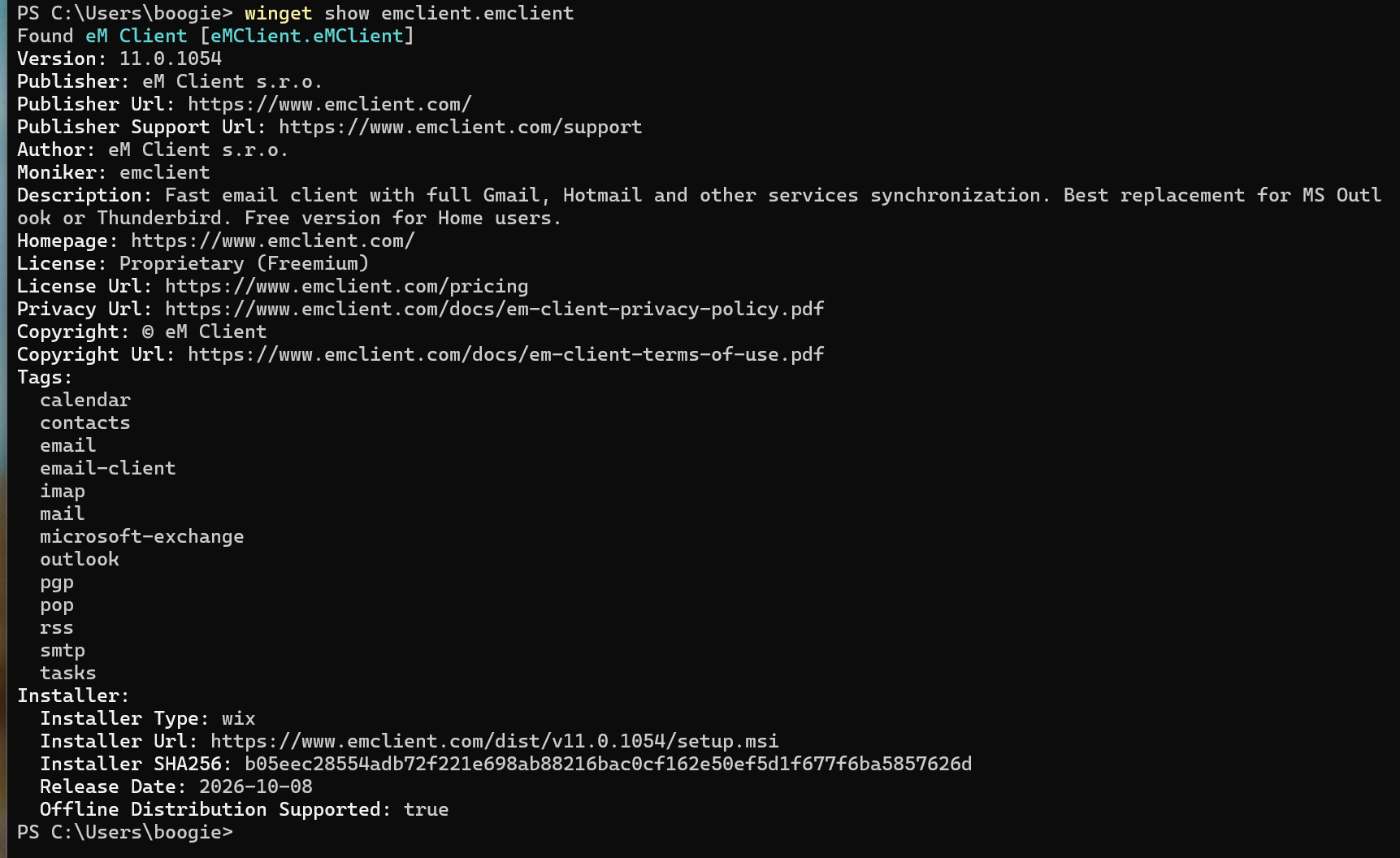
the upgrade from 10.4.5674 to 11.0.1054 via winget does appear to work, but the 2 resulting software registry entries seem to be an odd mix of winget and MSIX entries and the GUI installed apps fails to report a version for “eM Client” while it does report one for the “eM Client (Updater)”
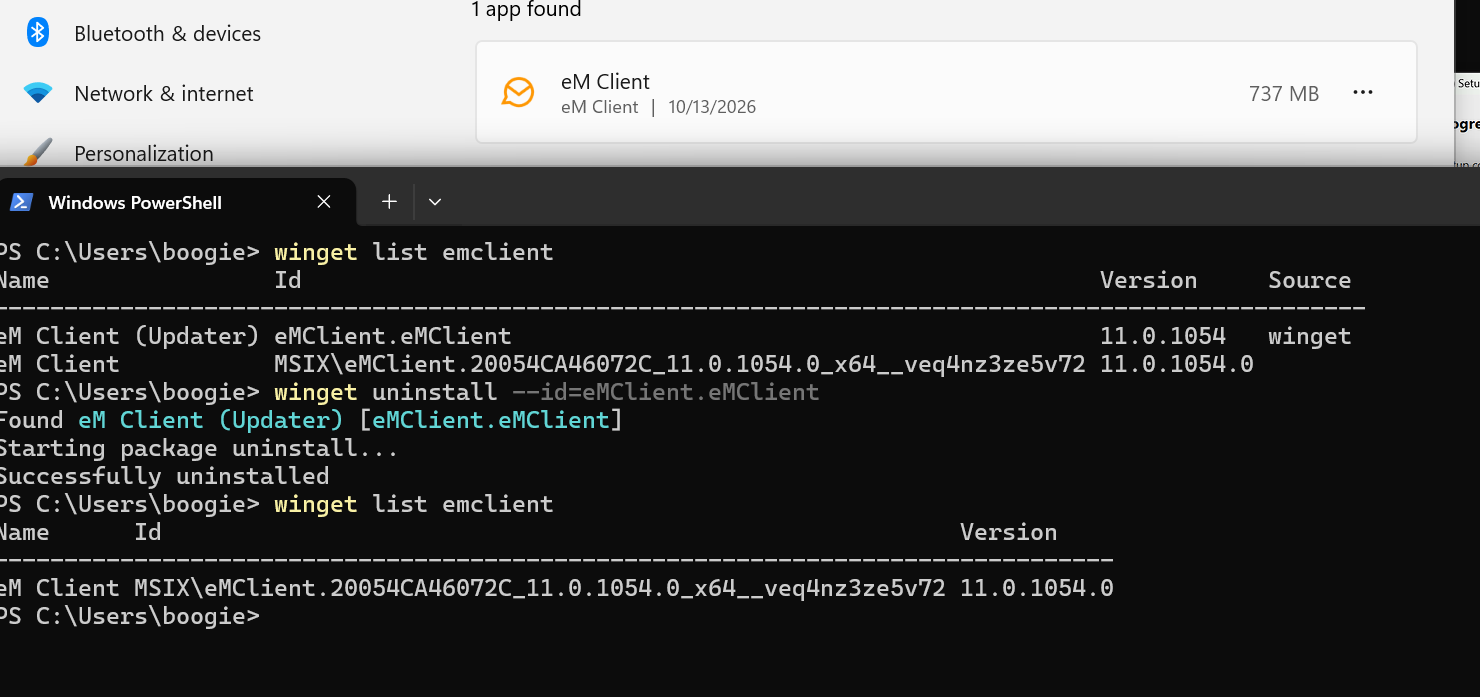
with two packages it then begs the question of how an uninstall happens, i suspect it means the uninstall is a two step process to remove each component independently
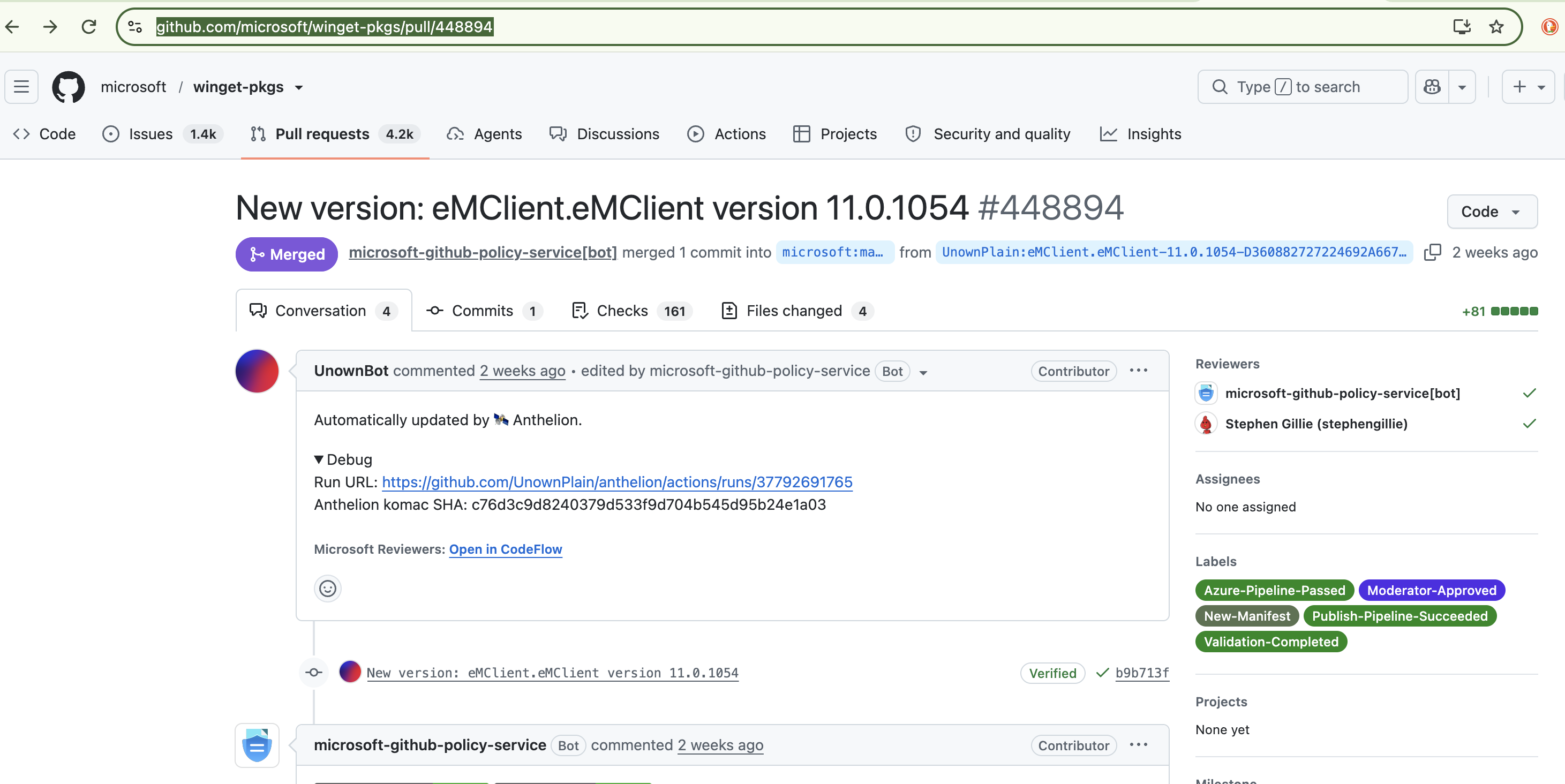
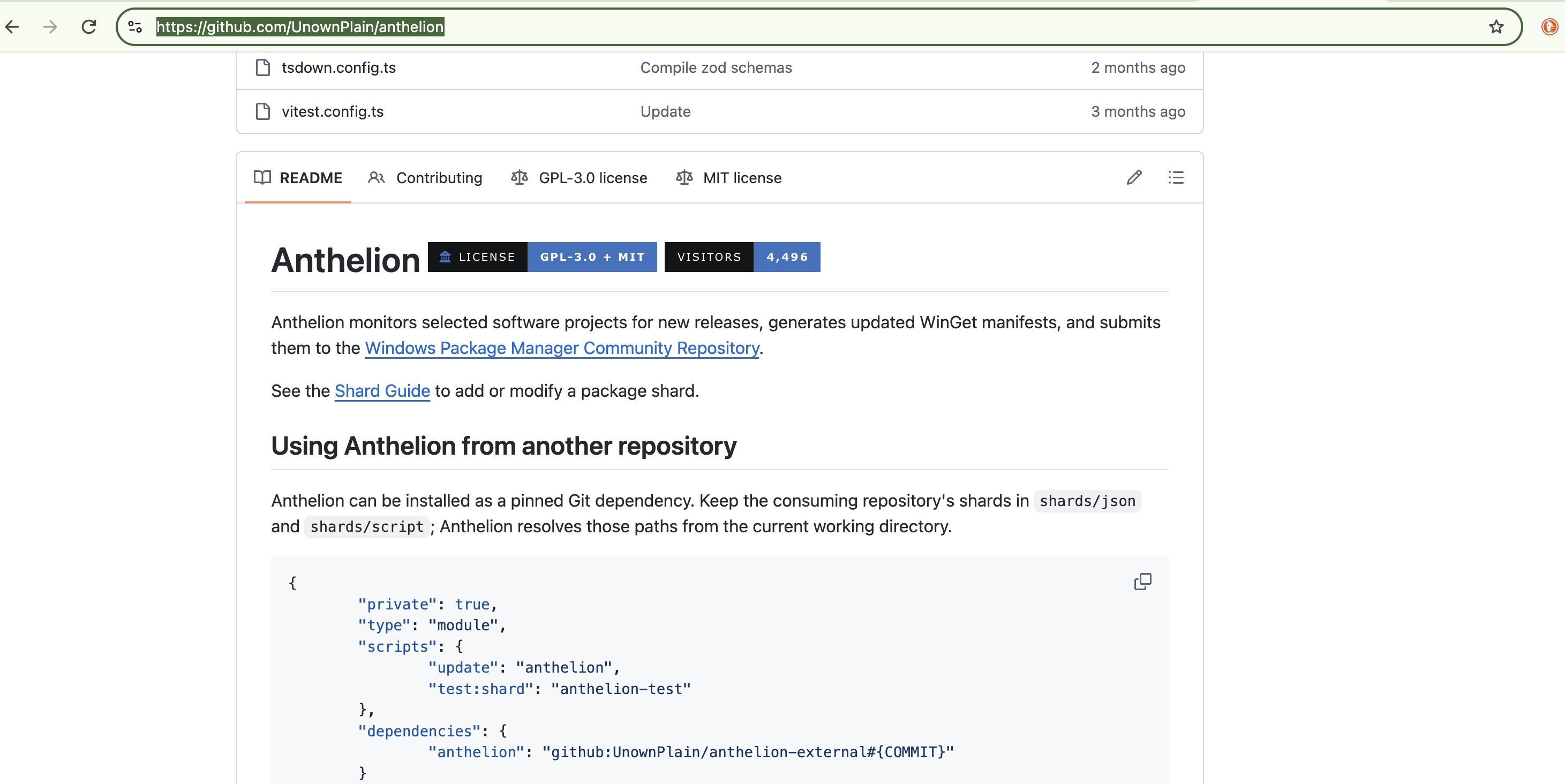
Please note that the WinGet package isn’t maintained by us.
When you use the MSI updater, it actually still installs version 11 through .appinstaller (MSIX) but keeps your existing file associations from the previous (MSI) versions. The MSI doesn’t contain the app itself. That’s why you see two entries, “eM Client” and “eM Client (Updater).”
If you uninstall the MSI entry, only the updater is removed. To remove eM Client itself, you need to uninstall the “eM Client” entry separately.
We don’t recommend the MSI for new installations, because it’s meant only for upgrading existing ones. So if you make new installs (not upgrade from v10 or older) use the .appinstaller file.