I am using the free version of eM Client 11.0.1054 (70b028a) on Windows with Gmail accounts.
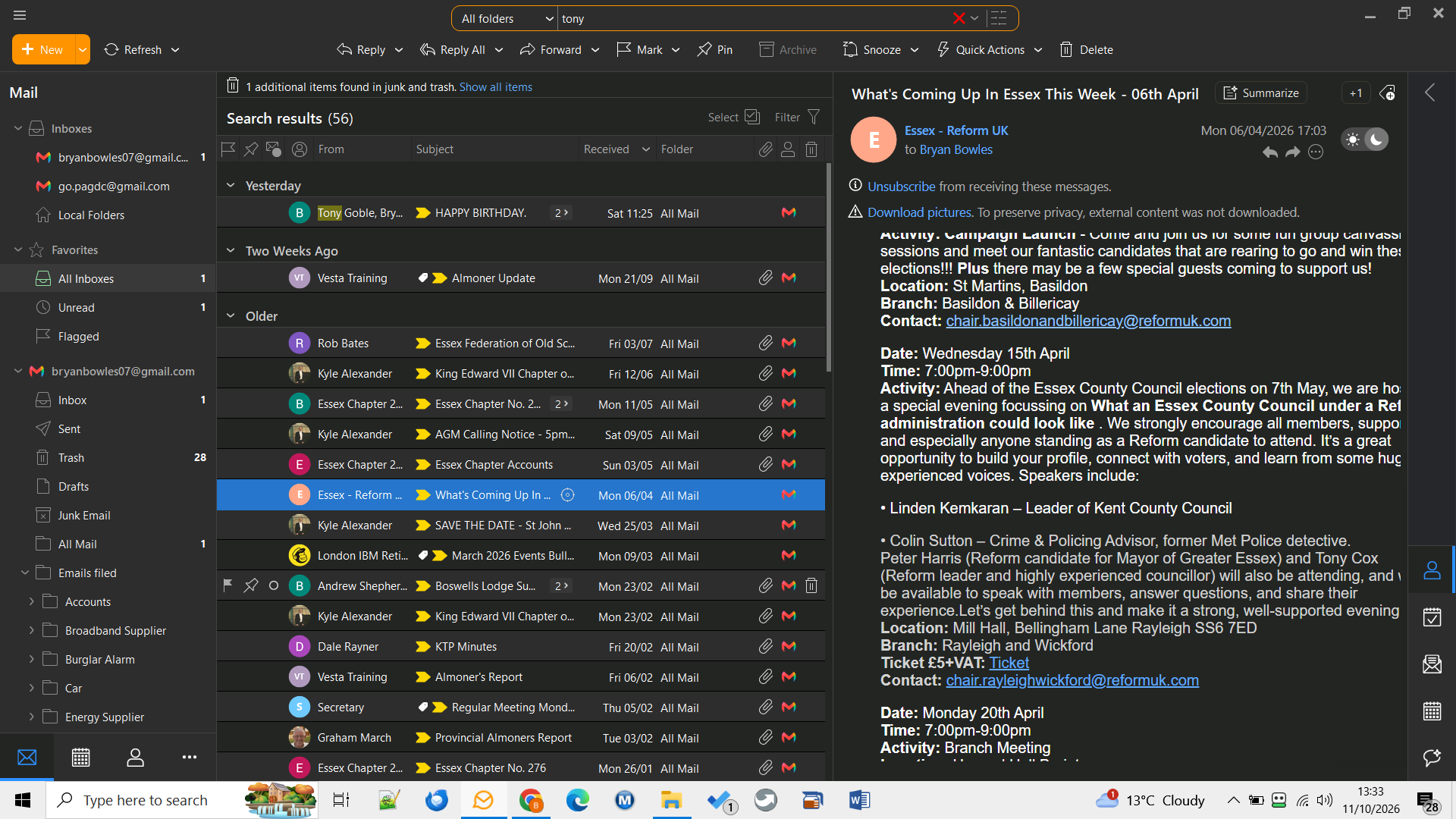
When I search All folders for “Tony”, the search returns emails containing that name. Tony is highlighted in the sender column of the results list, but not in the message body in the reading pane.
For example, “Tony Cox” is clearly visible in one email but is not highlighted. Searching with “body:tony” produces the same behaviour.
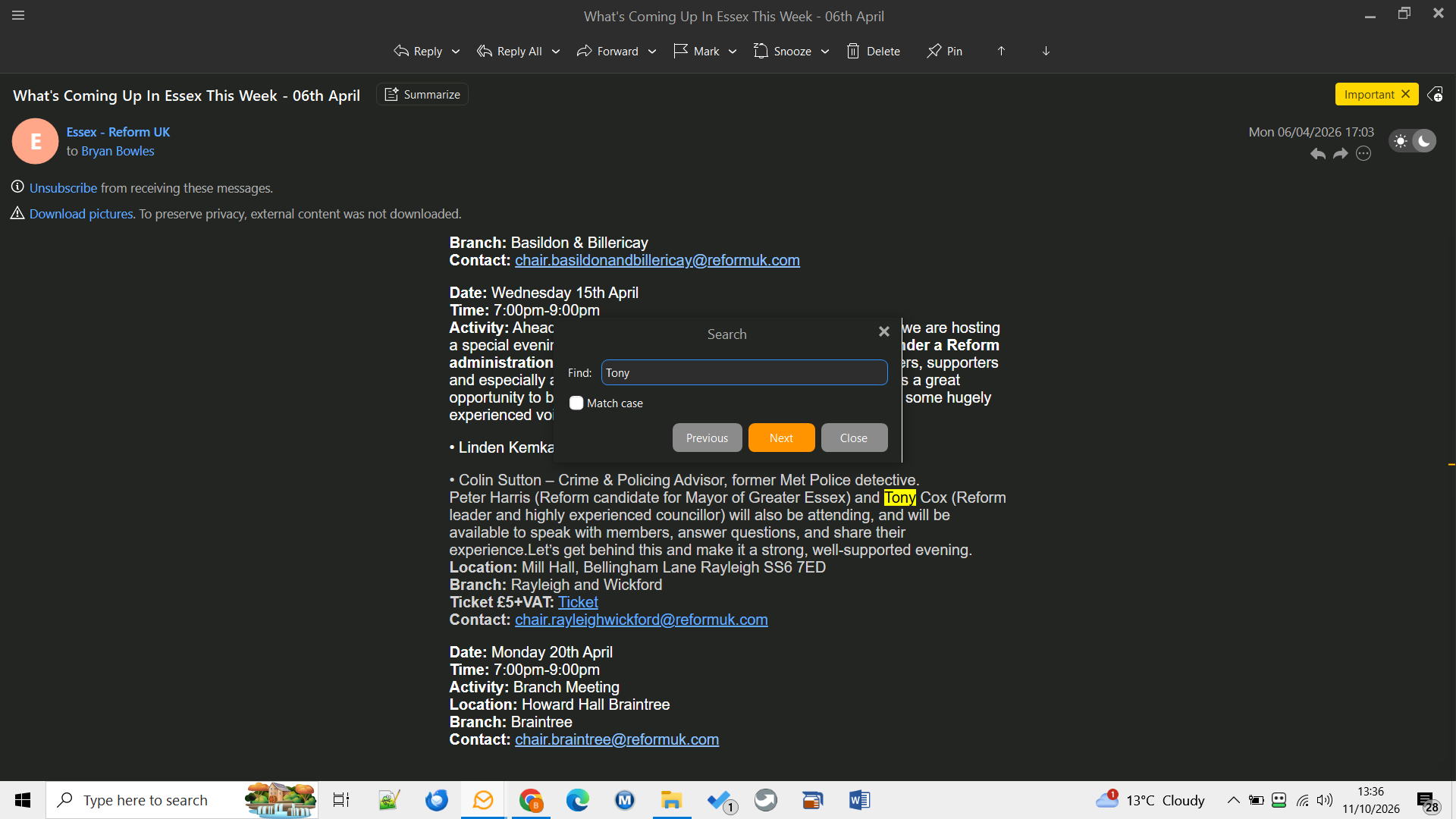
If I open the email separately and use F4 → Tony → Next, Tony is highlighted correctly. However, repeating this for every email makes reviewing a large results list much slower.
Should search matches be highlighted automatically in the reading pane? Is there a setting to enable this, or is this an issue with version 11?
Thank you,
Bryan