I originally reported this issue with eM Client 11 Beta back on September 9, and again with additional details on September 11:
Since then, I’m seeing additional reports of synchronization problems with the v11 Beta:
The first newer report describes essentially the exact same behavior I reported: if eM Client is left open on the desktop, it eventually stops receiving emails, and closing and reopening the application causes the new emails to come in.
In my case, this is NOT a Microsoft/Graph account. I’m using a Stalwart IMAP server.
My behavior has consistently been:
eM Client starts and synchronizes normally.
If left running, at some point it stops receiving new emails.
Manually pressing Refresh does not always retrieve all waiting messages.
Completely closing and reopening eM Client immediately causes the missing emails to come in.
The messages are already on the server and are received normally by the mobile app.
This did not happen with eM Client 10. It started after upgrading the Windows desktop client to v11 Beta.
Nothing changed on my Stalwart server when this started.
Given that another user is now independently reporting essentially the exact same stop-receiving-until-restart behavior, could the eM Client team please investigate whether v11 Beta is losing its persistent IMAP connection or failing to properly re-establish its IMAP IDLE state after the client has been running for some time?
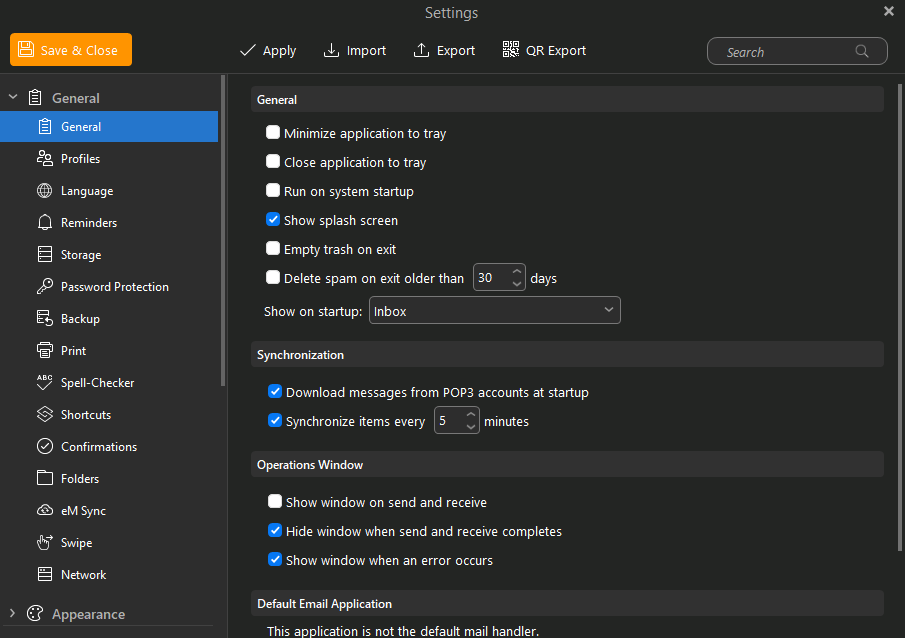
I’ve also updated my sync settings to 5mins but that’s made no difference
Some things to check for that issue with Stalwart as per Google on that issue
When an IMAP client stops receiving new mail after being left open, it is usually because the IDLE command times out, a reverse proxy/firewall drops idle TCP connections, or Stalwart’s idle timeout settings are misaligned with the client.
Troubleshooting Steps
Adjust Stalwart IMAP Idle Timeout: Check your Stalwart Configuration to ensure the IMAP idle/disconnect timeout values are configured correctly and not dropping persistent client connections prematurely.
Check Network & Firewall Keepalives: Stateful firewalls, routers, or reverse proxies (like Nginx or HAProxy) often silently drop TCP connections that have no traffic for a specific period. Enable TCP keepalives in both your mail client and on the Stalwart server.
Inspect Server Logs: Increase the log verbosity in Stalwart to trace under your logging settings to see if the connection is timing out, or if the client is gracefully disconnecting and failing to re-issue an IDLE command.
Thanks for Googling that for me, i’ve crossed those bridges already and this problem was not occuring on eMClient 10 thus i’m hoping for a reply from the eMClient dev’s to go a little deeper on debugging/log reviews.
i’ve crossed those bridges already and this problem was not occuring on eMClient 10 thus i’m hoping for a reply from the eMClient dev’s to go a little deeper on debugging/log reviews
Ok as you’ve already checked all that, then suggest you email [email protected] if you haven’t already as to why it’s not working in V11