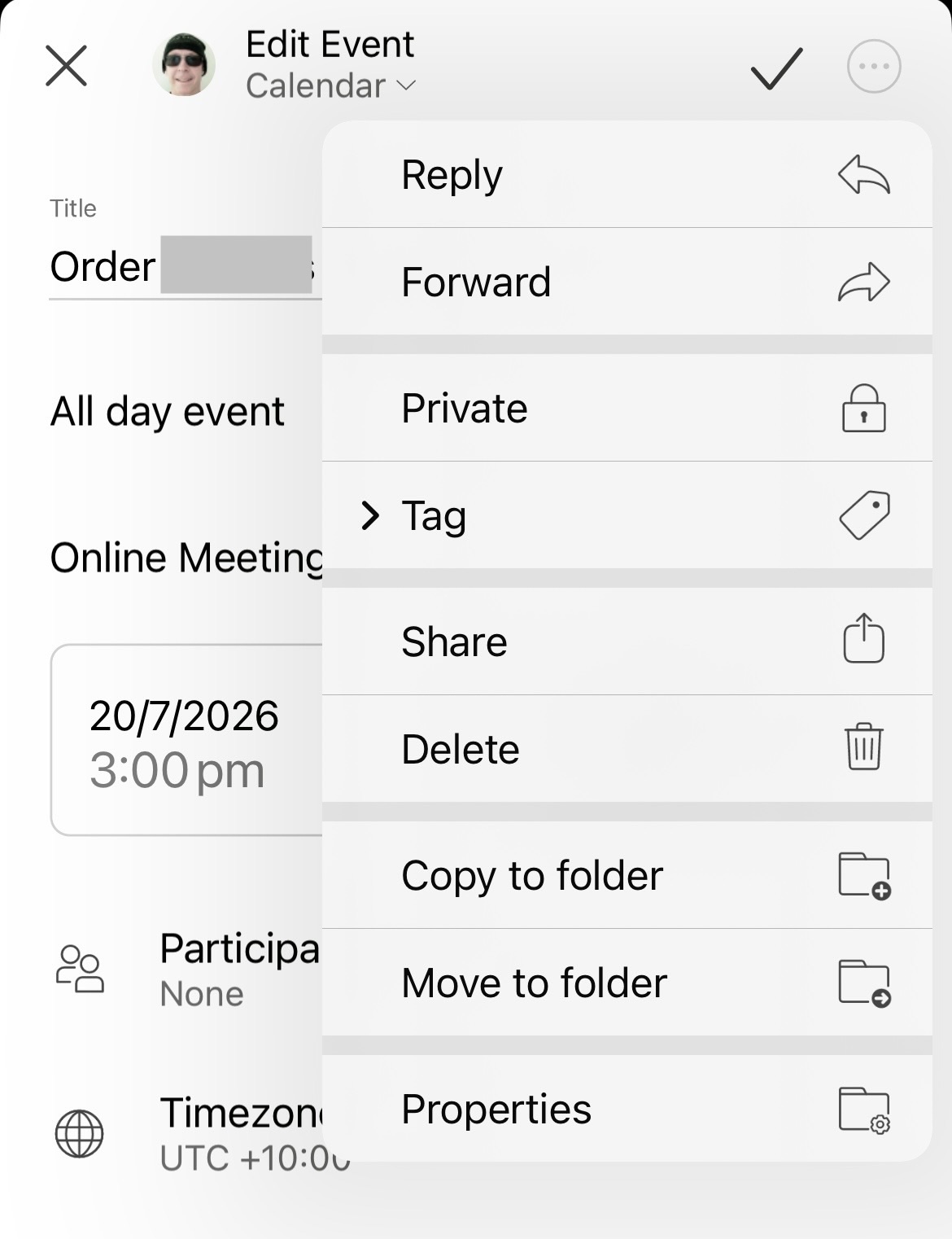
Currently to duplicate an event “to the same calendar” in the mobile app, you have to first open the event and then press the 3 dots at the top right and then press copy to folder and then select your same account calendar.
So suggest to make it quicker to have a “Duplicate event” option added to the dropdown menu to avoid the extra step”.
Yes the copy to folder option is needed for duplicating the event to a different calendar, but I most of the time just want to duplicate the event to the same calendar and then change the date.
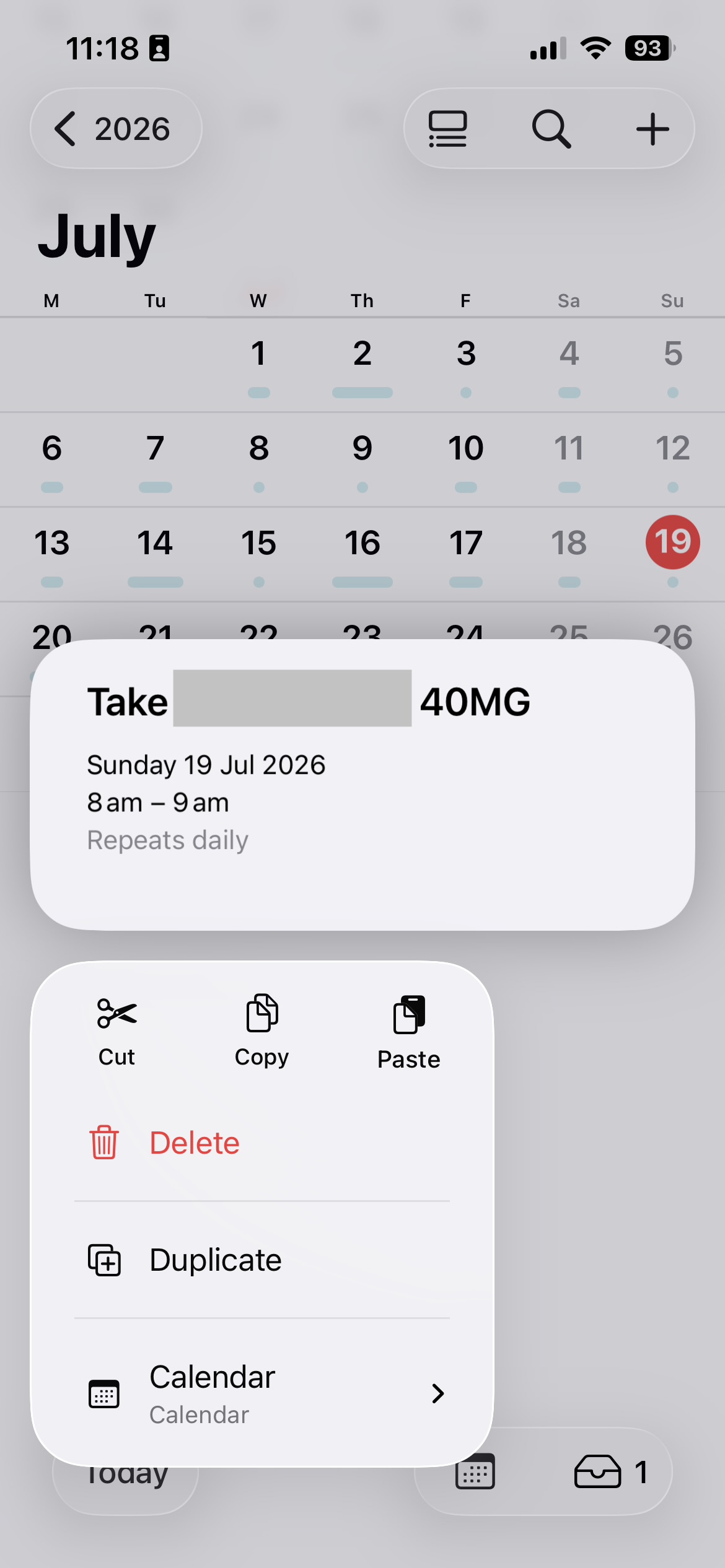
Also suggest if you press and hold the event “without opening the event” on the mobile app, be good to have the current eM Client dropdown options via the 3 dots appear like iOS Apple calendar does as example below, where they have a duplicate option , copy to folder and calendar select when you press and hold the event.