Hello, is it possible on Android client download via POP3 only headers, not bodies of emails? I am using 99 % desktop version and on phone I need only verify, if there are new messages or waiting for one, I know already the content of others. This would be faster and save lot of data.
As far as i know (disabling synching body options) are only available in the mobile app using an IMAP, Exchange, Office 365 or iCloud account and not with a POP account that ive found. If thats not correct someone will update this thread.
Have you thought about changing to IMAP where you can then download only headers ?
1 Like
This really is a limitation of the POP3 protocol. It doesn’t synchronize your emails but only supports downloading full messages from the inbox. Therefore it does not allow downloading just headers and leaving the message body on the server.
For mobile use, IMAP is generally recommended as a more light-weight option since it’s more flexible and can synchronize all folders across devices.
1 Like
No, it is not limitation of POP3 protocol. POP3 protocol can download headers and bodies separately.
IMAP would work, but I don’t want still full copy of my mailbox and I am afraid of accidental deletion from mobile.
We are sorry for the misunderstanding - I have double-checked this with our developers, and unfortunately, even though some POP servers do support TOP command to return just headers, they would not contain all the details we need about the structure of the message to save it into the app database (that we do get with IMAP).
So that is why we cannot easily add support for this right now. But you can post this idea as a feature request to our Sleekplan, so our developers can consider it for future updates and find some alternate way to implement it even without the structure details we need: https://emclient.sleekplan.app/
1 Like
I tried IMAP from mobile phone and happened what I expected: It found some folders on the server with old and specially sorted emails. I tried to “disable” these folders in mobile phone to not to display. And the phone deleted the content of those server folders permanently.
IMAP is evil. It can delete by mistake everything. POP can be set not to delete messages and I have one legacy PC system, which 1x/month downloads for backup everything and deletes older messages. No other system has the right to delete.
And now it is my mobile, which can delete and already deleted 
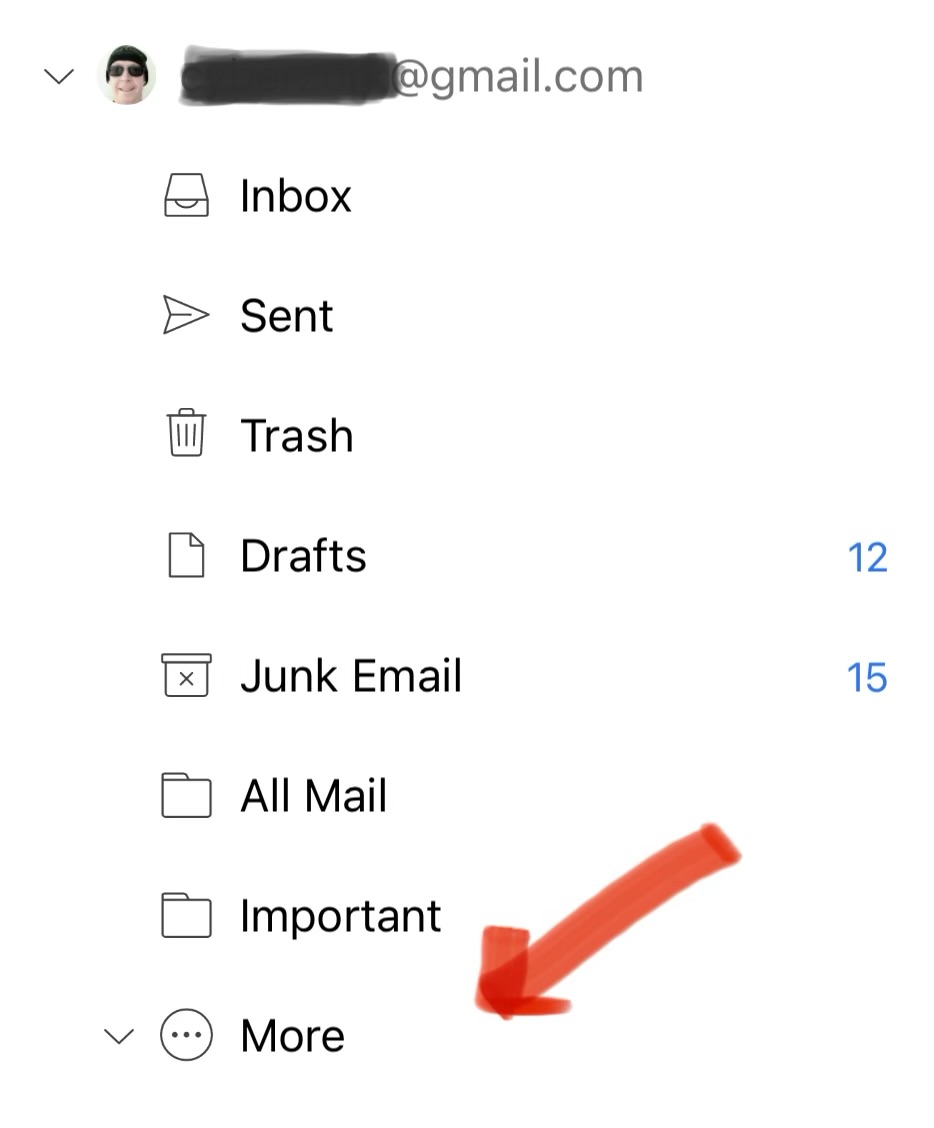
Using the eM Client mobile app, If you don’t want to show folders under your IMAP account after adding the account “press and hold your finger on the folder” and then press “Hide”. That folder will then only show under “More” at the bottom of the account as in the below Gmail IMAP account example.
If you then want to show that folder later, open More and “press and hold your finger on the folder” and then press “Show”.
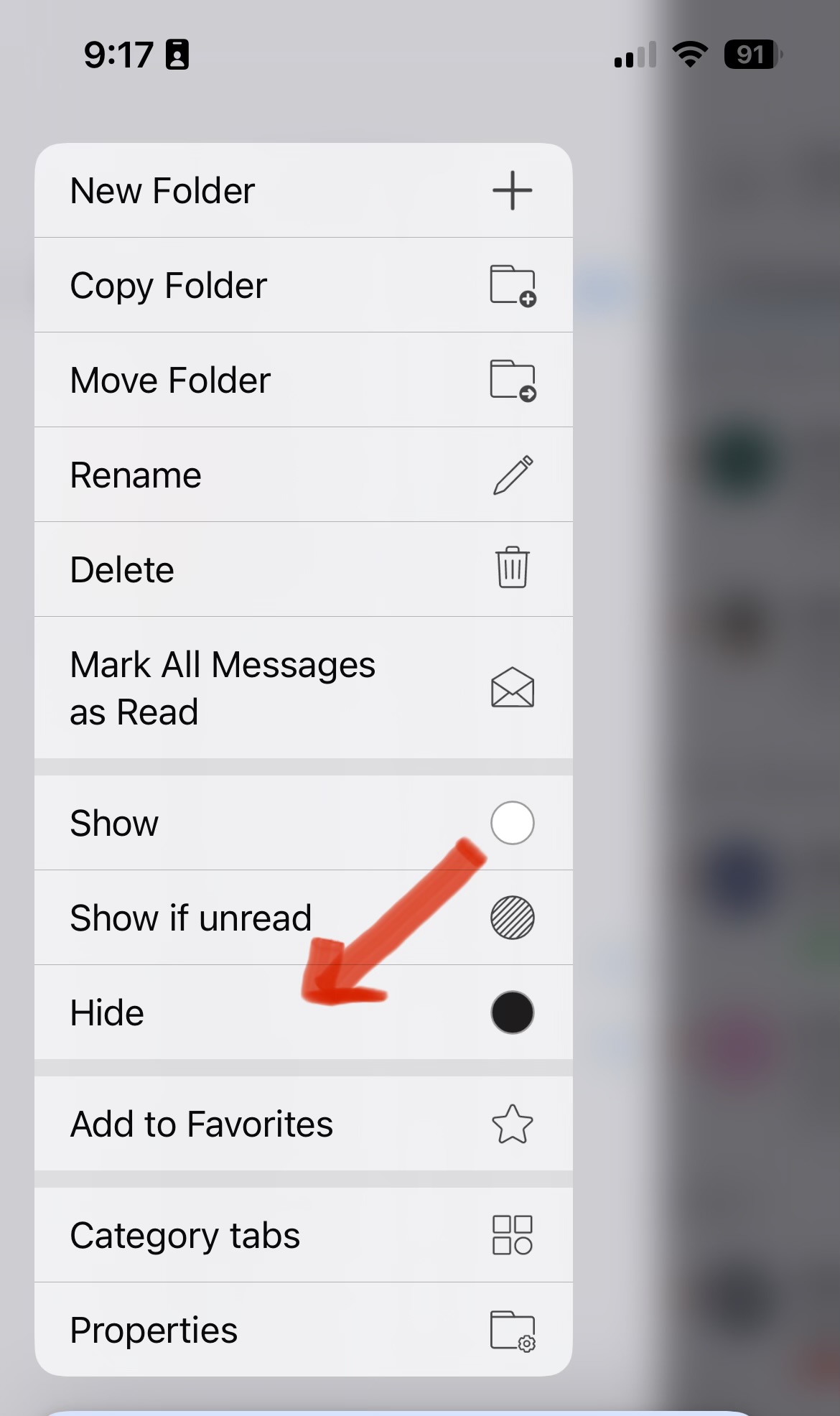
So I can only presume you inadvertently pressed delete on the folder which then will delete it off the server end. Suggest to contact your mail server technical support who might have a backup of your folder you deleted. Some mail servers keep backups.
Apart from hiding mail folders in eM Client, you could optionally hide those folders “at your mail account server end online” so they then don’t appear at all when you add the acct. Some mail server mailboxes allow you to do that online in webmail.
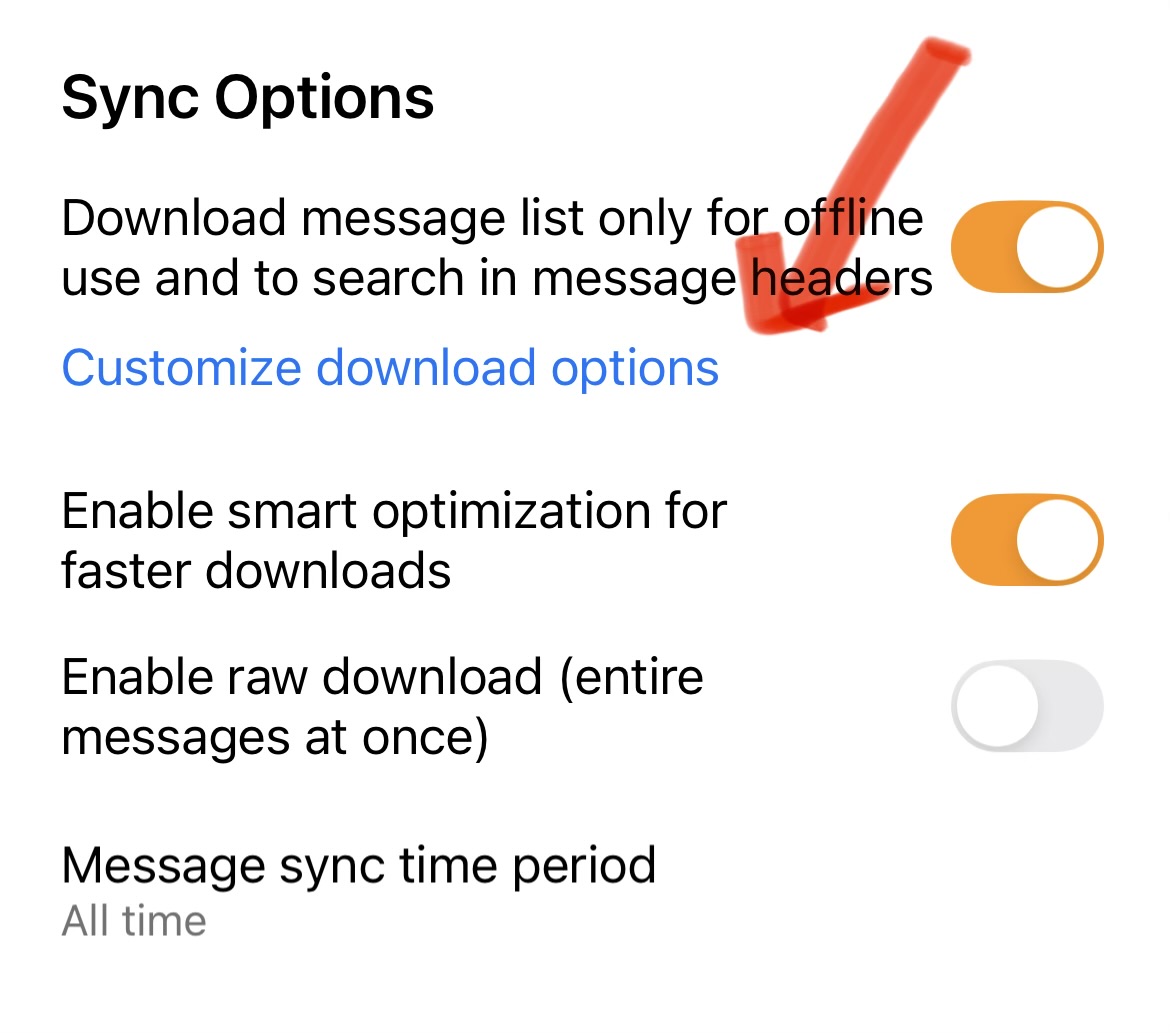
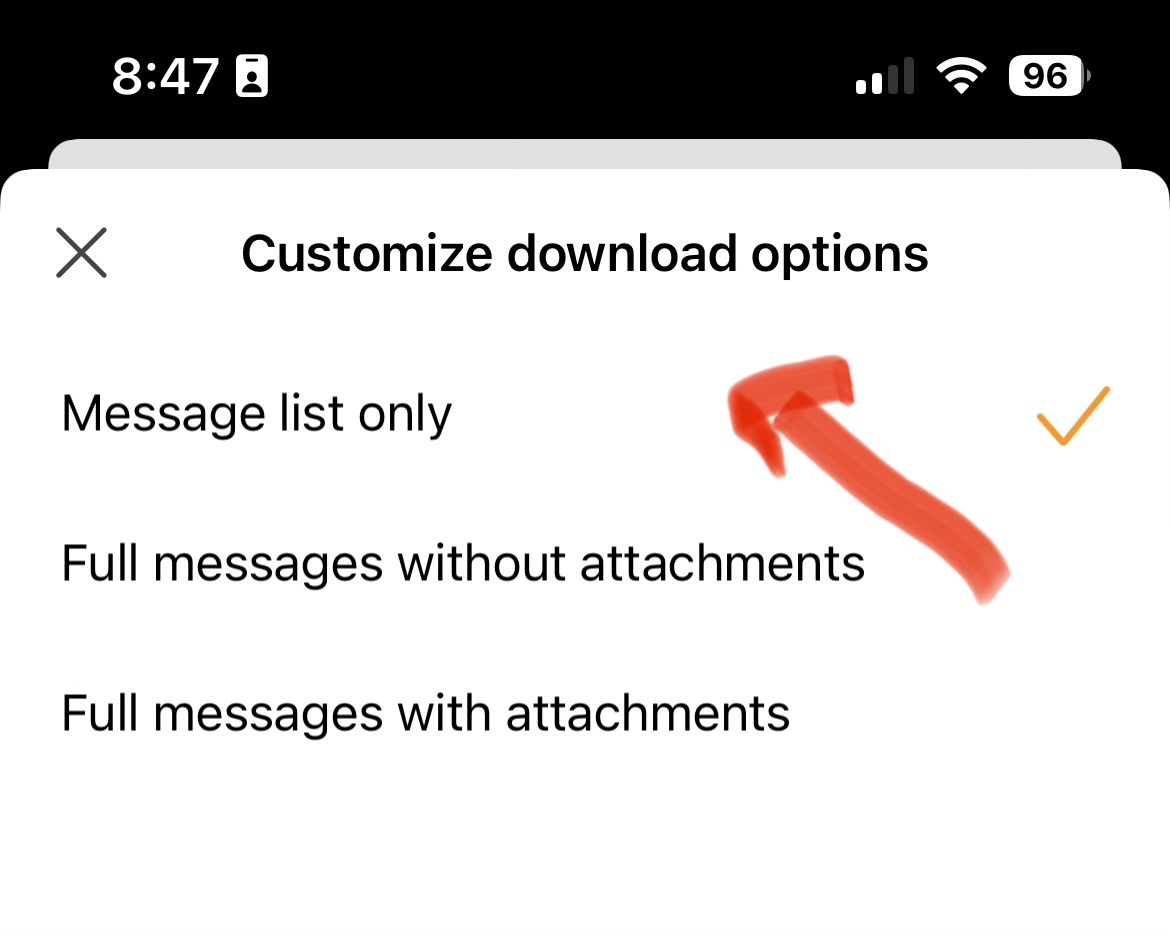
When you have the IMAP account setup you can then set it to only download message headers via pressing “Menu / Settings” Then open your IMAP account and under Sync Options set to download “Message List only” which works perfectly for me.