When I open emails, click boxes are not shown in the body of the email. If I open emails in outlook the boxes are shown.
Hi Ales, could you please clarify what you mean by the “click boxes” in the body of the email? If possible, a screenshot would be very helpful as well.
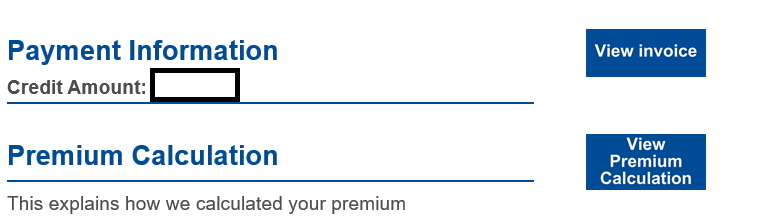
Inside the body of the email it says click the button to go to a linked page but the button does not show. I cannot see the view invoice button in Em client. This is an outlook screen shot.
Could you please send us an example of one of the affected emails as an .eml file? You can create one by simply right-clicking the message in eM Client and selecting Save As….
Once you have saved the file, please attach it to a new message and send it directly to [email protected]