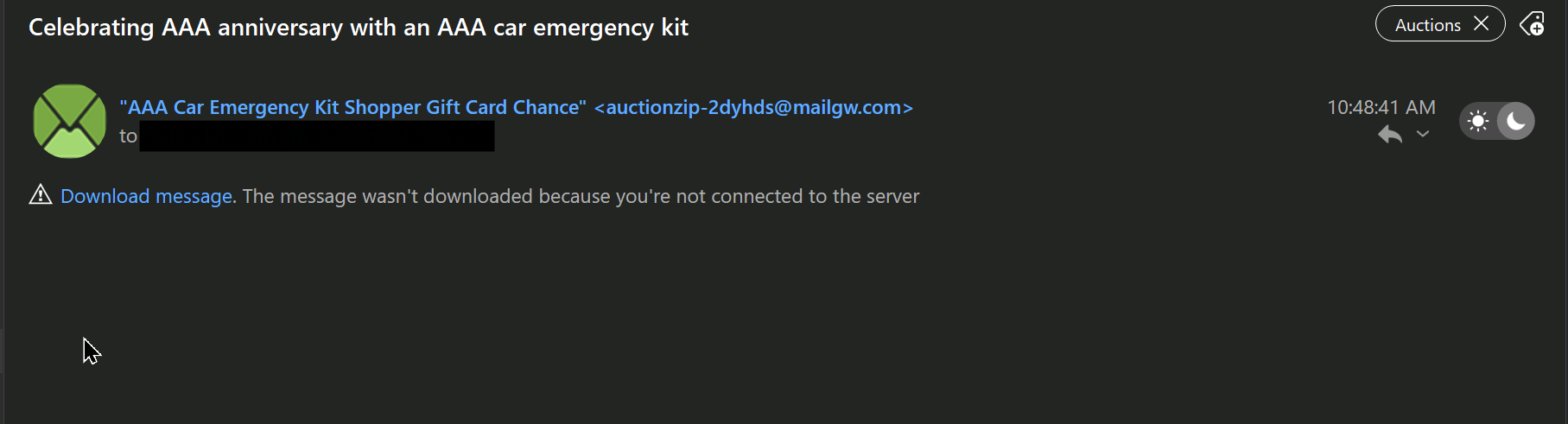
Cannot delete emails on one of two accounts. Highlight the emails I want to delete, hit the delete menu item, and the highlighted emails flash momentarily, my highlight moves to the next non-deleted email - then the emails I am trying to delete reappear. Have tried deleting single emails, multiple; even deleting the entire day, and no luck. “Deleted” items are still there, and the contents are still visible.
I do have an error: [IMAP]NO APPEND failed on the account that cannot be deleted.
You may want to try:
Run an eMC Backup. Remove the account causing the error and re-add it back.
I’m not sure if this is the same thing or not.
I have a single email that will not delete. It’s not on the server or maybe it got deleted from the server but then why’s it in the client? It’s not in any other client on any other device.
The messages has a single line in it.
When I delete it, it reappears.
Cannot delete emails on one of two accounts. Highlight the emails I want to delete, hit the delete menu item, and the highlighted emails flash momentarily, my highlight moves to the next non-deleted email - then the emails I am trying to delete reappear.
If you cannot delete emails in eM Client “and the emails are not on the server end” then its probably a database issue as @Gary advised in his posts from the following below thread.
Note:- Before running a database repair, make a manual backup of eM Client via “Menu / Backup” just incase you need to restore for any reason. You can see when the backup is complete in Show Operations via clicking the dropdown on the right of Refresh.
To Repair eM Client database
https://forum.emclient.com/t/email-message-that-cannot-be-deleted/86994/2
On a PC, close eM Client and open a Windows Command Prompt. Not a powershell, but a command prompt. Paste in this command including the leading "
"C:\Program Files (x86)\eM Client\MailClient.exe" /dbrepair
https://forum.emclient.com/t/email-message-that-cannot-be-deleted/86994/6
Or, on a Mac, quit eM Client and open a Terminal. Paste in this command:
/Applications/eM\ Client.app/Contents/MacOS/eM\ Client /dbrepair
When that is done, restart eM Client as see if you still have the issue.
1 Like