I have used the theme editor to adjust a few colours in email lists to improve my visual experience.
However I can’t see an option in theme editor to change the colour of a selected email (currently light blue). It is the same colour used for selected items in many eM Client lists, which makes me think it is a more global setting in the app (see screenshots).
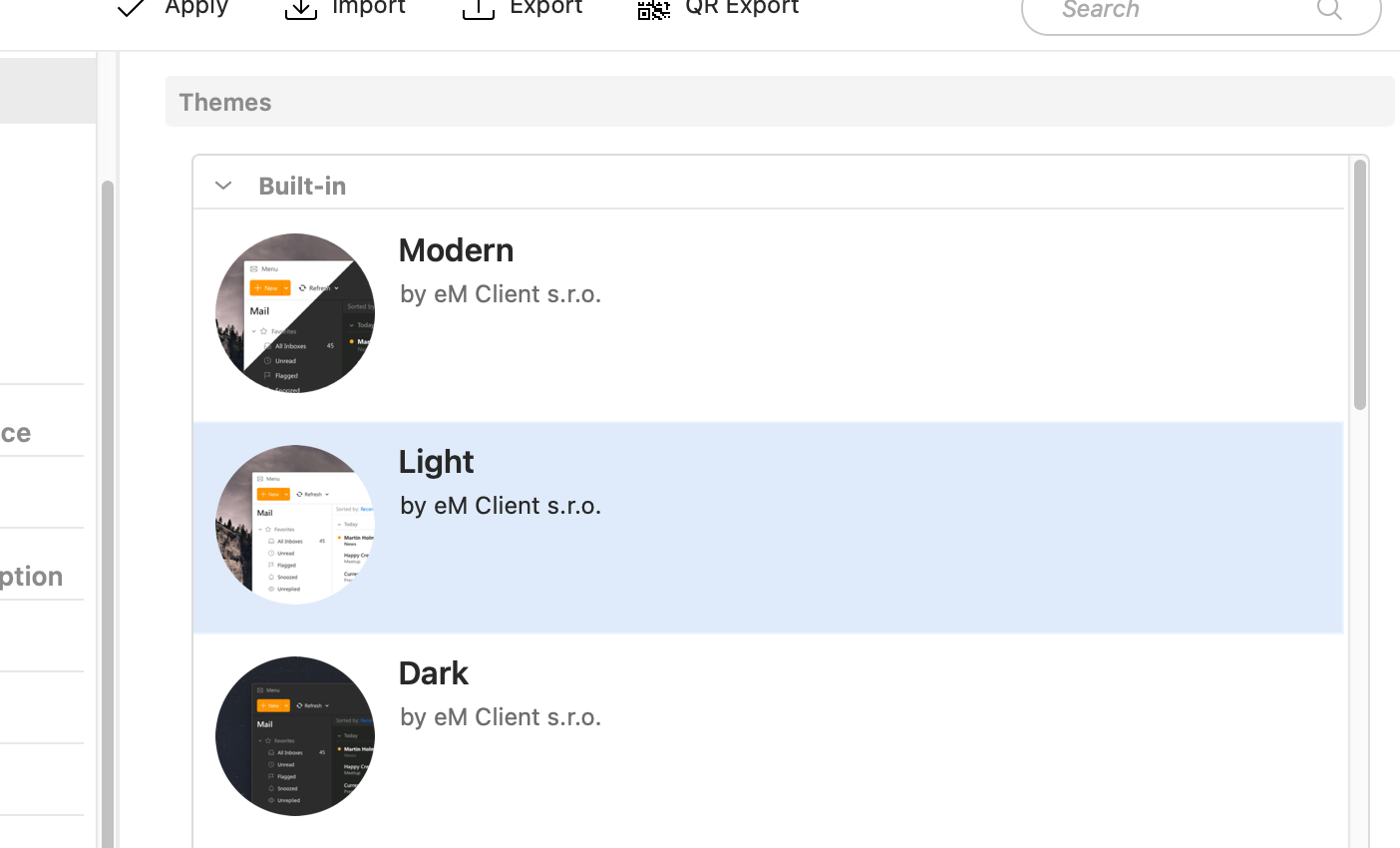
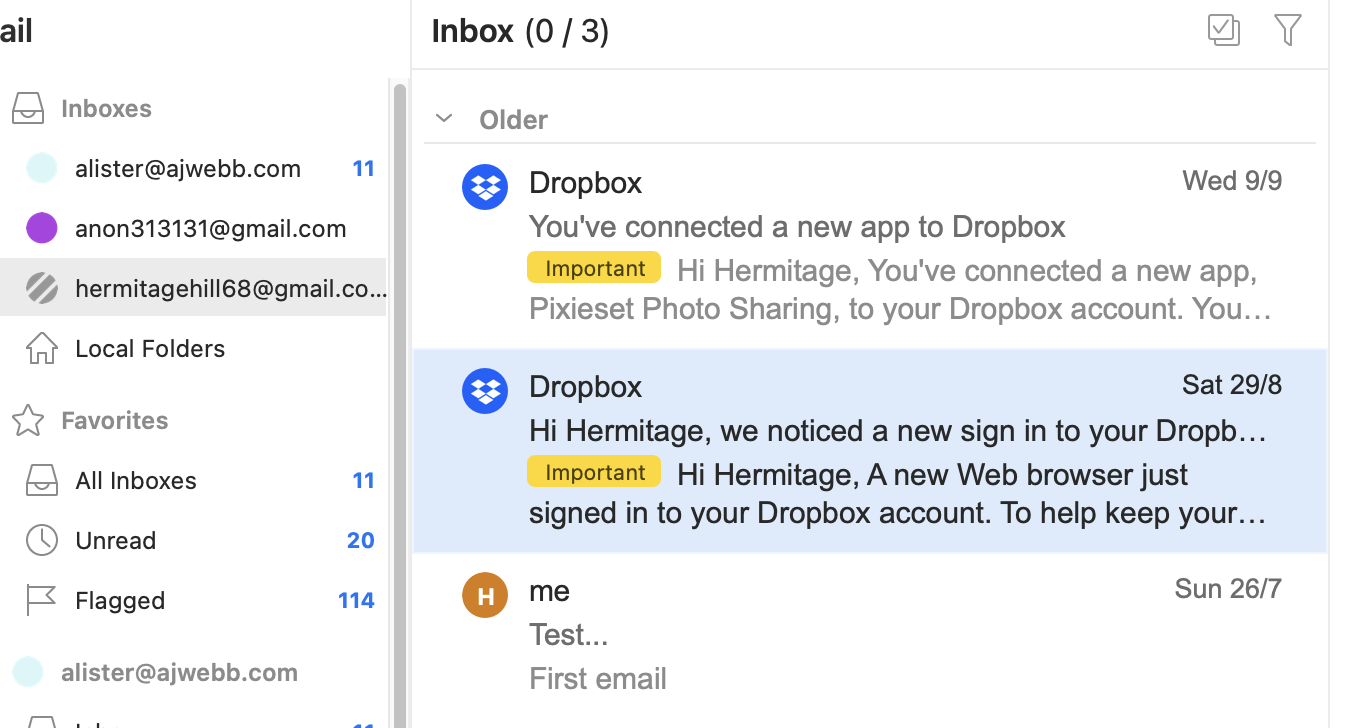
Is there a way to change that colour?
I am using a recent M4 iMac with MacOS 27. I changed the highlight colour in the Mac’s Settings app, but that didn’t change the colour of selected items in a list (as opposed to selected text) in eM Client.
Best regards,
Alister