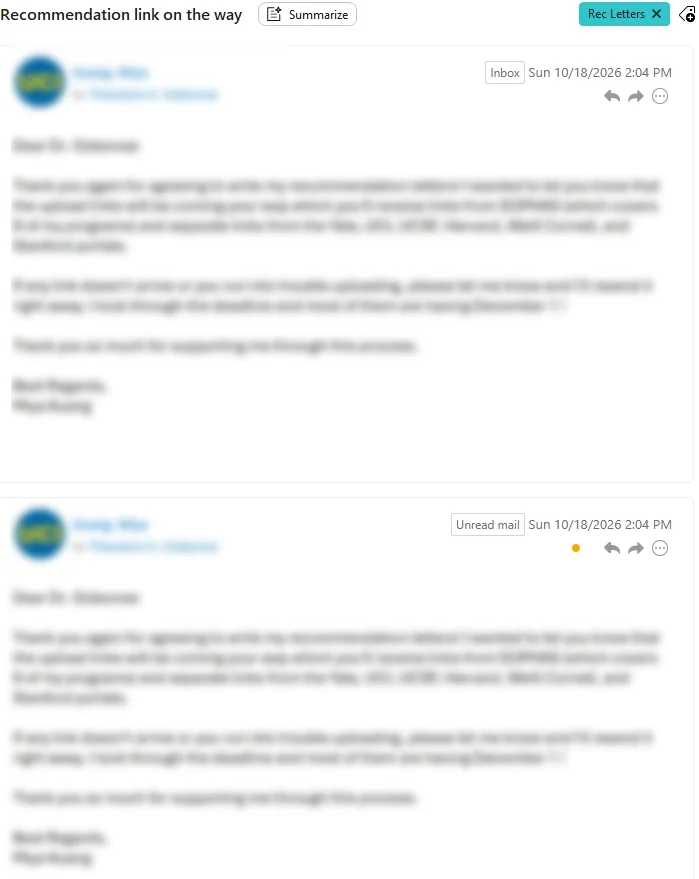
The All Inboxes folder is great, but I cannot figure out why All Inboxes always includes two copies of every email: One is in an “Inbox” and the second is in “Unread mail.” This is happening on all of my Exchange emails and some of my Gmail emails, though it seems rare for the Gmail emails.
Aside from having two copies of every email, which is irritating, it is also odd for a couple of reasons: First, even if I’ve read the email, the email is almost always doubled, and a read email says it’s in the “Unread mail” folder. Second, since unread mail includes all unread mail – even if it’s in another folder, even if it’s in the trash – the unread mail folder should not be considered an inbox.
The only way to get rid of the unread email is by manually clicking the orange dot under the “Unread mail” folder name in the email. In the settings, I have checked the boxes for “Mark messages as read after displaying for 1 seconds,” “Mark messages as read after opening in separate window,” “Mark messages as read after move to Trash,” and “Mark messages as read after move to Junk.” Those settings do not seem to be doing anything.
Here’s a screenshot of what I see on every Exchange email (for which I have no clicked the orange dot.)
They are the same email. “its only a global accounts folder” to read your new or existing accounts unread email.
The only way to get rid of the unread email is by manually clicking the orange dot under the “Unread mail” folder name in the email.
If you read the email in the Favourites / Unread (Global accounts folder) then “after its read”, then “click to another folder and back” and you will see that read email has gone from there.
You will then only find that email in your Inbox or whatever mail folder it originally arrived in.
I understand that it’s the same email, but it’s showing up twice in the inbox until I manually click the orange dot or going to the Unread mail folder and reading it there. But when you read anything in the unread folder, the email disappears from that folder and you have to go back to the inbox to find it. This is a bizarre waste of time. Shouldn’t we be able to get rid of the Unread email by reading it in the Inbox? Shouldn’t an email exist as one copy and either read or unread? IIs there any way to get rid of the Unread folder completely? There are so many other ways to indicate that an email hasn’t been read that doesn’t involve having to see two copies of every single email.
It turns out that if I “Show conversations in all views,” the emails aren’t doubled up in the inbox and they become read when I read them. When it’s set as “Show conversations in message details only” the weird doubling happens.
Yes once the email is read in your inbox or all Inboxes, it normally dissapears from the Unread global folder. So if it doesn’t you might have a local account problem or program install issue.
I understand that it’s the same email, but it’s showing up twice in the inbox until I manually click the orange dot or going to the Unread mail folder and reading it there.
If you are getting duplicated email in All Inboxes, you might have a eg: automatic forwarding setup online to send a copy to another account Inbox (if you have more than one account) so that might explain why you are seeing the same email twice.
If you are seeing duplicated email (directly in your account Inbox) as well as in All Inboxes, then you might have a sender email problem sending you duplicated mail. So check online in your webmail inbox to see if there is duplicated mail from those senders or if it’s only duplicated in eM Client.
if you don’t see the same mail twice in your account inbox online and only in eM Client and you have an IMAP, Exchange, Graph, Office 365 or iCloud account, then suggest to go to ”Menu / Accounts” and remove and re-add your account and see if that fixes it.
Yes there appears to be two problems with “Show conversation in message details only” testing with the latest iOS V11.0.1267 mobile app out and about today, which also sounds like your exact same issue on the desktop as @gideunz advised.
Eg:
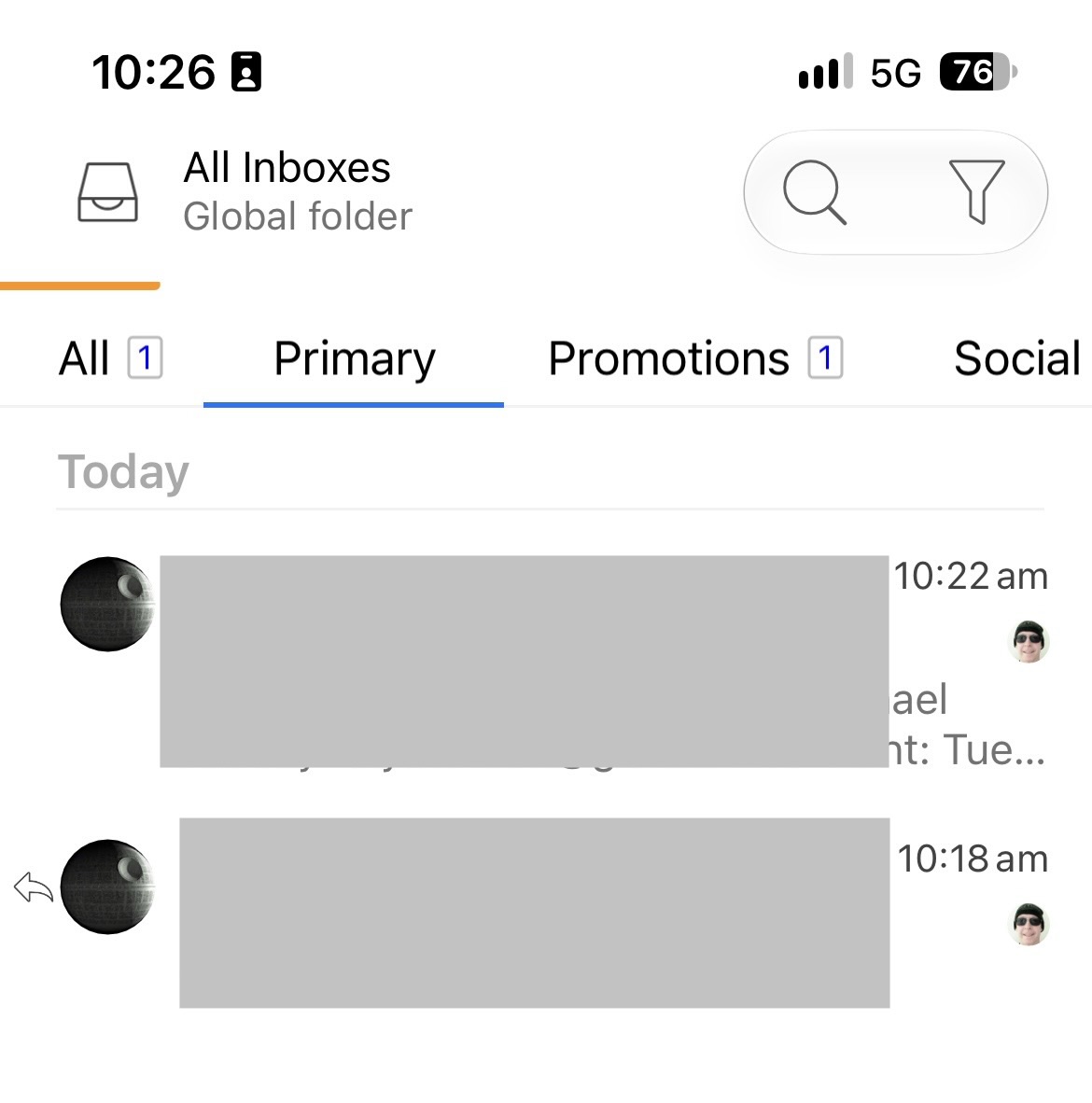
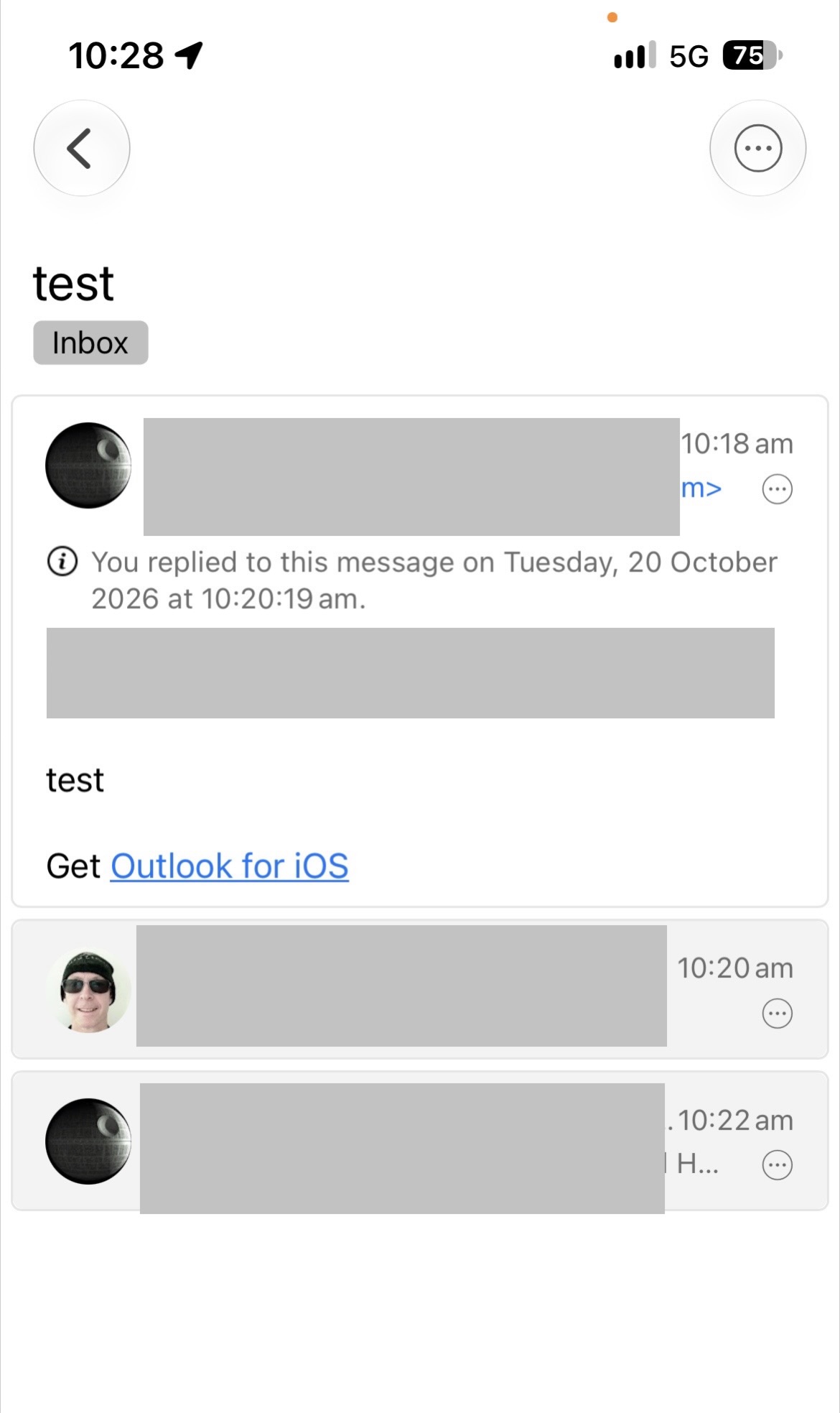
If I set Show conversation in message detail only, I see the sender reply “above the conversation in a separate message in the Inbox & All Inboxes”, and I also see the same sender reply message “in the conversation when I open the message”.
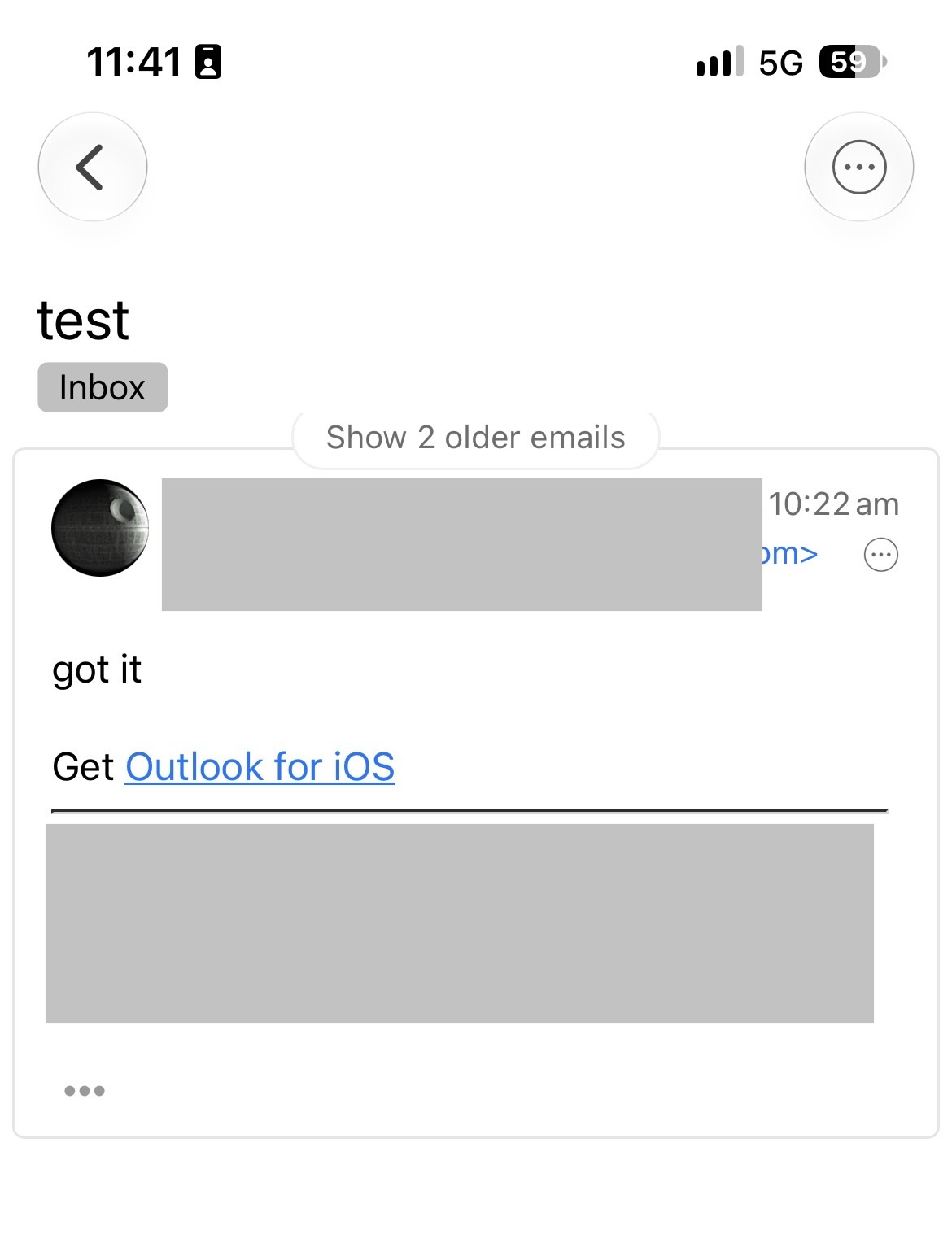
Where it should only show the sender reply message “in the conversation when I open the message” with this specific conversation option set. This does not happen if I set to show conversations in all views testing the mob app.
The second issue is that the messages in the conversation using the mobile app with “Show conversation in message detail only” are not all compressed and some are expanded compared to Show conversations in all views” which are all compressed when I open the message.
“Reply example screenshot below from sender with “Show conversation in message detail only” showing the senders reply “above the conversation” in a separate message in All Inboxes” at 10.22AM which shouldn’t be there.
“Reply example screenshot below from sender with “Show conversation in message detail only” showing the senders reply “at the end of the conversation” which is correct for me (being I have set to show the latest message at the bottom) at 10.22AM . However the first message “is automatically expanded and shouldn’t be”.
With “Conversation set in all views” using the mob app iOS V11.0.1267, the latest senders reply “is only inside the message conversation at the bottom” correctly and “no other same senders message showing above it” correctly, and the conversation is all compressed correctly as it should be when I open the message as per the example screenshots below.