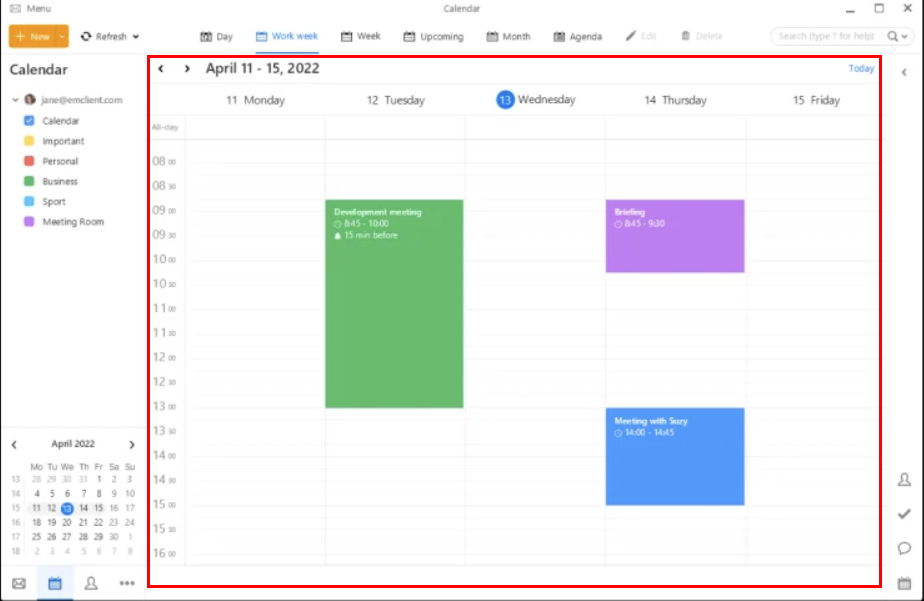
When opening an .ics file for a calendar invite, they are always at the wrong time, usually 4 hours ahead of the tie it supposed to be. When eM Client opens the file as an event, it is showing “(UTC) Coordinated Universal Time” as the time zone, instead the time zone I am in (Eastern).
I know the .ics file has the right time and time zone, because importing into a Google calendar (on the website, not through eM Client) shows the event at the right time.
Invite date/time:
eM Client date/time:
Is there anyway to fix this, or is there some setting I have overlooked?
If you open the original ics file in a text editor, how is the time specified?
The event may have a time in UTC when you edit it in eM Client, but in your calendar preview we display it correctly adjusted for your local time zone.
Which indicates 3:00pm - 4:00pm, which is how the event comes into eM Client. The invite is coming from someone in the same time zone as me, and generated from Google.
Not sure what calendar preview you are referring to - is it the event it creates after opening the file, but before you’ve saved it? If you are referring to that as the preview, then it is showing the wrong time and wrong time zone (as per my screenshot in my first post).
If calendar preview is something else, then I do not know where that is found.