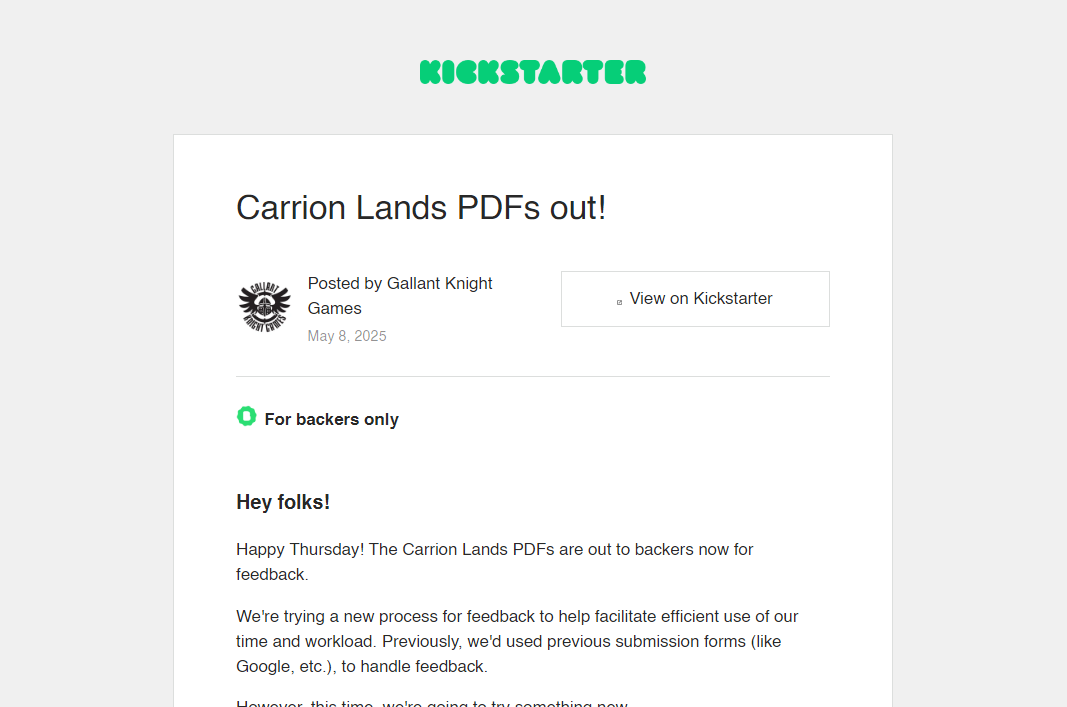
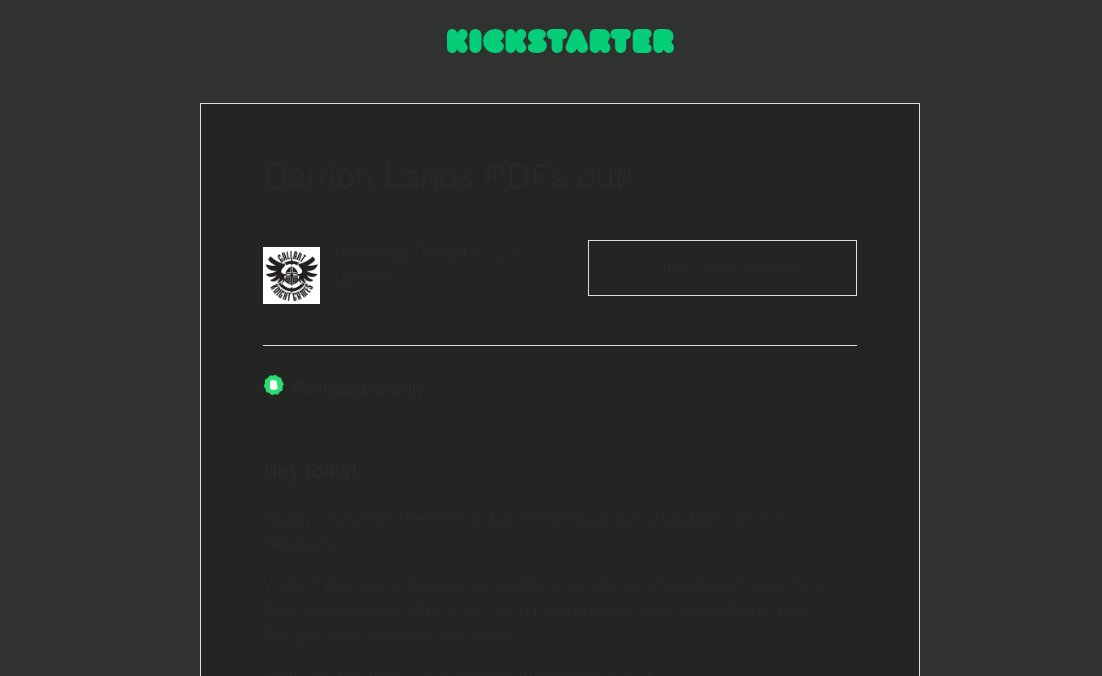
I’ve noticed that HTML emails I receive from Kickstarter.com do not display properly with the Night/Dark mode toggled. In Light/Day mode, they look fine, black text on white background. But in Dark mode, they are unreadable, changing to a very very very very dark gray on a dark gray background. I have not experienced this with any other senders regularly.
Light:
In Light/Day mode, they look fine, black text on white background. But in Dark mode, they are unreadable.
I have not experienced this with any other senders regularly.
Some senders html emails are “not designed / tested properly for Dark Mode” and only display correctly in Light mode. I have had that issue with one or two specific html senders emails. One of those senders emails in the last year has now updated and finally displays in Dark mode ok.
Suggest to contact Kickstarter and let them know and hopefully they can update it in future. Let them know as well you are using eM Client so they can test their end with the latest V10.
If Kickstarter say the dark mode display issue is with eM Client, then if you have an active paid Pro or Personal version, save one of those Kickstarter emails as a (.eml message) via right clicking in the body of the email and save as, and then lodge the .eml message attachment on a support ticket via the VIP support page to be investigated.
So for now just use the “Toggle light / dark icon” at the top right of the body of the email for that specific email as per the eM Client video example.
(Toggle Dark / Light body email)
https://www.emclient.com/assets/video/localized/en/Toggle-Dark-Light-mode.mp4
Yes. That is what I’m doing.
1 Like