Hello support,
I am using version 11.0.861 (12aaf61).
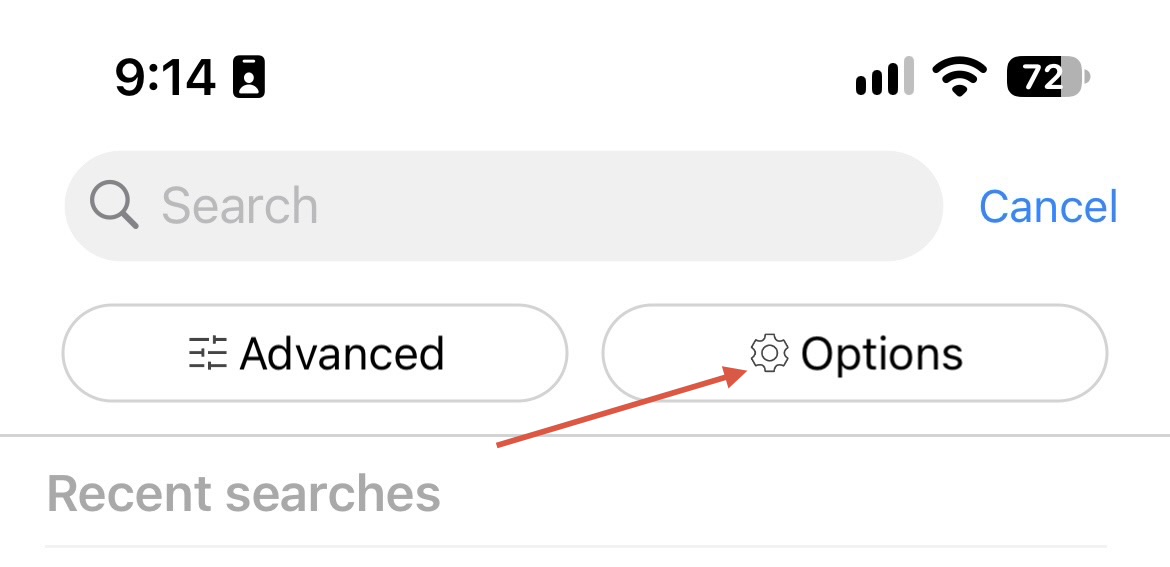
I have a serious problem. Various emails are being deleted in my inbox, or that a deletion was used. The error occurs when I use a magnifying glass to search. If I then enter a string in the text box, e.g., an email address, and then cancel the search, various emails are missing in my inbox.
I use a Samsung TAB S8 tablet, Android 16, and One UI 8.0
operating system Samsung DeX with a second screen.
EmClient:
- Version 11.0.861 (12aaf61)
- 2 accounts
Currently I cannot use the search.
One more note:
This error already occurred in the version 10. I just didn’t pay much attention to the error.
The error occurs when I use a magnifying glass to search. If I then enter a string in the text box, e.g., an email address, and then cancel the search, various emails are missing in my inbox.
Cancelling a search after entering an email address doesn’t normally delete an email.
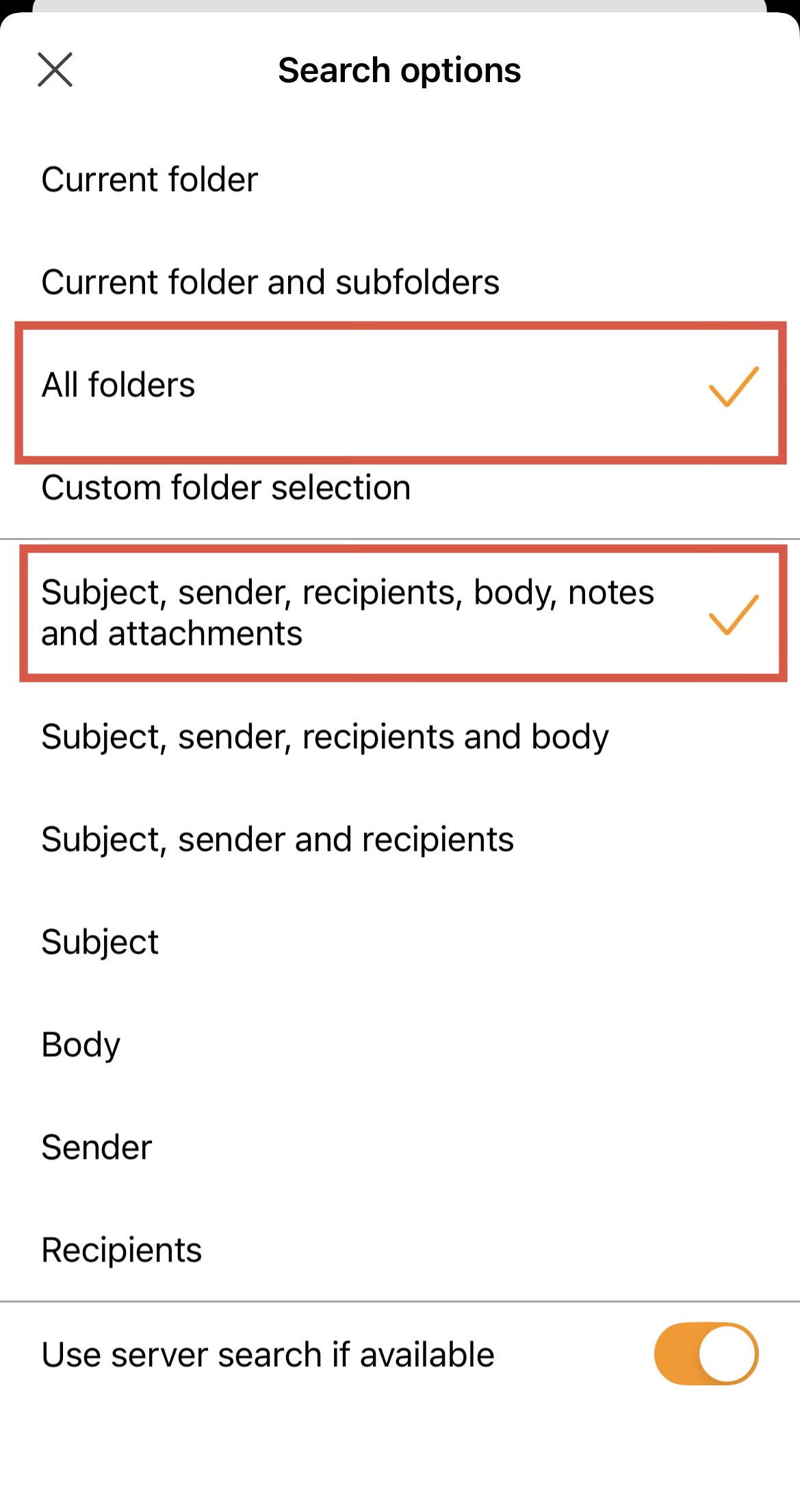
Check when searching you have selected “All Folders” in the Search Options and selected “Subject, Sender, Recipients, Body, Notes & Attachments”.
Hello,
Yes, i have selected “all Folders”
Sorry, but the problem still exists.
If I enter a search string in the text box, then use the Backspace key to delete the entry, then press Cancel, in most cases various entries in the OPost input are deleted. The deleted entries are then also removed from the trash. So the data is completely GONE!! The function should not be used at the moment!!
If I enter a search string in the text box, then use the Backspace key to delete the entry, then press Cancel, in most cases various entries in the OPost input are deleted. The deleted entries are then also removed from the trash.
There is nothing in the V11 Beta mobile app or V10 mobile app to delete emails when searching.
The only thing that happens when you search & delete text or email address’s in the search field is that “the list of recent searches changes below the search field” based on what you search for.
The only way then to delete is “after it finds the emails you searched for you” you then need to either “press and hold your finger on the email/s” or “click with a mouse” if using a b/t keyboard and then there is delete options appear.
So suggest you do a video of what you do to show how the emails are being deleted in the mob app search field when you press backspace key & cancel and send it into [email protected] to be investigated.
Hello,
thank you very much for the report. We have responded to your email and wanted to clarify the situation here as well.
When using the currently public version of eM Client mobile app on a device with a keyboard connected, deleting text from the Search bar with the Backspace/Delete key causes the email selected in the background to be deleted.
This issue affects both Android and iPad tablets, so we ask for increased caution when using eM Client in a setup with keyboard.
We are working on a solution and will make it available as soon as possible. We sincerely apologize for any inconvenience this may cause in the meantime.