Hi,
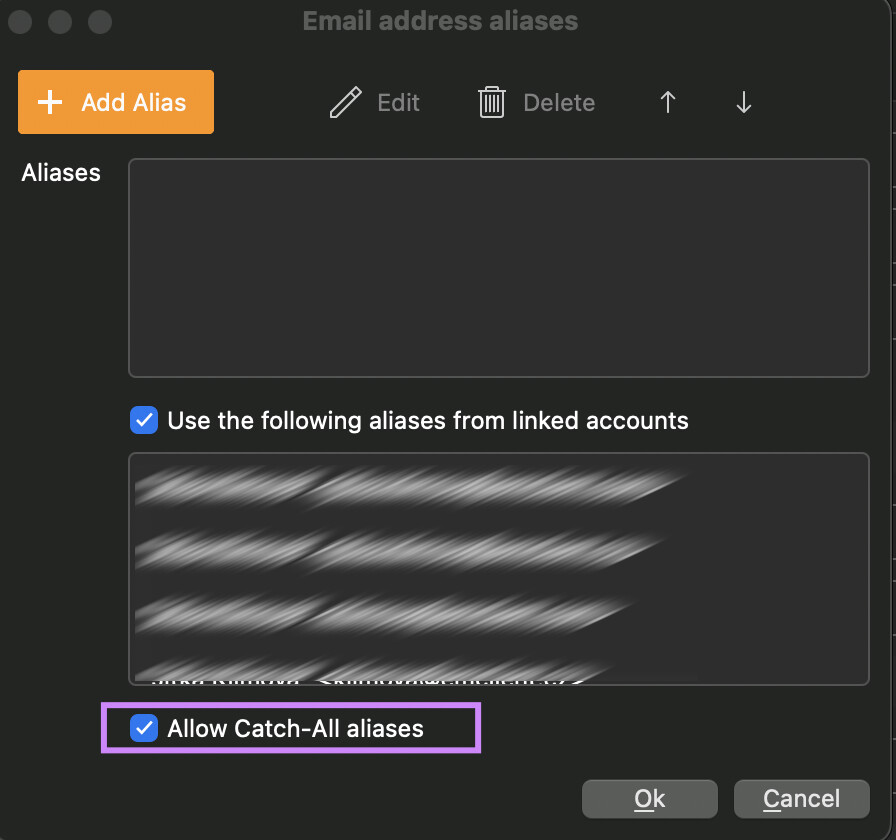
I use Fastmail as an email provider and they support custom domain alias. I have a wildcard set up so *@domain.com comes to my main inbox. When I click reply, I can manually type the astericks part so the receipient doesn’t see my real address.
For example - someone emails the wildcard address “[email protected]” it delivers it to the real email address, but if I click on reply to, rather than show my real email address, it will send it back as [email protected].
Is it possible to set this up in eMClient? I am trying the new Beta 11 at the moment.
Thanks