AI on mobile app
if you haven’t seen it or tried it, its currently free. You can enable it on the mobile app via “Menu / Settings / Mail / Artificial Intelligence”
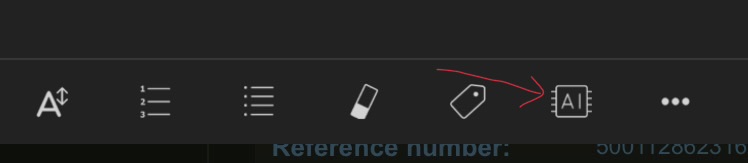
To use it in the compose / reply window, you click the AI icon on the toolbar. If you don’t see it, click the 3 dots on the far right of the toolbar. You can then customise it to show anywhere you want along the toolbar.
iPad AI compose options example
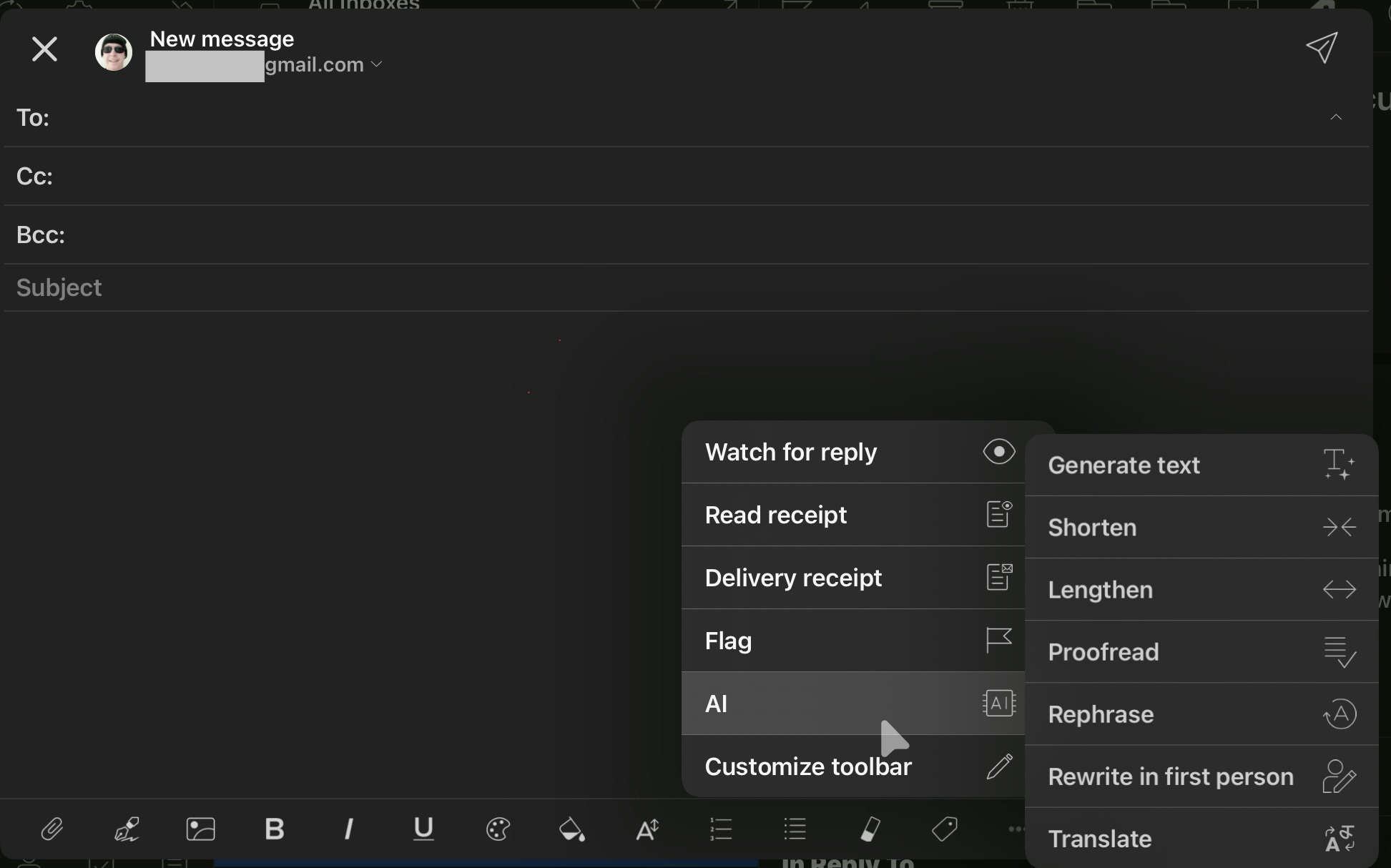
The mobile app now includes built-in AI tools to help you compose drafts and quickly Reply with AI, with all the same options from desktop.
“Mobile App: now with AI, Calendar, Contacts, Tasks and Notes”
https://www.emclient.com/blog/mobile-app–now-with-ai–calendar–contacts–tasks-and-notes-760
“eM Client’s AI Features”