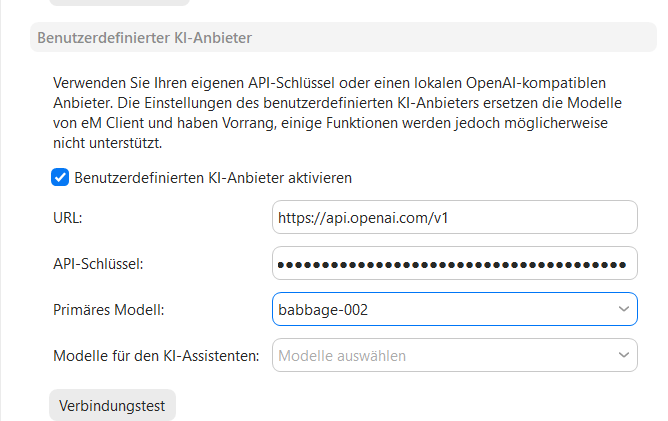
I use eMClient most recent beta (macOS) with the new option to add a third-party AI provider (OpenAI-compatible URL + API key). Summarizing and “write/reply with AI” work fine. The AI assistant sidebar chat, however, fails as soon as I use an EU endpoint which I want to use for GDPR/privacy reasons.
With Requesty’s EU endpoint (router.eu.requesty.ai/v1) I get “HTTP 400 unknown unmarshal error”, and the Requesty log says: “output_config.format.schema: Unsupported regex feature in pattern field: Cannot apply a range quantifier to this regex”. With OpenRouter’s EU endpoint (eu.openrouter.ai/api/v1) I get “Service request failed. Status: 403 (Forbidden)”. With Opper (api.opper.ai/v3/compat) I get “HTTP 400 … tools.0: Input tag ‘code_interpreter’ found using ‘type’ does not match any of the expected tags”.
A direct curl request to the same EU endpoint with the same key and model works, so the account and endpoint are fine. This makes me suspect that the assistant chat sends tool definitions (such as code_interpreter) and/or a structured-output schema that EU regional endpoints or Claude models do not accept.
Is the assistant sidebar supported with third-party EU providers like these? Is there a setting to disable possible tools for the assistant, or a way to see the exact request that is sent? And if a emClient dev is reading this, maybe they can look into this.
I use eMClient most recent beta (macOS) with the new option to add a third-party AI provider (OpenAI-compatible URL + API key). Summarizing and “write/reply with AI” work fine. The AI assistant sidebar chat, however, fails as soon as I use an EU endpoint which I want to use for GDPR/privacy reasons.
There is a new updated V11.0.865 Beta that allows you to use your own Key via the release history page.
If that still doesn’t work then suggest you email the Beta team @ [email protected] and link this thread with your post information.
I can confirm this behaviour also in the latest stable release (11.0.1054). When summarizing email threads via the Summarize-button, my own endpoint (Mistral) works fine, but when trying to open a chat in the AI assistant-toolbar, it replies with a 404 Service request failed (Not found).
AI providers and models differ in their capabilities, so not all features may work with every custom provider, AI Assistant being probably the most complex of the new AI features to implement.
Currently, full compatibility is guaranteed only with the OpenAI API.
But we are actively working on improving support for other providers and models right now and will continue to expand compatibility over time.
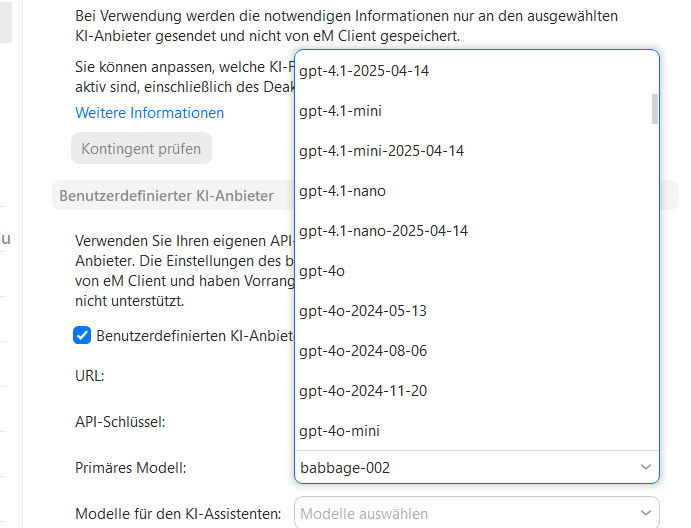
I have also entered an OpenAI API key under “Custom AI Provider”. The selected model is, for example, gpt-4.1-mini. I am observing the same behavior as the creator of this request: the summary works, but with the AI Assistant I always get the message that the selected model is not compatible. I have already tried several models, and the same problem occurs with all of them.
Hi @emuell69,
Can you try Luna 5.6 and if that doesn’t work, please tell us which provider are you using?
We strive for maximum compatibility in every other respect, but given how quickly things change, it’s beyond our capacity to test absolutely everything everywhere—since the situation might not hold true a week from now.
You can wait for our next upcoming updates, where we plan to significantly expand support.
Same problem on my end. I’m using Unsloth with Gemma4 12B and get the following error whenever I try to use the assistant sidebar:
HTTP 400 (invalid_request_error: unsupported_parameter) Parameter: previous_response_id 'previous_response_id' is not supported. Send the full conversation history in 'input'.
Every other AI function within eM Client works just as expected.