I’ve been unable to add an email to my accounts settings. It worked to set up Gmail, but I can’t get it to work for any other new accounts. The IMAP server fields are grayed out. Totally frustrating.
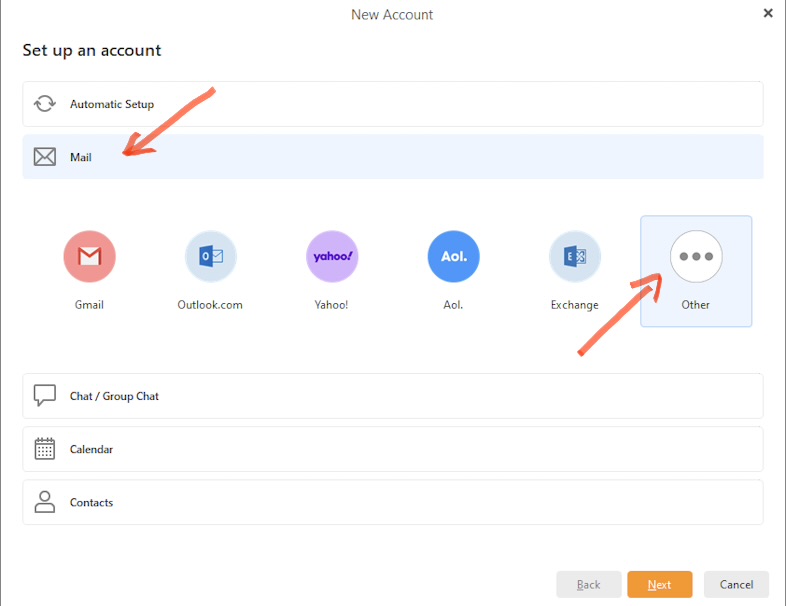
Still gray. I have a premium account also, not that it should matter. I’ve set up other mail accounts in the past and this is unexptected.
PS, I did try the “Other” manual setup option.
I did try the “Other” manual setup option.
What happened on the manual setup after entering your IMAP server details ?
Did you get an error message and if so what is the error ?
Also what mail server are you trying to setup ?
Also what version of eM Client are you using ?
Also do you have Windows or Mac & what OS ver ?