Hi there,
i actualy try emclient as nextcloud client. Because the webapp has still the “one liner notes bug”
So i only want to use contacts, no mail no calendar.
But with te given credentials the emclient “see” the calndars to and add them.
Under settings > Accounts i see them, but cant disable them. Just “Choose”
Any how to disable the calendars?
Can i buy support?
So i only want to use contacts, no mail no calendar.
If you have already added your account, go to “Menu / Accounts” and click on your account on the left. Then click the “General tab” at the top and at the bottom in Services you would just “uncheck the calendar” and save accounts.
Can i buy support?
If you have only just installed / setup eM Client and are within the 30day trial period, your can email [email protected] for initial assistance.
Or you can just purchase the program “to get the full features of the program” and 12 months VIP support where you can then login to the official support page and lodge support tickets.
eM Client Client pricing
Hello cyberzork,
thank you very much helping me.
I have no extra tick for the calendar.
It looks like this:
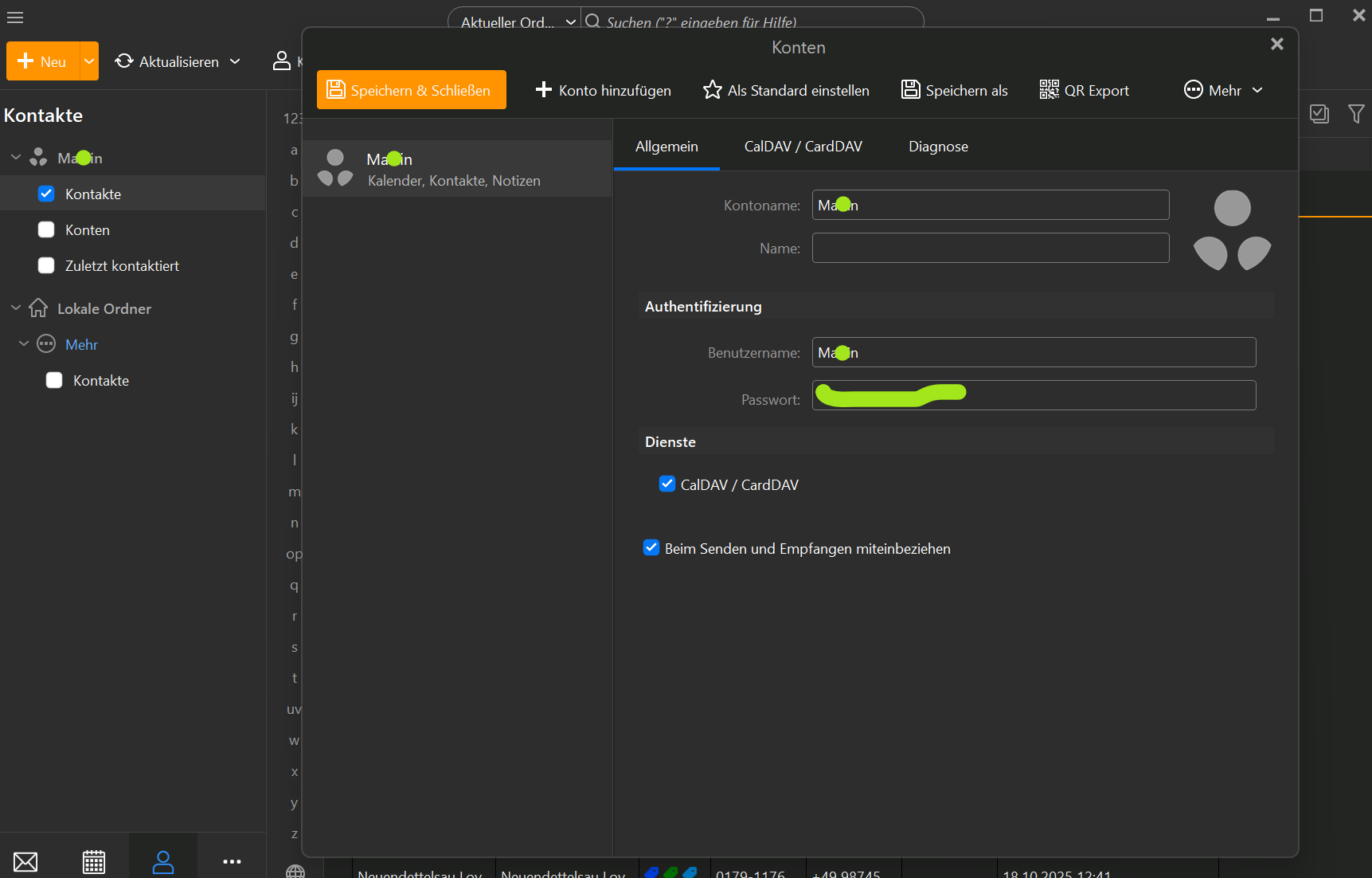
I have no extra tick for the calendar.
Ok your Calendar and Contacts are combined in Services “where mine are not”.
So there is two options then to only have your Contacts and no Calendar if its combined.
When you add your NextCloud account via the automatic account wizard, “there might be an option to deselect the calendar” near the end before completing the wizard if it uses an OAuth token passwordless setup like with Gmail, Outlook etc..
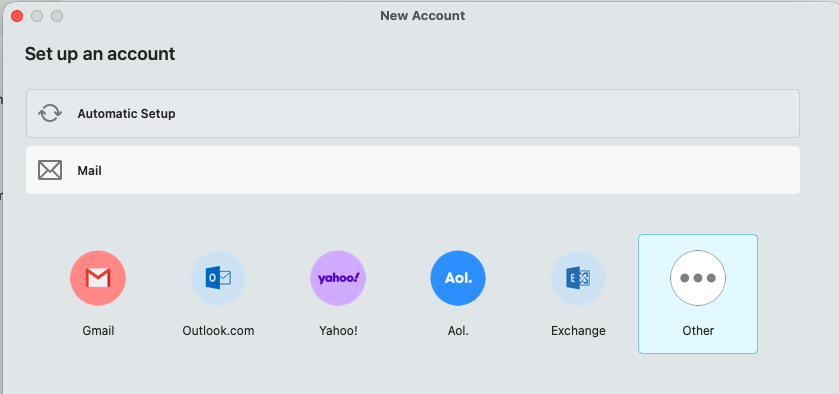
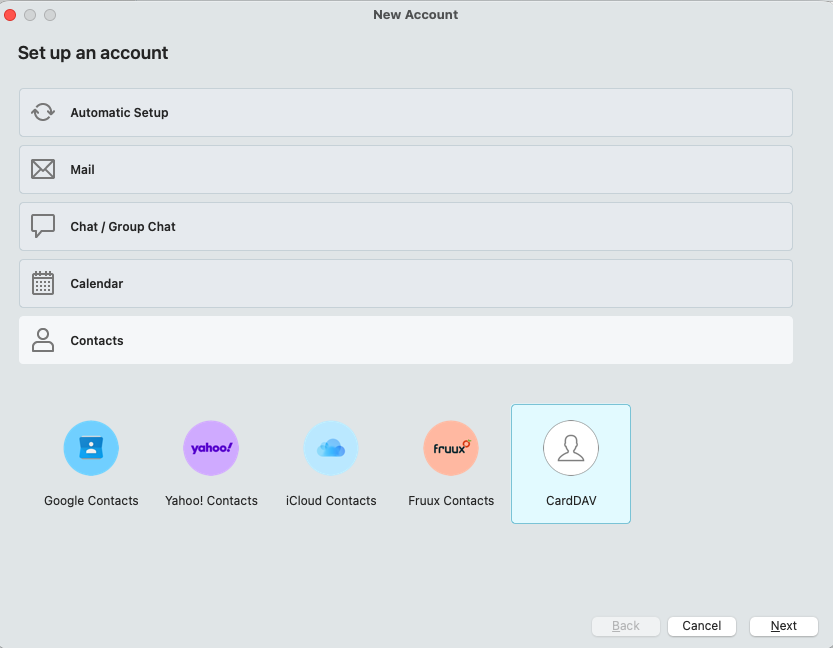
Or if you don’t have an option to deselect your calendar via the automatic account wizard, and your NextCloud account has a manual setup “with a legacy username and password”, you can manually setup Mail and Contacts only via the below methods without the Calendar.
Note:- If you do try removing and re-adding your account, make a manual backup first via “Menu / Backup” incase you need to restore for any reason.
(Setup Mail manually)
(Setup Contacts manually)
Yes, thats what i did. ANd the calendar comes automaticly with the contacts again
Then that sounds like to me some sort of NextCloud configuration server issue.
Suggest then to contact NextCloud technical support via email, phone or their community website and ask how to configure your server to only allow mail & contacts.
Or if NextCloud carn’t be configured to only allow mail and contacts, then just eg: “Uncheck the NextCloud Calendar” in eM Client so you dont then see any of the Calendar events.
Apart from that, others on this forum who use NextCloud might be able to assist you.
I did it exaktly like above and gave this adress:
https://webseite.com/nextcloud/remote.php/dav/addressbooks/users/Marion/kontakte/
But always get
Do i have to use another adress?