All of the folders have the standard list view, just the list, but one is strange.
How do I switch it to the normal?
miércoles 19 agosto 2026 :: 1500hrs (UTC +0100)
Hey @Max.A
Unfortunately I have no idea what your image post is, however,
to adjust your List go here:
Menu >settings >Appearance >Lists
Do NOT forget to save any changes you make.
skybat
¡Buena suerte!
¡Saludos desde Valencia la soleada en España!
¡Mis mejores deseos y mantente a salvo!
Hablo español, luego portugués, inglés, francés, italiano y alemán
con conocimientos de varios otros idiomas incluidos griego y ruso
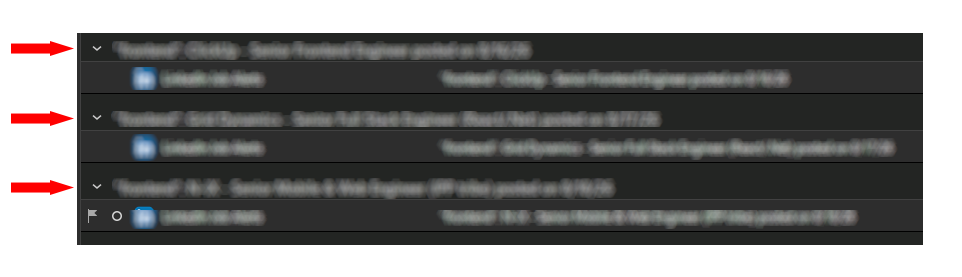
Each list item, the message, has a message title above with the small arrow on the left, like “Last weck”, “Older” and works the same — show/hide
The real list: how to remove these titles above each message and get the standard list view?
You’ve changed sort of this folder to sort by subject, just change it back to Sort by Received date. You can find sort options under a filter icon.
Yes, fixed, thanks a lot!