Before upgrading to v11 I had the following Outlook configuration:
Folders In Outlook:
BACKUP - INBOX
BACKUP - SENT
Local Folders:
BACKUP - INBOX
BACKUP - SENT
I’ve been using a Quick Action to ensure that the Outlook and Local hosted folders are all in sync and contain the same emails - exactly.
After installing v11 I noticed that the Outlook hosted BACKUP - INBOX folder contained hundreds less emails than previous. They were no longer exact ‘copies’ of each other.
I tried to locate the missing files but decided that it may be easier to delete the Outlook hosted folders, recreate and copy the content from the Local folders.
I start to copy the content of my Local folders into the newly recreated Outlook folders but soon come across a large number of errors:
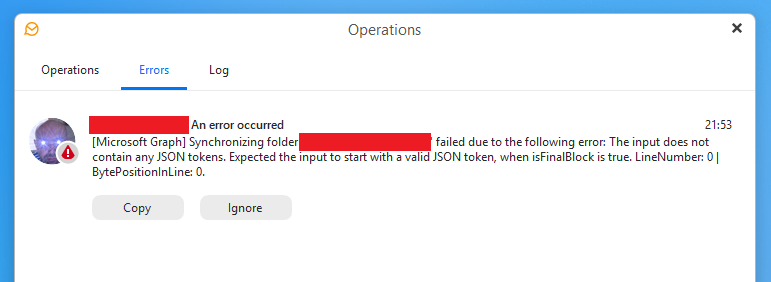
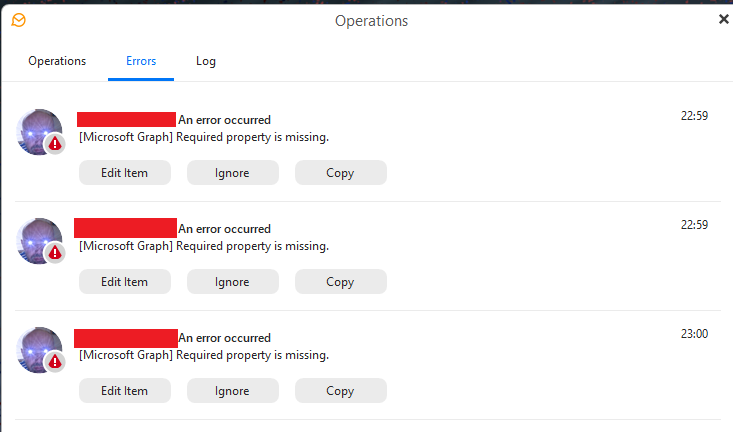
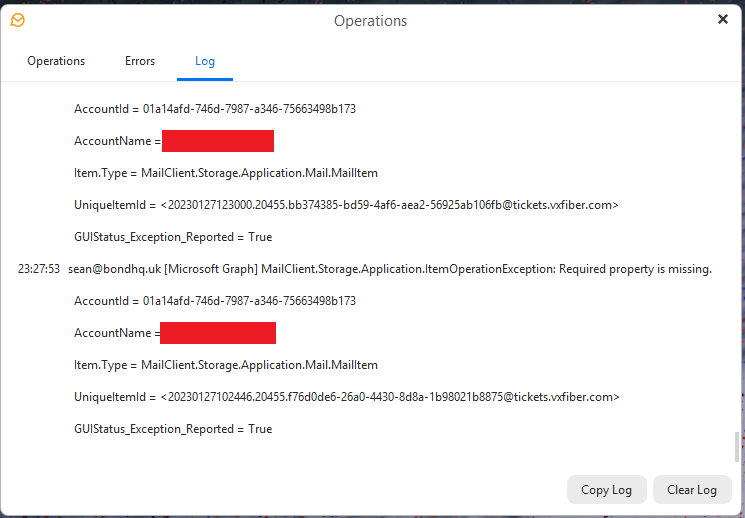
The copy process eventually finishes but all is not well in the Outlook folders. Emails from the past are showing with a date\time of today and the number of emails is still incorrrect.
I check AI for solutions and try the repair option, remove\re-add the Outlook account but no joy.
I decide to uninstall v11, restore my full v10 EM Client folder content and reinstall v10. I try the same process again and all is fine. Everything is back to normal.
In my experience the IMAP copy process is quicker and more reliable than the Microsoft Graph process which v11 was using. In fact, copying large amounts of email content from Local folders to Outlook using Microsoft Graph appeared incredibly sketchy.
Anyone any ideas as to what’s happening with v11? I’m staying with v10 on my main PC until I’m sure v11 is as reliable.