New to eM Client and very pleased so far. But a question about the iOS notification badge: what is the message count based on?
Mine says 2,765 and I’m pretty sure I don’t have that many emails in my primary view. Is that count for all unread messages in the inbox? If yes, is there a way to only display the primary total? A number in the thousands is not super helpful, at least for me personally…
Is that count for all unread messages in the inbox?
Yes that number is normally the Unread total emails
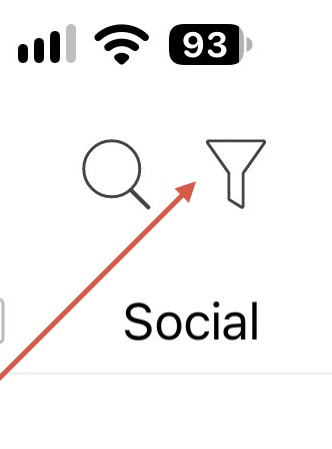
Using the iOS mobile app click either “All Inboxes” or your various “account Inboxes” and then click the “Filter” icon at the top right of the mobile app.
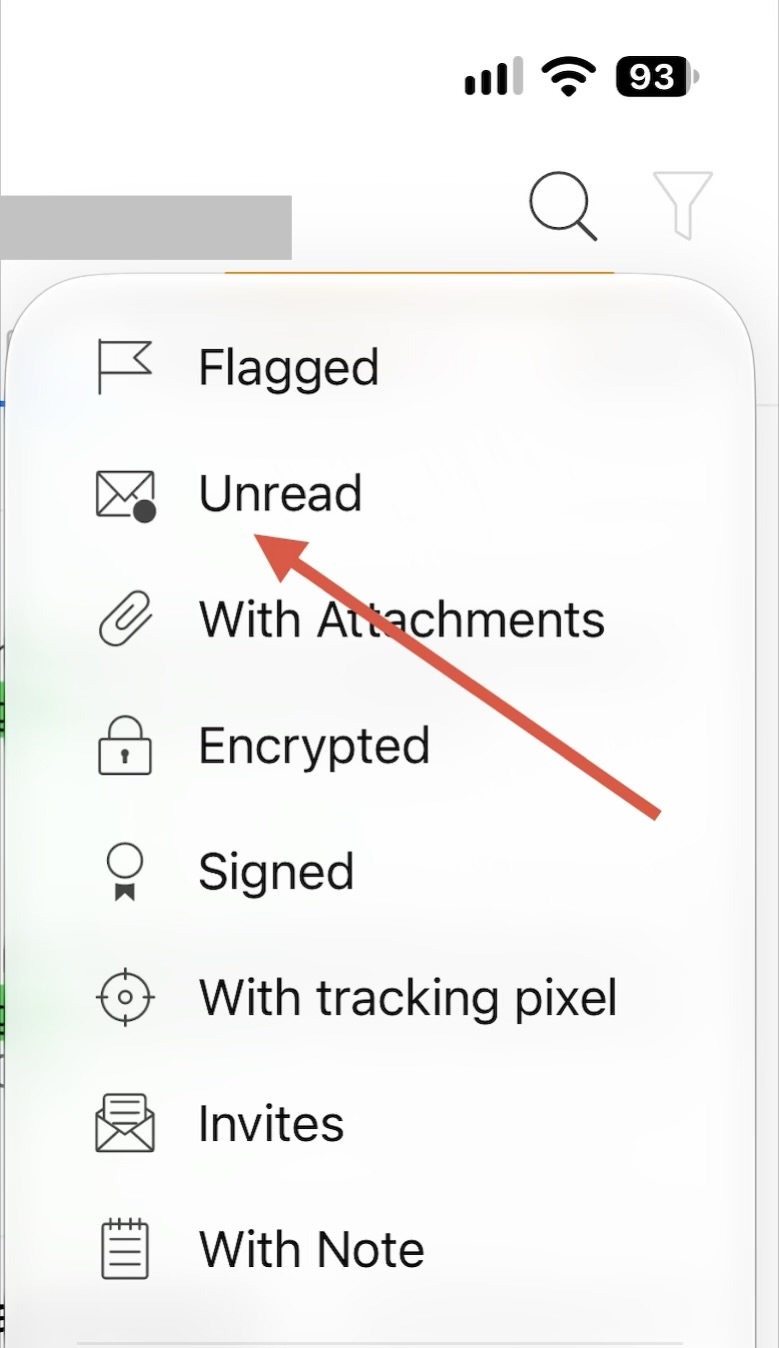
Then click “Unread” to show all your Unread messages as per screen examples below.
Click the Unread icon again to go back to all messages.