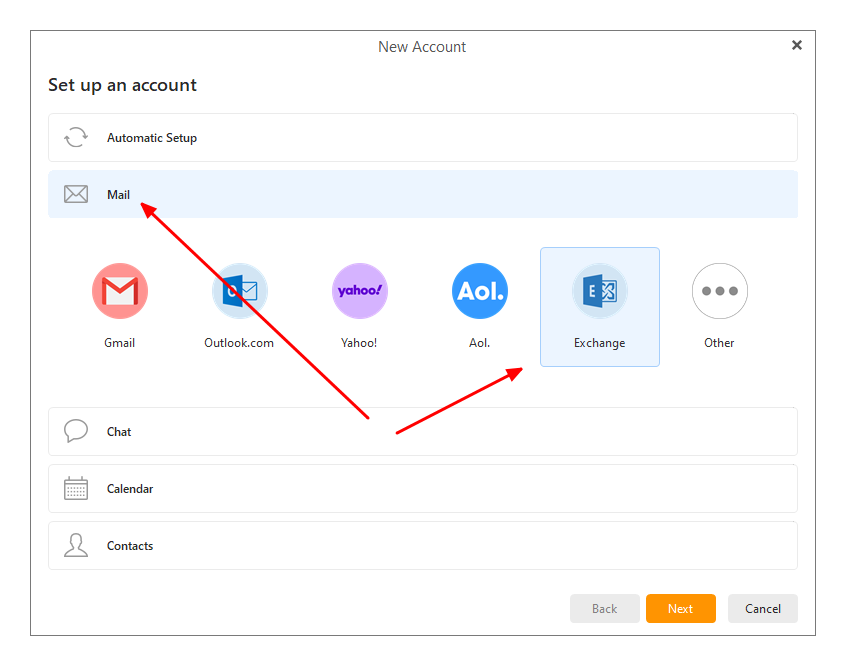
So, I automatically added my company email ([email protected], QualityHosting Exchange) and it worked flawlessly. Emails were downloaded and the calendar even synced.
Now I wanted to automatically add our general company email ([email protected], QualityHosting Exchange) as well, and I’m getting the following messages (see images): first, image 1, then a Microsoft page opens (image 2). I confirm there and get the error message (image 3): “Cannot add this email account.”
Since we’re looking for an Outlook alternative, I also tried Mailbird, and everything works perfectly there. I can easily add both addresses automatically.