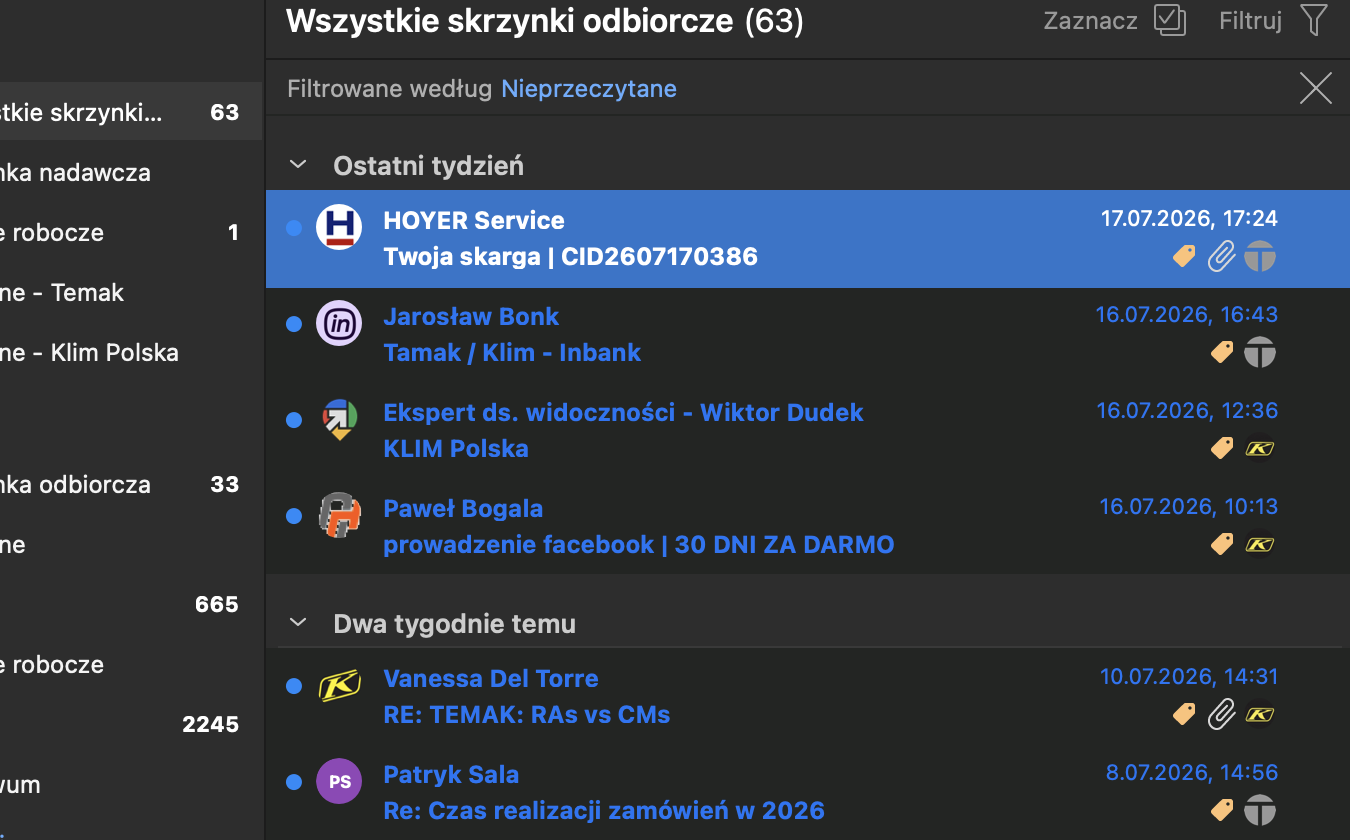
I would like to have it like in Ms Outlook dark mode
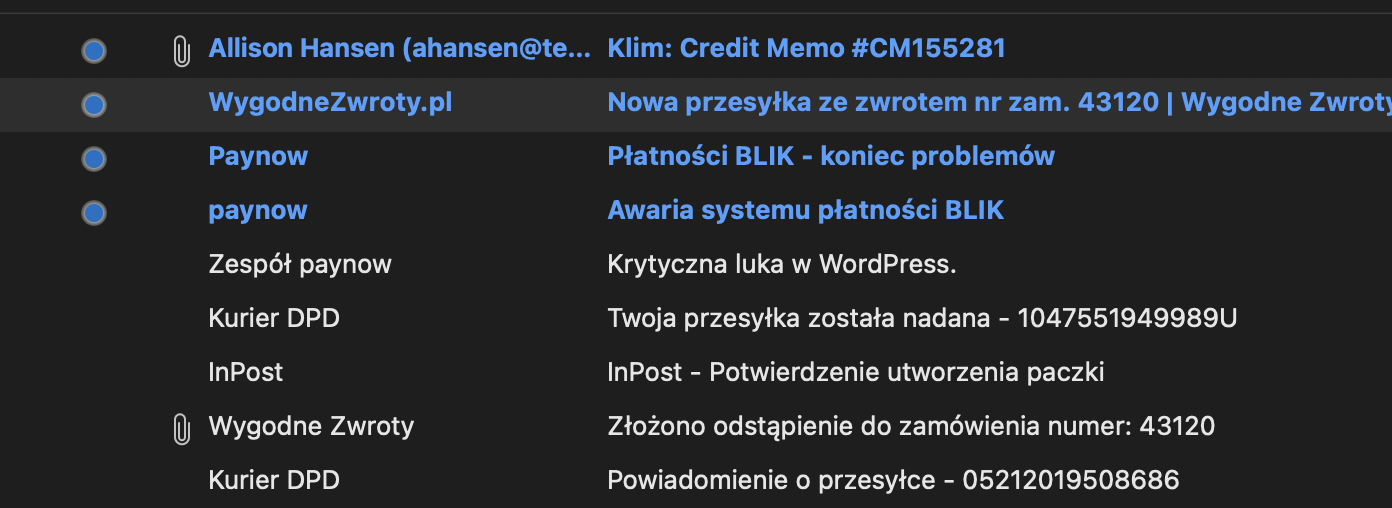
but it looks in eM Client like this:
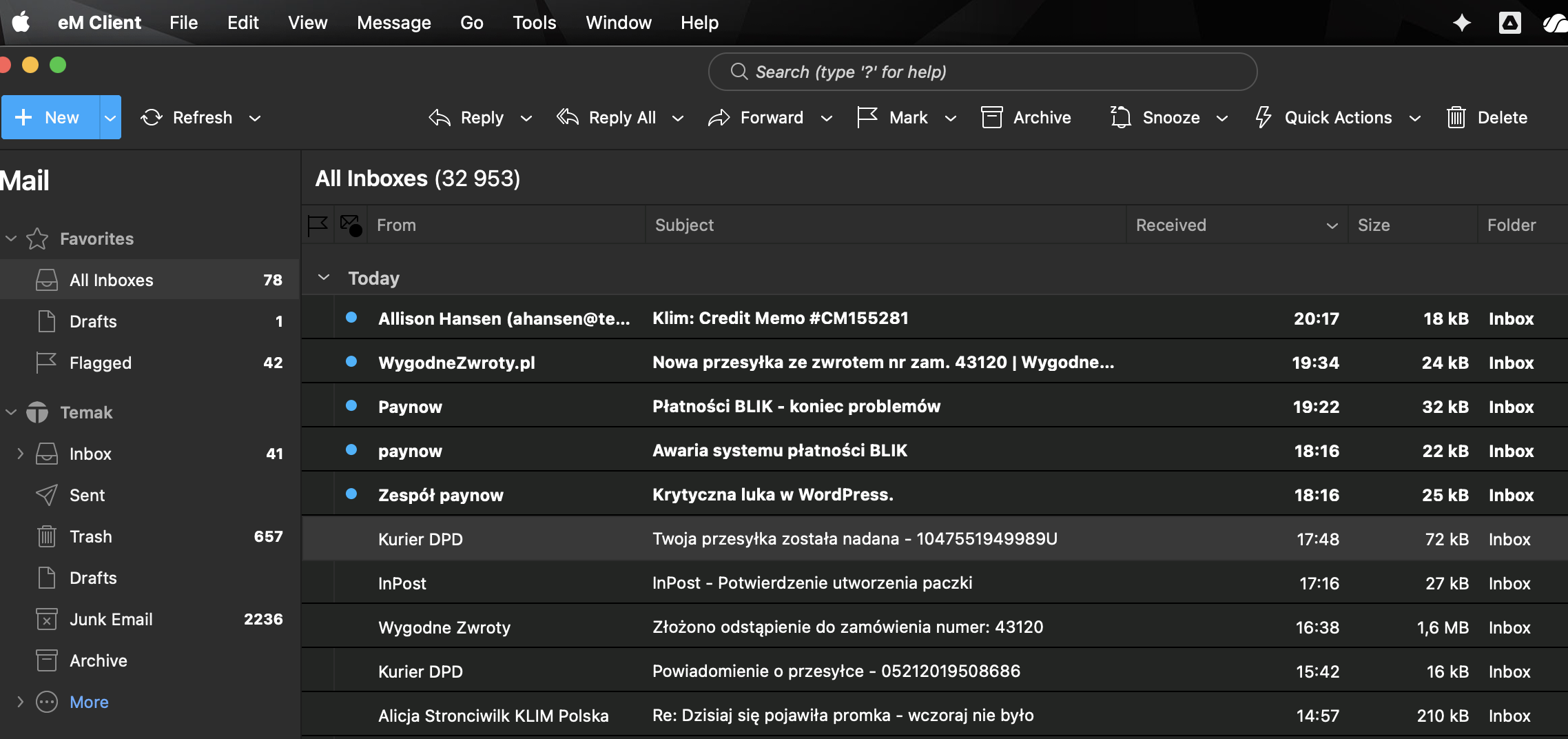
I tried to use Theme Editor but I can’t find right option to change.
I would like to have it like in Ms Outlook dark mode
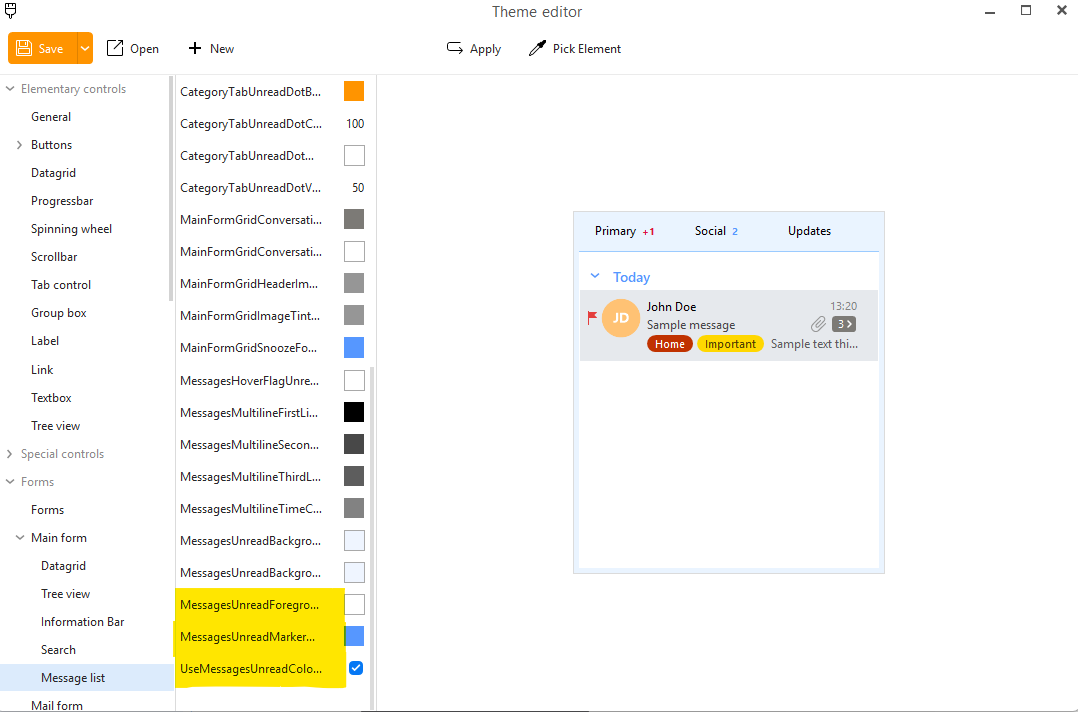
You can customize the appearance of unread messages in the Theme Editor by going to Menu → Settings → Appearance → Themes → Theme Editor…
In the screenshot below, I’ve highlighted the settings you’ll need to adjust:
Once you’ve made the changes, simply save your changes with the Save button.
@MTR The color in Outlook is: R:88 G:184 B:254 so use that if you want to match Outlook Classic. 
Thank you! Looks perfect
@JulieWren Thank you very much, Julie!
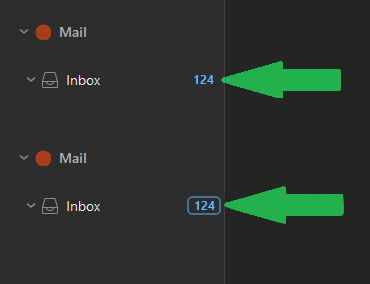
@MTR If you want you can also change the color in the Mail tab to the left. (See the attached image)
Open the Theme Editor and go to Forms > Main form > Tree View and change the color for UndreadCountForeground to the same blue color. You can also add an outline that surrounds the counter. Look for UndreadCountOutline in the same place if you want to add it.
Thanks for your idea, i like it and have added it to my own Theme to mimic Outlook Classic dark mode!
Thank you
super feature
Andy