I’m new to eM client and still feeling my way around, so excuse the dumb question.
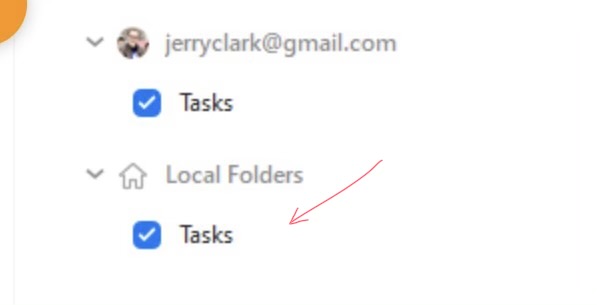
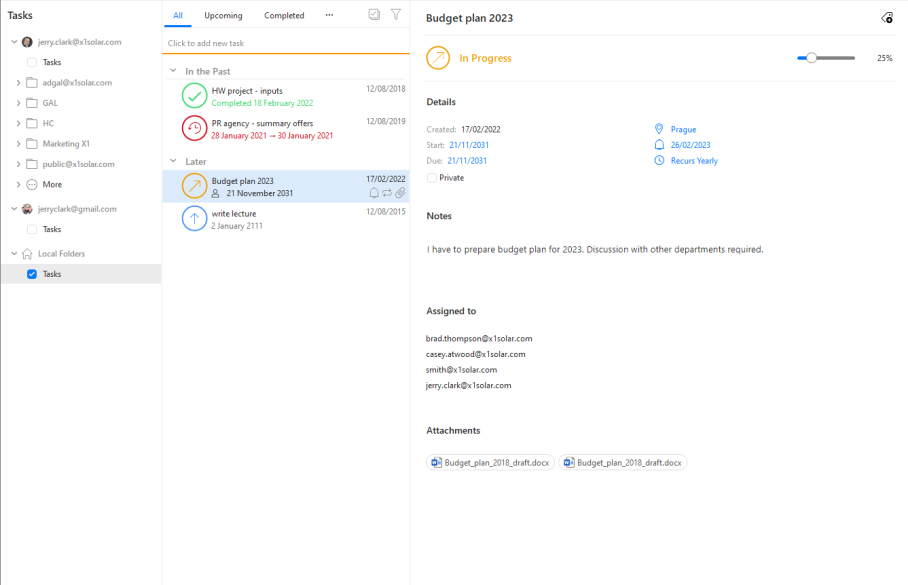
I love the app so far and have connected three Gmail accounts. Everything is syncing nicely. I was hoping this one app would be my solution to my email client, calendar (Google), and task manager (TickTick). But then I discovered that (apparently) there is no way to use tasks in eM without using Google Tasks since that is my calendar provider. Is that correct? Is there no native task manager built into eM? I would switch to Google Tasks, but it is so limited. After playing around with it a bit, I noticed that all tasks are imported with a status of “Waiting on someone else.” But the biggest problem is that it doesn’t allow me to set recurring tasks in eM, nor will it import a folder from GT other than the main folder. Is there another alternative, or am I stuck with Google Tasks if I want to manage my tasks with eM and my Gmail accounts?