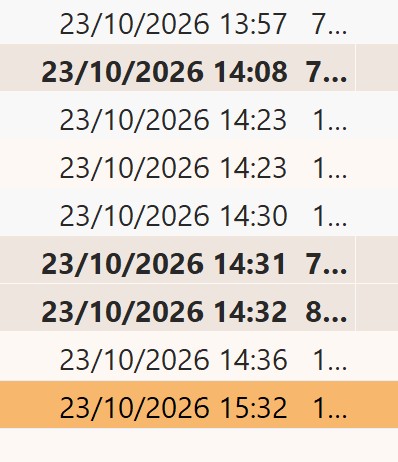
I accepted the upgrade to eM11 this morning. Since then the ‘received’ column of my email messages are being shown in US format (mm/dd/yyyy and time with AM or PM) and not the European one I’m used to (dd/mm/yyyy and time using 24 hr clock)
I looked on this forum and saw info about date/time being taken from my Windows set up.
I checked short date/long date etc and it was all as per Euro format so no change required.
In desperation I closed eM client and restarted it.
On restart all the dates in the ‘received’ column initially appeared in European format, but within seconds they all changed to the US format and that’s what I’m stuck with.
I’ve stopped and restarted eM client a couple of times and have watched this magic transformation occur a few times now.
Any suggestions as to how to stop this happening - or is it a feature/bug in eM11?
Hi, there shouldn’t have been any change when it comes to date format settings in eM Client 11, can you please share few more details so we can look into it?
What is your OS version?
Which specific country/region is your system set to and which regional format?
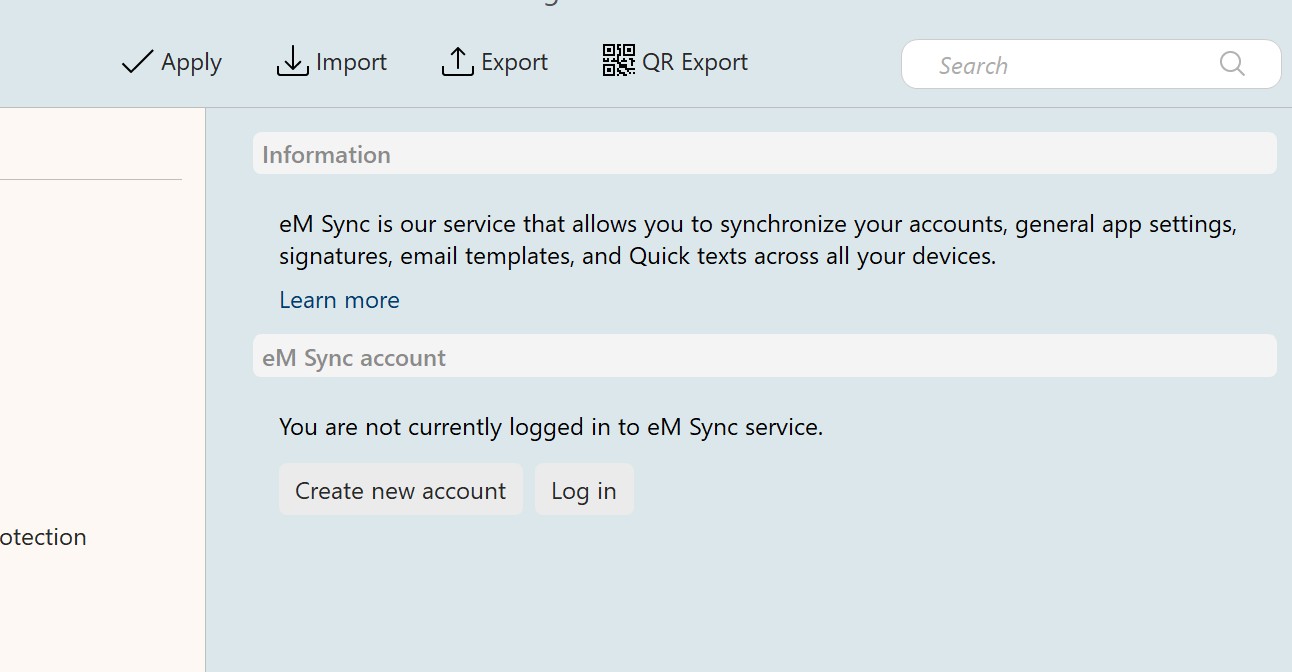
Do you have eM Sync account set up and synchronized or not? (just to rule out any interference from other devices)
I have the same problem, since the 11 update. I have Windows 10 PC, it has UK time, date already set. EM sync is on.
My mobile version has not problems.
I’m using Windows 11 (and have been since it was introduced)
My system is set up to use UK time (UTC + 000)
And I’m using dd/mm/yyyy and time using 24 hr clock
I don’t seem to have an eM sync account set up.
As I mentioned in the original post - when I startup eM client it initially shows the format correctly but then very quickly changes to
wrong’ format.
Have taken some screenshots to illustrate - though not sure they’ll load?
The previous message above shows what intially appears (as per my windows setup), but within seconds it changes to the US version.
Re em Sync will add screenshot
Should I have em Sync set up???
Hello, thank you for the details.
You don’t need eM Sync at all, we just wanted to double-check if it was there in case a language setting from another device could cause the conflict.
But knowing you don’t have it helps us narrow it down to other possible causes.
Hi again, As I said in the initial post, this date thing has been driving me crazy and I’ve looked at various different settings for a solution.
It looks like I’ve found it.
I went into my Windows settings screen and clicked on ‘Apps’
In the next screen I selected the first option ‘Installed Apps’
In the list of Apps that appeared I went to the 3 dots at top right of ‘EM Client’ and from there selected ‘Advanced options’.
One of the App permissions shown is for ‘Location’. That was switched off. (Not by me, I presume it’s always been that way)
I tried switching that ON, then stopped and started EM Client, and to my delight it seems to have resolved the date problem.
To test the theory that having Location switched ON was the fix, I tried switching it to OFF again - fully expecting that the display would revert to US format again when I stopped/started EM Client.
But to be perverse that didn’t happen! Though I’d switched location to OFF, the UK date format still remained.
I’m happy with my ‘Fix’. Perhaps someone who knows more about these things knows why this has worked.
And will be interested to hear if it works for anyone else with the same problem.
Thank you very much for sharing your workaround!
We have actually found the bug that was rewriting the date format, and the fix should be available in the next update, so hopefully noone else will have to deal with this again (even without the workaround)