It keeps saying the folder doesn’t contain any backup files.
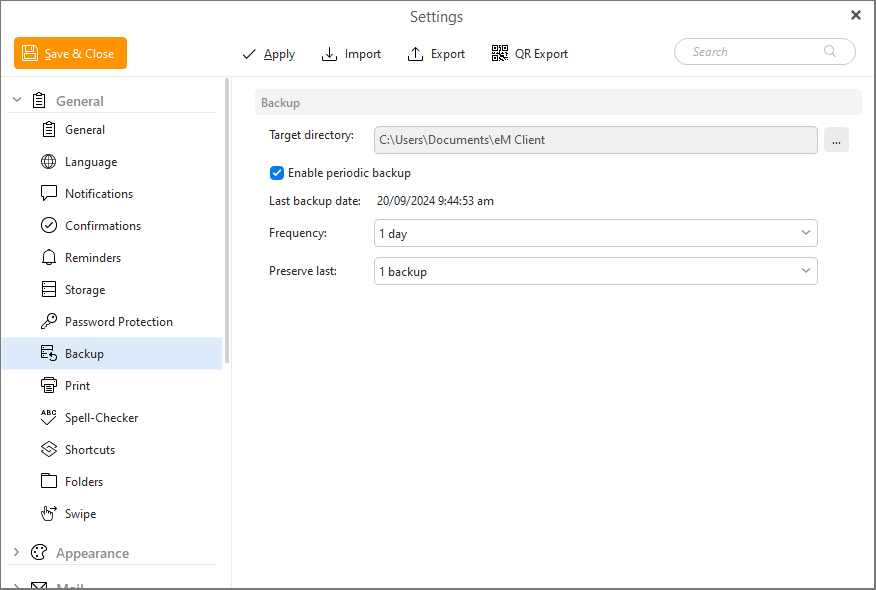
By default either the automatic periodic backup or manual backup go to eM Client folder within your user profile C:\Users\Documents\eM Client
So go to “Menu / Settings / (Preferences) / General / Backup” and check your backup location folder path as per the below documentation.
See also the below eM Client blog on transferring eM Client to a new computer.
New device and eM Client? No problem!